
Running a restaurant in 2026 means juggling more technology than ever before. Between taking orders, processing payments, and managing deliveries, you’ve probably heard the terms “POS system” and “ordering system” thrown around like they’re the same thing.
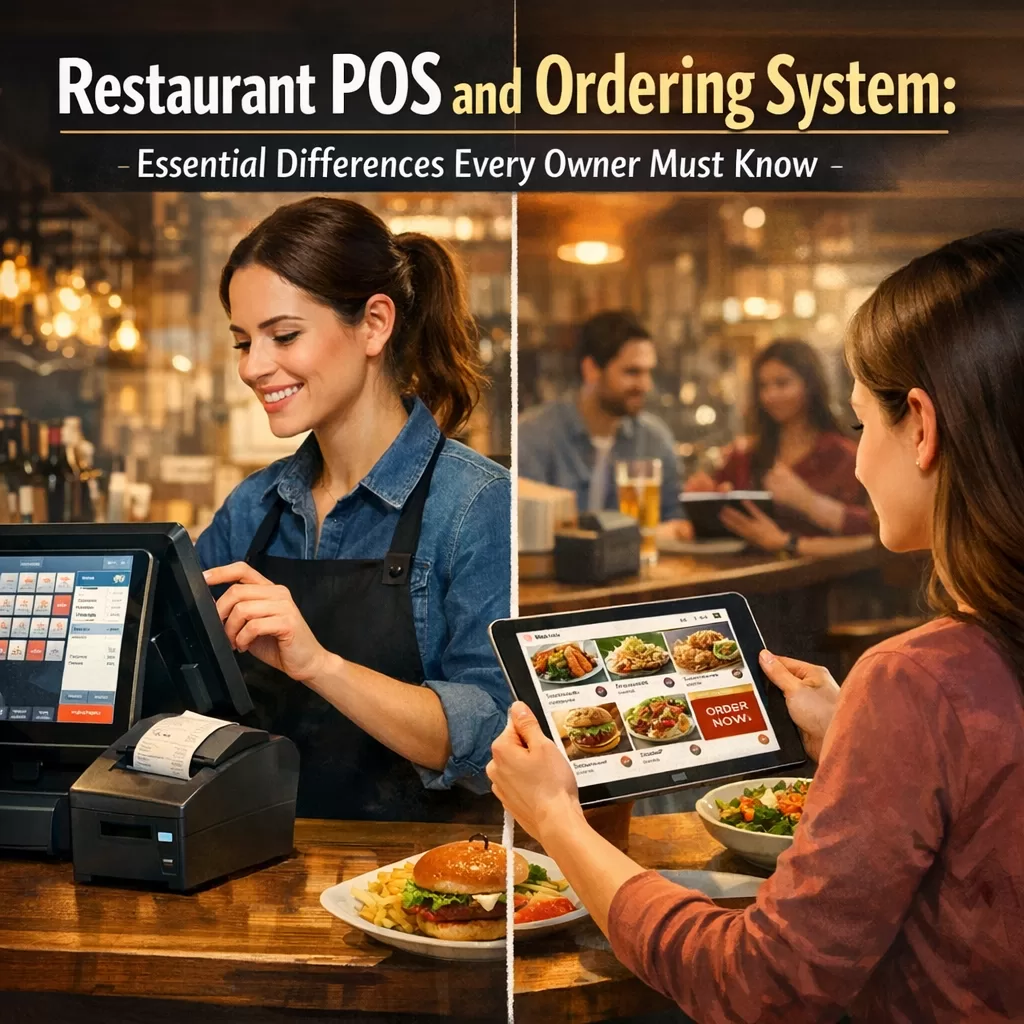
They’re not. And understanding the difference could save you thousands of dollars and countless headaches.
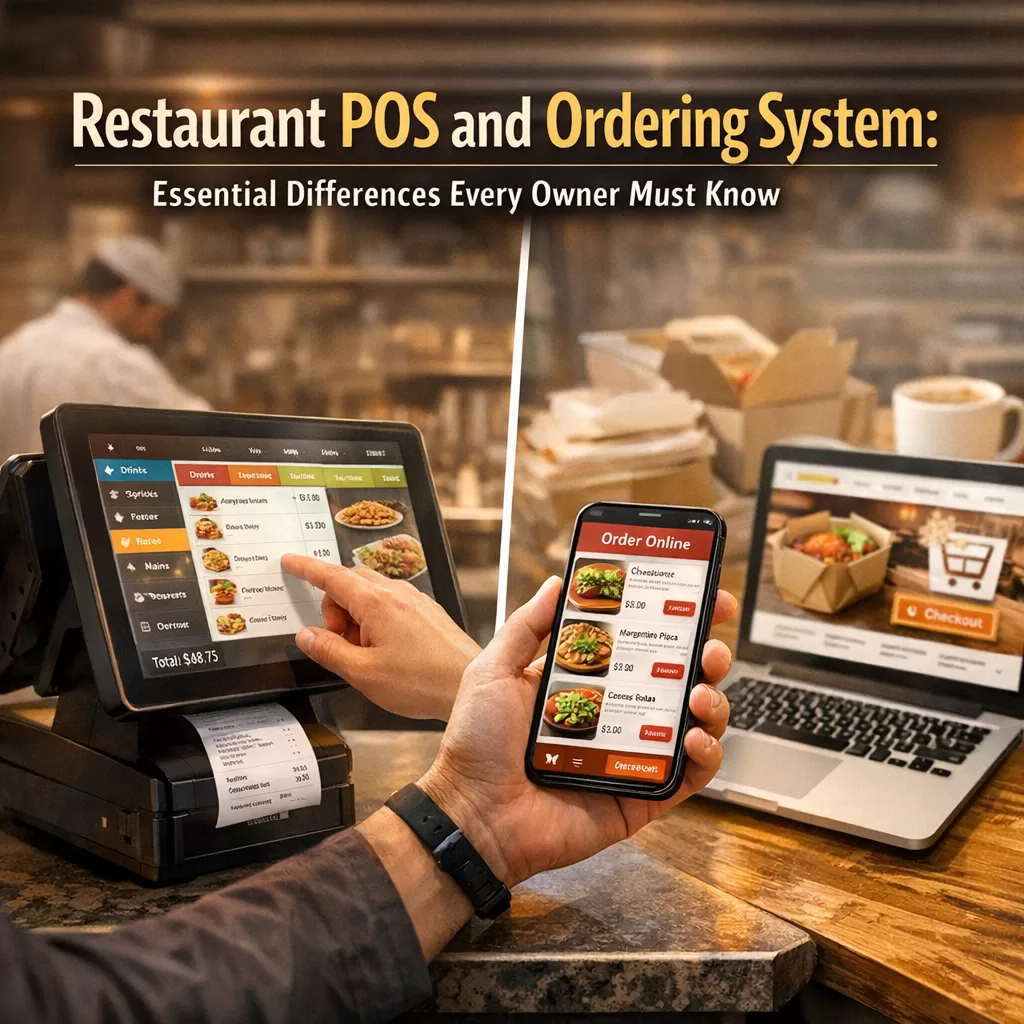
Let me break it down in plain English.
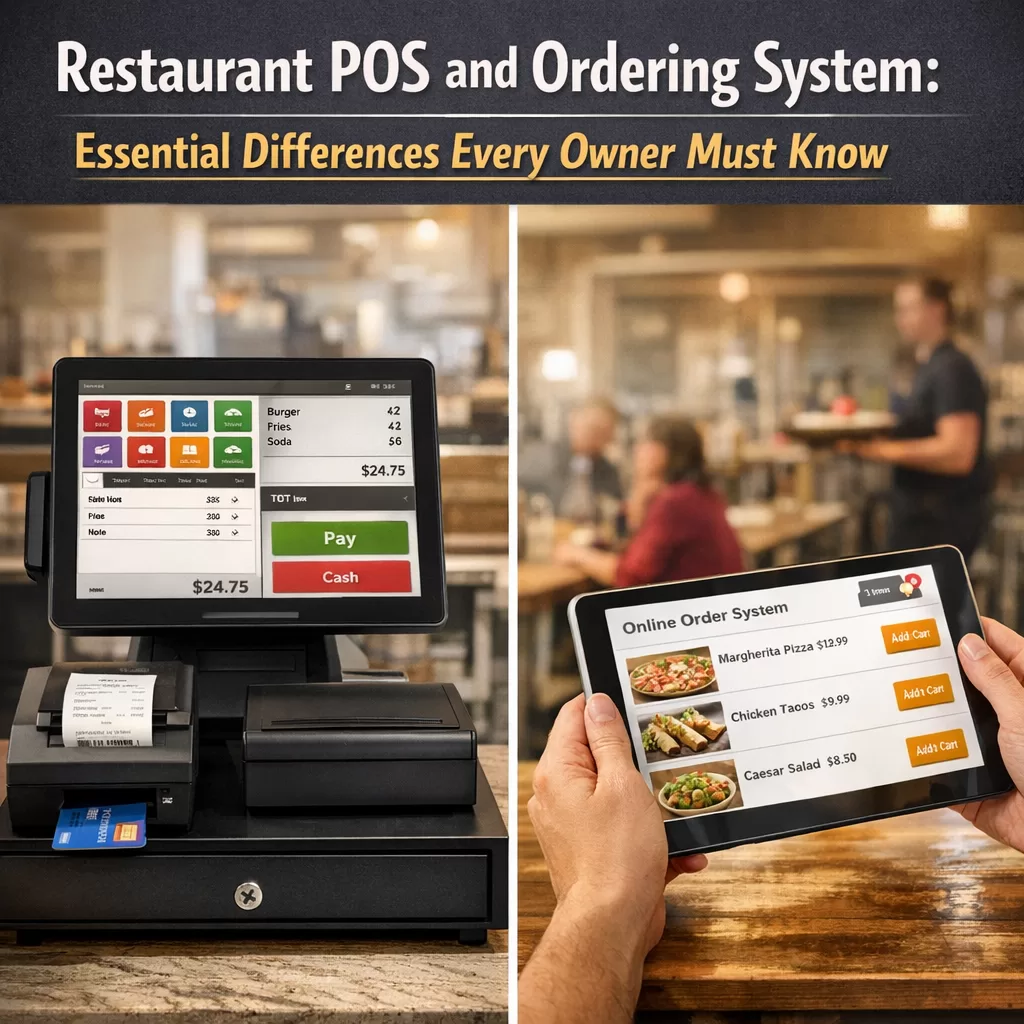
What Exactly Is a Restaurant POS System?
A POS — or Point of Sale — system is essentially your digital cash register on steroids. It’s where transactions happen. When a customer hands over their credit card or taps their phone to pay, that’s your POS doing its thing.
But modern POS systems do more than just process payments. They typically handle:
– Payment processing (credit cards, mobile wallets, cash)
– Sales tracking and reporting
– Tax calculations
– Employee management (clock-ins, tips, scheduling)
– Basic inventory tracking
– Receipt generation
Think of your POS as the financial backbone of your restaurant. It answers one critical question: How much money came in today, and where did it go?
And What About a Restaurant Ordering System?
Here’s where things get interesting. A restaurant ordering system focuses on a completely different part of the customer journey — the part before payment happens.
An ordering system manages how customers browse your menu, customize their meals, place orders, and choose between pickup or delivery. It’s the front door of your digital restaurant.
A solid ordering system handles:
– Online menu display with categories, images, and descriptions
– Order customization (extra toppings, dietary preferences, special instructions)
– Delivery and pickup scheduling
– Real-time order notifications
– Customer accounts and order history
– Integration with your existing website
While a POS asks “how do we get paid?”, an ordering system asks “how do we make it ridiculously easy for customers to order from us?”
Why Confusing the Two Costs Restaurant Owners Real Money
I’ve seen it happen dozens of times. A restaurant owner invests heavily in a fancy POS system, expecting it to also power their online ordering. Then they realize it doesn’t — or it does, but poorly, with clunky interfaces that drive customers straight to third-party apps.
Those third-party apps? They’re taking 15–30% of every order. Do the math on that over a year.
The reverse happens too. Someone sets up online ordering but neglects the POS side, leaving their in-house operations disorganized and their financial reporting a mess.
The bottom line: these are two different tools that solve two different problems. You need both, and you need them to work together.
Where the Restaurant POS and Ordering System Overlap
Now, I’m not saying there’s zero crossover. In fact, the best setups integrate both seamlessly. Here’s where they meet in the middle:
– Menu management — Both systems reference your menu, though the ordering system displays it to customers while the POS uses it internally.
– Order flow — Orders placed online should feed directly into your POS for tracking and fulfillment.
– Reporting — Combined data from both systems gives you the full picture of your business health.
– Inventory — When an item sells out, both systems need to reflect that in real time.
The magic happens when these two systems talk to each other without friction. That’s when your restaurant starts running like a well-oiled machine.
What Should Restaurant Owners Prioritize in 2026?
The landscape has shifted dramatically. Online ordering isn’t a “nice to have” anymore. Customers expect it. They expect it to work flawlessly on their phones. And they expect it to be part of your website — not just available through a third-party marketplace.
Here’s what I’d focus on if I were opening or upgrading a restaurant right now:
1. Own your ordering experience.
Stop relying solely on delivery apps that eat into your margins and own the customer relationship. Put ordering directly on your website.
2. Choose tools that integrate.
Your POS and ordering system should complement each other. Look for solutions that play nicely with your existing tech stack.
3. Keep it simple for customers.
If your online ordering process takes more than two minutes, you’re losing people. Period.
4. Think WordPress-first if that’s your platform.
A huge number of restaurant websites run on WordPress. If yours does, there’s no reason to bolt on some external ordering platform when you can integrate one natively.
A Practical Solution for WordPress Restaurant Owners
Speaking of WordPress, if your restaurant website is built on it — and statistically, there’s a good chance it is — you should know about FoodMaster, a restaurant ordering system built specifically for WordPress and WooCommerce.
FoodMaster lets you add a complete food ordering system directly to your existing website. No redirecting customers to external platforms. No giving away a percentage of every sale. Your site, your orders, your profits.
Here’s what makes it stand out:
– Seamless WooCommerce integration — It works with the tools you already have
– Delivery and pickup options — Customers choose what works for them
– Customizable menus — Toppings, extras, special requests — all built in
– Real-time order management — You see orders as they come in
– No monthly commissions — Unlike third-party platforms, you keep what you earn
It fills the ordering system gap that most POS systems leave wide open, and it does it without requiring you to rebuild your website from scratch.
How to Make Your POS and Ordering System Work Together
Getting these two systems to cooperate isn’t rocket science, but it does require some intentionality. Here’s a quick game plan:
Step 1: Audit what you have.
List out your current tools. What handles payments? What handles orders? Where are the gaps?
Step 2: Identify the friction points.
Are online orders getting lost? Are you manually re-entering orders into your POS? That’s a red flag.
Step 3: Choose an ordering system that complements your POS.
You don’t necessarily need an all-in-one solution. Sometimes the best approach is a dedicated POS paired with a dedicated restaurant ordering system that integrates cleanly.
Step 4: Test the customer experience.
Order from your own restaurant. Seriously. Go through the entire process as a customer. You’ll spot problems immediately.
Step 5: Monitor and adjust.
Check your data weekly. Look at order completion rates, average order values, and customer feedback. Tweak accordingly.
Common Mistakes to Avoid
Before I wrap up, here are a few traps I see restaurant owners fall into when dealing with their restaurant POS and ordering system setup:
– Overpaying for features you don’t use. Enterprise POS systems are great if you’re running a chain. If you’ve got one or two locations, you probably don’t need half of what they’re selling.
– Ignoring mobile optimization. Most of your online orders come from phones. If your ordering interface isn’t mobile-friendly, you’re leaving money on the table.
– Treating online ordering as an afterthought. It’s not 2019 anymore. Digital ordering is a primary revenue channel for many restaurants.
– Not owning the customer data. When customers order through third-party apps, they own the data. When customers order through your site, you do. That matters for marketing, loyalty programs, and long-term growth.
Final Thoughts
Understanding the difference between a restaurant POS and ordering system isn’t just a technical exercise — it’s a business decision that impacts your revenue, your customer experience, and your sanity.
Your POS handles the money. Your ordering system handles the experience. Both matter. Both deserve thoughtful investment.
If you’re on WordPress and looking for a straightforward way to add online ordering without the headaches, give FoodMaster a look. It’s built for restaurant owners who want control over their ordering process without needing a computer science degree to set it up.
Your customers want to order from you directly. Make it easy for them, and they will.