
Tag

woocommerce food ordering

Posts tagged with this topic across the WPSlash blog.

Creating a Seamless Online Food Ordering System with WooFood Plugin
WooCommerce

Creating a Seamless Online Food Ordering System with WooFood Plugin

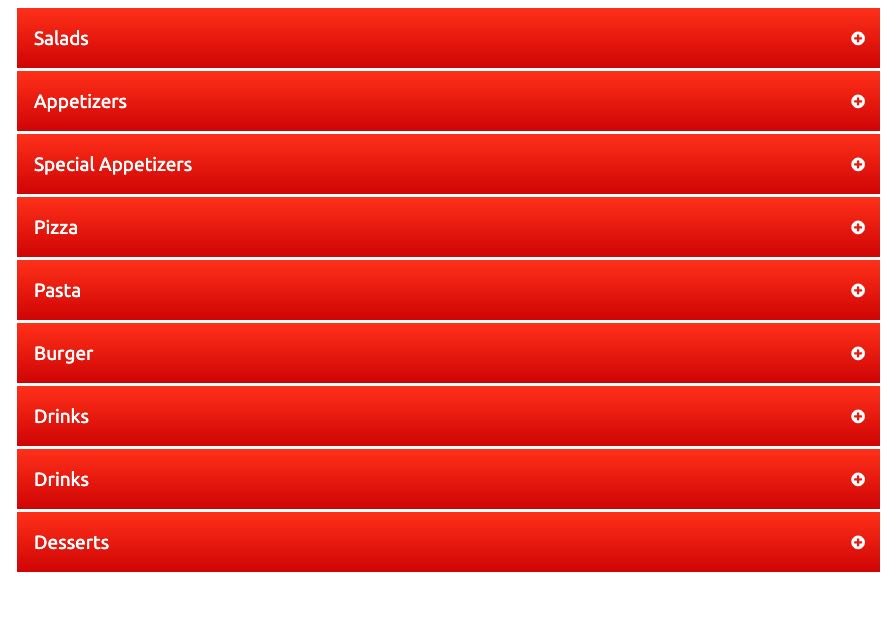
Enhancing your website with an online food ordering system has never been easier, thanks to the WooFood plugin. This versatile tool allows you to seamlessly integrate a customized food menu into your website, complete with a user-friendly interface that lets you style your menu to match your brand. Step 1: Install WooCommerce To begin crafting […]

September 27, 2022
Why Do You Need an Online Food Ordering System?
Tutorials WooCommerce

Why Do You Need an Online Food Ordering System?

Implementing an online food ordering system offers numerous benefits for restaurants, including: ✔ Reaching new customers – People who might not visit your restaurant in person can order online.✔ Saving money on operations – Reduce the need for phone orders and delivery drivers.✔ Enhancing customer service – Customers can browse the menu and place orders conveniently.✔ Expanding sales opportunities – Accept orders from multiple locations […]

September 15, 2022
Food Delivery Plugin – What Is It, and How Does It Work?
Beginners Tutorials

Food Delivery Plugin – What Is It, and How Does It Work?

The demand for online food ordering has skyrocketed in recent years, and many restaurants are now using food delivery plugins to manage their WooCommerce-powered food ordering systems. These plugins allow customers to place orders online, track deliveries, and pay seamlessly, making the restaurant ordering process more efficient. In this guide, we’ll explore what a food delivery plugin is, its benefits, how to choose […]

September 15, 2022
How to Disable Actions and Show an Overlay When Your WooCommerce Store is Closed
FoodMaster (formerly WooFood) Tutorials

How to Disable Actions and Show an Overlay When Your WooCommerce Store is Closed

If you’re running a WooCommerce restaurant ordering system, you may want to disable ordering and display an overlay when your store is closed or not accepting orders. This ensures that customers know when ordering is unavailable, improving the user experience. In this guide, we’ll show you how to use a simple PHP snippet to automatically disable WooCommerce orders and display an overlay notification when the store is […]

June 2, 2022
How to Change the Default “Select” Button Text in WooFood
FoodMaster (formerly WooFood) Tutorials

How to Change the Default “Select” Button Text in WooFood

When using WooFood – the WooCommerce food delivery plugin, you may want to customize the default “Select” button text that appears on product listings. Instead of the default “Select” text, you can change it to something more engaging like “Order Now” to encourage conversions. In this guide, we’ll show you how to easily modify the button text using a simple WooCommerce filter in your […]

May 26, 2022
How to Set Different Minimum Delivery Amounts Per City in WooCommerce
FoodMaster (formerly WooFood) Tutorials

How to Set Different Minimum Delivery Amounts Per City in WooCommerce

If you’re running a WooCommerce-powered restaurant ordering system, you may want to set different minimum order amounts for delivery based on the customer’s city. This ensures that delivery remains cost-effective for your business, especially when serving multiple locations. In this guide, we’ll show you how to use a custom PHP snippet to dynamically adjust the minimum delivery amount per city when using WooFood […]

July 3, 2021
How to Set Different Minimum Delivery Amounts for Each Location in WooFood
FoodMaster (formerly WooFood) Tutorials

How to Set Different Minimum Delivery Amounts for Each Location in WooFood

If you’re using WooFood – the WooCommerce food delivery plugin, you may want to set different minimum order amounts depending on the location. This is especially useful for restaurants with multiple branches or different delivery zones, ensuring that delivery costs are covered efficiently. In this guide, we’ll show you how to use a simple WooCommerce hook to set custom minimum delivery amounts per location using […]

June 14, 2021
How to Dynamically Change Delivery Time Based on the Day in WooCommerce
FoodMaster (formerly WooFood) Tutorials

How to Dynamically Change Delivery Time Based on the Day in WooCommerce

For restaurants and food delivery businesses, adjusting delivery and pickup times based on the day of the week is crucial for efficient order management. Some days may have higher order volumes, requiring longer preparation times, while others may allow for faster deliveries. With WooFood – the ultimate WooCommerce food ordering plugin, you can easily modify delivery times dynamically using a custom PHP snippet. In this […]

May 27, 2021
How to Conditionally Exclude Orders from Automatic Printing in WooCommerce
FoodMaster (formerly WooFood) Tutorials

How to Conditionally Exclude Orders from Automatic Printing in WooCommerce

For restaurants and food delivery businesses using WooFood’s Automatic Order Printing Software, there may be situations where you don’t want certain orders to be printed automatically. For example, gift card purchases, digital products, or specific menu items may not require a printed order ticket. With a simple WooCommerce filter, you can dynamically exclude orders from being processed by the automatic printing software based on specific conditions. […]

April 6, 2021
1 2 6
×

🔥 ONE DAY ONLY OFFER 🔥

Upgrade FoodMaster Today

Normally your license is limited to 1 Website.

Today only, get a LIFETIME Unlimited Websites License for just:
$499

✔ Unlimited Client Websites
✔ Unlimited Personal Projects
✔ Future Updates Included
✔ Save Hundreds on Additional Licenses

Offer Ends In: