
Running a restaurant in 2026 without an online ordering system is like trying to cook without heat — you’re working hard but getting nowhere fast.
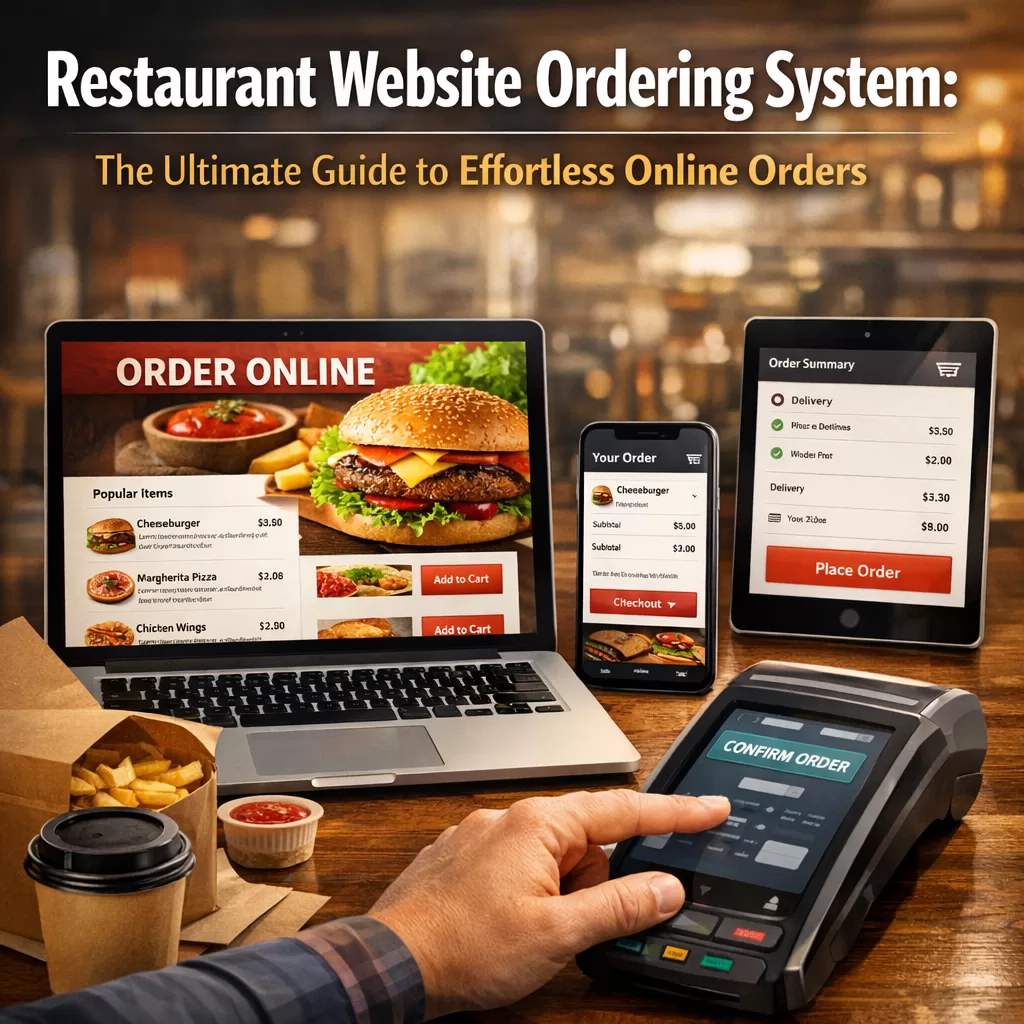
Customers expect to browse your menu, customize their meals, and place orders directly from your website. If you’re still relying solely on phone calls or third-party apps that eat into your margins, it’s time for a change.

This guide breaks down everything you need to know about setting up a restaurant website ordering system that actually works — and why WordPress restaurant owners are turning to solutions like FoodMaster to get the job done.
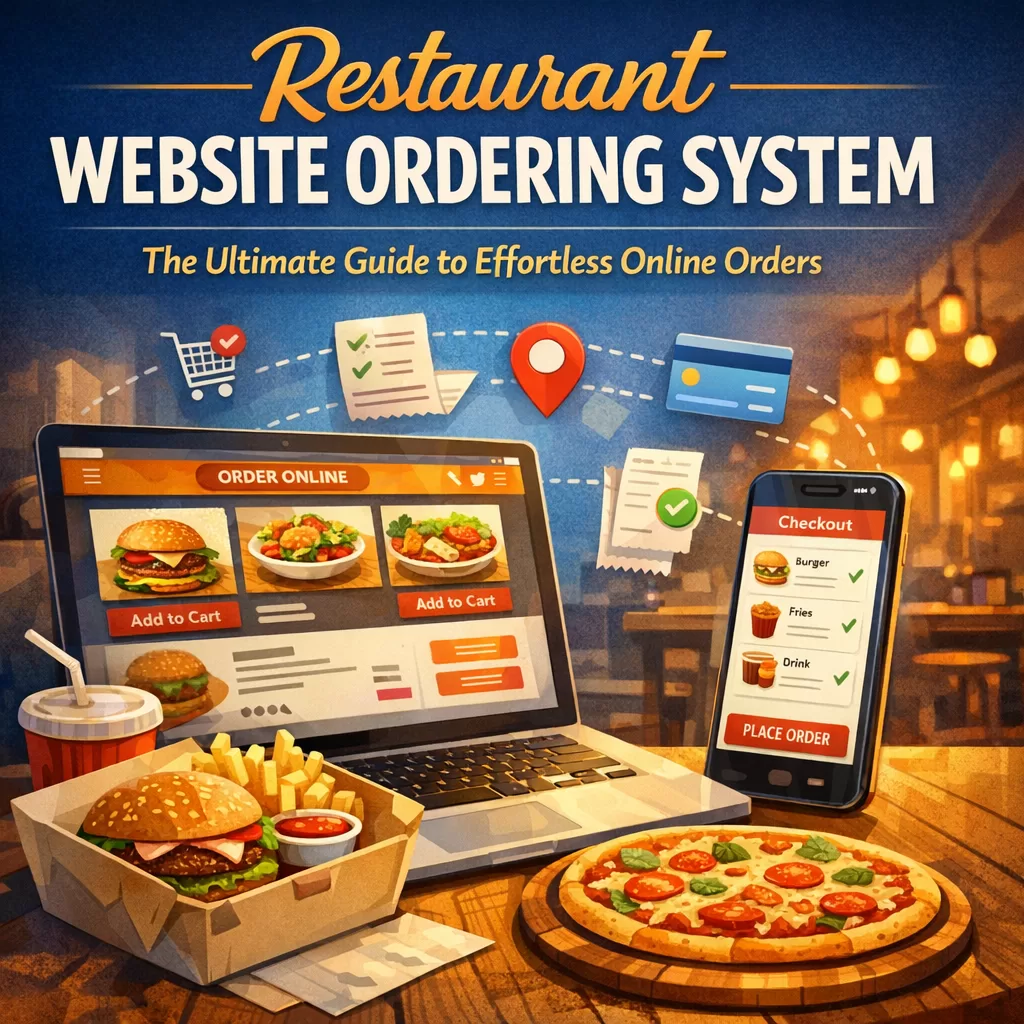
Why Your Restaurant Needs an Online Ordering System
Let’s start with the obvious. People order food online. A lot.
Recent industry data shows that over 60% of consumers prefer placing orders through a restaurant’s own website rather than third-party platforms. The reasons are simple:
– Lower fees — No commissions going to middlemen
– Brand control — Your website, your rules, your customer data
– Better customer experience — Direct communication and faster issue resolution
– Higher profit margins — Every dollar saved on commissions goes back to you
If you’re a restaurant owner running a WordPress site, adding a dedicated ordering system isn’t just smart — it’s essential.
What Makes a Great Restaurant Website Ordering System?
Not all ordering systems are created equal. Some are clunky, slow, and frustrating for both you and your customers. Others feel seamless, almost invisible, because they just work.
Here’s what to look for:
Easy Menu Management
You should be able to update your menu in minutes. Add new dishes, change prices, mark items as unavailable — all without calling a developer. Seasonal specials? Limited-time offers? Your system should handle these effortlessly.
Mobile-Friendly Design
More than half of online food orders come from mobile devices. If your ordering page doesn’t look and function beautifully on a phone screen, you’re losing sales. Period.
Customizable Order Options
Customers want control. Extra cheese, no onions, substitute the side dish. A solid restaurant website ordering system lets diners customize every aspect of their meal without confusion.
Real-Time Order Notifications
When an order comes in, you need to know immediately. Whether it’s a dashboard alert, email notification, or sound alert in your kitchen, real-time updates keep operations running smoothly.
Secure Payment Processing
Nobody hands over their credit card details to a sketchy checkout page. Your system must integrate with trusted payment gateways and provide a secure, encrypted transaction process.
Delivery and Pickup Options
Some customers want delivery. Others prefer pickup. The best systems let you offer both, with configurable delivery zones, time slots, and minimum order requirements.
Why WordPress Is the Ideal Platform for Restaurant Ordering
WordPress powers over 40% of all websites on the internet. There’s a reason for that — it’s flexible, affordable, and endlessly customizable.
For restaurant owners, WordPress offers several distinct advantages:
– You own your website — No platform lock-in or surprise fee increases
– Thousands of themes — Find a design that matches your restaurant’s vibe
– Plugin ecosystem — Add functionality without starting from scratch
– SEO-friendly — Rank higher in local search results and attract nearby customers
– Cost-effective — No monthly platform fees eating into your budget
The missing piece for most WordPress restaurant sites? A reliable food ordering plugin that integrates seamlessly with WooCommerce.
That’s exactly where FoodMaster comes in.
FoodMaster: A Restaurant Ordering System Built for WordPress
I’ve tested a lot of plugins over the years. Some promise the world and deliver a headache. FoodMaster — also known as WooFood — is genuinely different.
Built specifically for WordPress and WooCommerce, FoodMaster is a restaurant ordering system designed to turn your website into a full-featured online ordering platform. No coding required. No complicated setup wizards. Just a clean, functional system that does what it’s supposed to do.
Here’s what caught my attention:
Seamless WooCommerce Integration
If you’re already using WooCommerce — or even if you’re not — FoodMaster plugs right in. Your menu items become WooCommerce products, which means you get all the power of WooCommerce’s payment, tax, and shipping features out of the box.
Intuitive Menu Builder
Creating your online menu feels natural. Organize items by category, add descriptions and photos, set prices, and define add-ons or variations. Your customers see a clean, appetizing menu that’s easy to navigate.
Delivery Zone Configuration
Not every address falls within your delivery range. FoodMaster lets you define delivery zones based on distance or postal codes, set different delivery fees for each zone, and establish minimum order amounts. No more awkward phone calls telling a customer you can’t deliver to their area.
Order Scheduling
Customers don’t always want their food right now. Sometimes they’re planning ahead — ordering lunch the night before or scheduling a dinner delivery for a specific time. FoodMaster supports scheduled orders, giving your customers flexibility and giving your kitchen time to prepare.
Tipping System
A built-in tipping feature lets customers add a tip during checkout. It’s a small detail, but your staff will appreciate it — and it shows professionalism.
Store Hours and Holiday Management
Set your operating hours directly in the plugin. When you’re closed, the ordering system automatically lets visitors know. Going on vacation? Heading out for a holiday? Update it once and forget about it.
Setting Up Your Restaurant Website Ordering System: A Step-by-Step Overview
Getting started with a restaurant website ordering system on WordPress isn’t as complicated as you might think. Here’s a simplified roadmap:
Step 1: Get Your WordPress Site Ready
Make sure you have a WordPress website with a responsive theme. If you don’t have one yet, plenty of hosting providers offer one-click WordPress installation.
Step 2: Install WooCommerce
WooCommerce is free and takes about five minutes to set up. Configure your basic store settings — currency, location, payment methods.
Step 3: Install FoodMaster
Download and install the FoodMaster food ordering system plugin. Activate it and follow the setup process to configure your restaurant details.
Step 4: Build Your Menu
Add your menu items as WooCommerce products. Use categories to organize them — appetizers, mains, desserts, drinks. Add high-quality photos. Write short, mouth-watering descriptions.
Step 5: Configure Delivery Settings
Set up your delivery zones, fees, and minimum order values. Decide whether you want to offer pickup, delivery, or both.
Step 6: Test Everything
Place a few test orders yourself. Check how they look on mobile. Make sure payments process correctly. Verify that notifications arrive as expected.
Step 7: Go Live and Promote
Announce your new ordering system on social media, in your restaurant, and through email. Make the “Order Online” button impossible to miss on your homepage.
Common Mistakes to Avoid
Even with the right tools, some restaurant owners stumble during setup. Watch out for these pitfalls:
– Poor-quality menu photos — Blurry or dark images kill appetite and trust. Invest in decent food photography.
– Too many clicks to checkout — Every extra step loses customers. Keep the ordering flow short and simple.
– Ignoring mobile users — Always test your ordering page on multiple devices before launching.
– No clear call-to-action — Visitors should immediately see how to place an order. Don’t bury the button.
– Forgetting about SEO — Optimize your menu pages with local keywords so nearby customers find you through Google.
How a Restaurant Website Ordering System Boosts Your Revenue
Let’s talk numbers for a moment.
Third-party delivery platforms typically charge restaurants between 15% and 30% per order. On a $50 order, that’s up to $15 gone before you factor in food costs, labor, and overhead.
With your own ordering system, that commission drops to nearly zero. You pay for your plugin, your hosting, and standard payment processing fees — usually around 2.9% plus a small flat fee per transaction.
Over the course of a month, the savings add up fast. A restaurant processing 20 orders a day at an average of $40 per order could save thousands every month by moving orders to their own website.
Beyond direct savings, there are other revenue benefits:
– Upselling opportunities — Suggest add-ons, sides, and drinks during checkout
– Customer data ownership — Build an email list and run targeted promotions
– Repeat orders — Returning customers who know your website are more likely to order again
– Brand loyalty — A professional ordering experience builds trust and keeps people coming back
What About Third-Party Platforms? Should You Ditch Them Completely?
Not necessarily. Third-party platforms can still serve as a discovery tool — a way for new customers to find your restaurant. Think of them as a marketing channel, not your primary ordering system.
The goal is to gradually shift customers to your own website. You can do this by:
– Including a flyer in every third-party delivery bag with a discount code for ordering directly
– Promoting your website ordering system on social media
– Offering exclusive menu items or deals available only through your site
Over time, you’ll see more and more orders flowing through your own platform — where you keep more of the profit.
Real Talk: Is FoodMaster Right for Every Restaurant?
Honestly, no plugin is perfect for every situation. But FoodMaster covers the needs of most independent restaurants, cafes, bakeries, and small chains running on WordPress.
If you need a simple, reliable food ordering system for WordPress that doesn’t require a developer to maintain, FoodMaster deserves a serious look. It’s actively maintained, well-documented, and built by a team that clearly understands what restaurant owners actually need.
For larger chains with complex multi-location setups or enterprise-level requirements, you might need a more custom solution. But for the vast majority of restaurant websites? FoodMaster hits the sweet spot between functionality and simplicity.
Final Thoughts
The restaurant industry isn’t slowing down its digital shift. If anything, customer expectations keep climbing. They want convenience, speed, and a smooth experience — from browsing your menu to receiving their food at the door.
A restaurant website ordering system isn’t a luxury anymore. It’s the baseline.
And if you’re on WordPress, you’ve already got the foundation. Adding a purpose-built plugin like FoodMaster turns your existing website into a revenue-generating ordering machine — without the complexity, without the commissions, and without the headaches.
Take the time to set it up right, promote it consistently, and watch your direct orders grow. Your bottom line will thank you.