
Running a restaurant in 2026 means meeting your customers where they already are — online. Whether they’re ordering lunch from their desk or dinner from the couch, people expect a smooth, fast digital experience. And if your website can’t deliver that, someone else’s will.
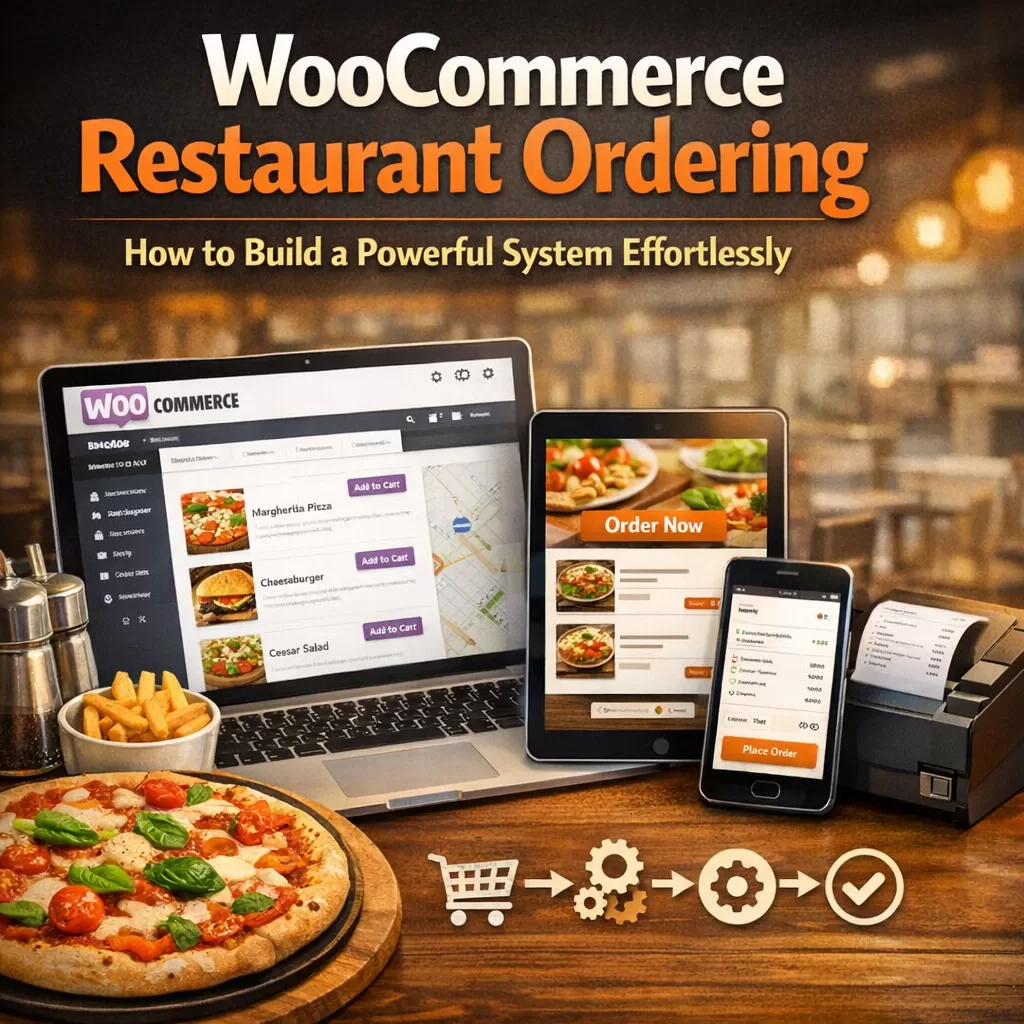
The good news? If you’re already using WordPress and WooCommerce, you’re closer to a fully functional online ordering system than you might think. You don’t need to start from scratch, hire a developer, or sign up for expensive third-party platforms that eat into your margins.
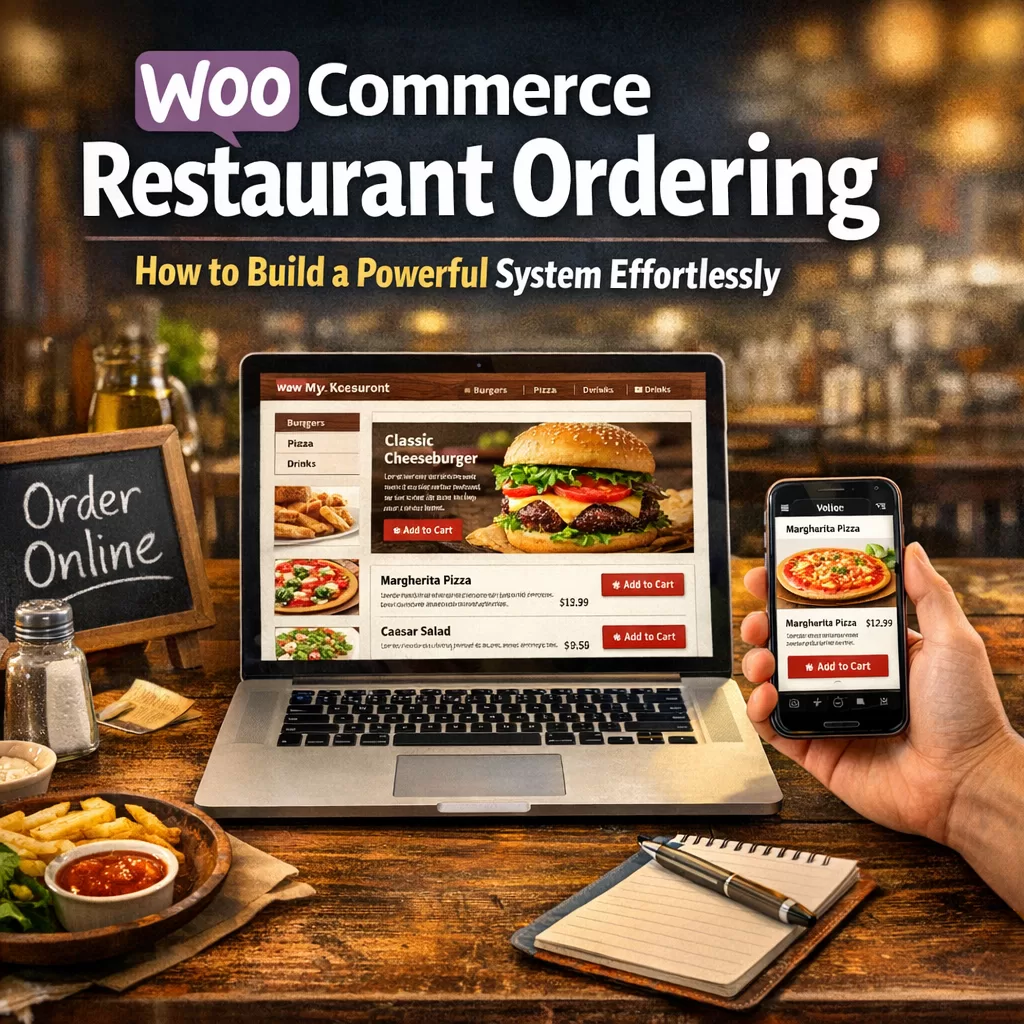
Let me walk you through how WooCommerce restaurant ordering actually works — and how to set it up without the headache.

Why WooCommerce Makes Sense for Restaurants
WooCommerce powers millions of online stores worldwide. It’s flexible, open-source, and built on WordPress — the same platform you probably already use for your restaurant’s website.
But here’s the thing most restaurant owners don’t realize: WooCommerce wasn’t originally designed for food ordering. It was built for general e-commerce. That means selling shoes, electronics, digital downloads — you name it.
So out of the box, it won’t handle things like:
– Delivery time slots
– Food-specific add-ons and toppings
– Tip management
– Minimum order requirements
– Delivery zone restrictions
That’s where the right plugin changes everything.
The Gap Between a Store and a Restaurant Ordering System
Think about the last time you ordered food online from a local restaurant. You probably expected to:
– Pick your items from a clean, categorized menu
– Customize your order (extra cheese, no onions, substitute fries)
– Choose between delivery and pickup
– Select a delivery time
– Pay online or choose cash on delivery
A standard WooCommerce setup can’t do most of that without serious customization. And cobbling together five or six different plugins to make it work? That’s a recipe for conflicts, slow load times, and a frustrating customer experience.
What you actually need is a single, purpose-built solution that turns WooCommerce into a proper restaurant ordering system.
Enter FoodMaster: Built Specifically for This
I’ve tested a lot of plugins over the years. Some are bloated. Some barely work. Some get abandoned by their developers after a year.
FoodMaster stands out because it was designed from the ground up for exactly this use case — turning a WordPress + WooCommerce site into a full-featured food ordering platform.
Here’s what it brings to the table (pun intended):
Menu Management That Actually Makes Sense
You can organize your menu by categories — appetizers, mains, desserts, drinks — and display them in a layout that feels like a real restaurant menu, not a generic product catalog.
Add-ons and Extras
This is where most generic solutions fall apart. Customers want to add extra toppings, choose a sauce, or swap a side dish. FoodMaster handles conditional add-ons natively. No workarounds. No extra plugins.
Delivery and Pickup Options
Let customers choose how they want their food. Set delivery zones, define minimum order amounts per zone, and even charge different delivery fees based on distance.
Time Slot Management
Nobody wants to order food and have no idea when it’s arriving. With FoodMaster, you can offer specific delivery or pickup time slots. You control availability, prep time buffers, and scheduling — all from your WordPress dashboard.
Tip Support
A small feature that makes a big difference for your delivery staff. Customers can add a tip during checkout without any friction.
Setting It Up: Easier Than You’d Expect
Let me break down the basic steps. If you can install a WordPress plugin and set up a few WooCommerce products, you can do this.
Step 1: Install WooCommerce
If you haven’t already, install and activate WooCommerce on your WordPress site. Run through the setup wizard. Don’t overthink it — you’ll customize the settings later.
Step 2: Install FoodMaster
Head over to the FoodMaster plugin page and grab your copy. Upload it to WordPress, activate it, and you’ll see the new settings panel appear in your dashboard.
Step 3: Build Your Menu
Create your food items as WooCommerce products. Organize them into categories. Then use FoodMaster’s built-in tools to add:
– Topping groups
– Required and optional add-ons
– Price variations (small, medium, large)
– Product images that actually look appetizing
Step 4: Configure Delivery Settings
This is where the magic happens. Define your delivery zones using postcodes or radius. Set your operating hours. Choose which days you’re open for delivery. Establish minimum order values.
Step 5: Customize the Checkout
FoodMaster streamlines the WooCommerce checkout for food orders. It strips away the unnecessary fields and focuses on what matters — delivery address, order time, special instructions, and payment.
Step 6: Test Everything
Place a few test orders. Try different combinations. Check that add-ons calculate correctly. Make sure delivery fees apply to the right zones. Walk through the entire customer experience before going live.
That’s it. No coding. No developer invoices. No month-long project timelines.
What About Third-Party Platforms?
I get the appeal of platforms like Uber Eats or DoorDash. They bring traffic. They handle logistics. But let’s be honest about the downsides:
– Commission fees of 15–30% on every single order
– No control over the customer experience — your branding disappears
– No access to customer data — you can’t build an email list or run retargeting ads
– Menu restrictions and algorithm dependency — the platform decides who sees your restaurant
With your own WooCommerce restaurant ordering system, you keep 100% of your revenue. You own the customer relationship. You control the branding, the pricing, and the experience from start to finish.
That doesn’t mean you should abandon third-party apps entirely. Many restaurants use them for discovery while funneling repeat customers to their own website. It’s a smart hybrid approach.
Real Talk: Does This Actually Work for Small Restaurants?
Absolutely. In fact, smaller restaurants often benefit the most.
A large chain can absorb third-party commission fees. A family-owned pizzeria or a neighborhood sushi spot? Those fees can be the difference between profit and loss.
Setting up a food ordering system on your own site gives you:
– Higher profit margins on every order
– Direct communication with your customers
– The ability to run your own promotions and loyalty programs
– Full control over your online presence
And with a solution like FoodMaster, the technical barrier is genuinely low. If someone on your team manages your website or social media, they can handle this.
Common Mistakes to Avoid
I’ve seen restaurant owners get excited, rush through the setup, and then wonder why orders aren’t coming in. Here are the pitfalls to watch for:
Poor product photos. Blurry, dark, or unappealing images kill conversions. Invest a couple of hours in decent food photography. Natural light, clean plates, simple backgrounds. It matters more than you think.
Too many menu items at launch. Start with your best sellers. A focused menu converts better than an overwhelming one. You can always add more later.
Ignoring mobile users. The majority of food orders come from phones. Make sure your theme is responsive and that the ordering flow works flawlessly on small screens. Test it yourself on your own phone.
Skipping delivery zone configuration. If you accept orders from areas you can’t reasonably deliver to, you’ll have unhappy customers and wasted food. Be realistic about your range.
Not promoting your ordering page. Having a system is step one. Driving traffic is step two. Add the ordering link to your Google Business profile, your Instagram bio, your printed menus, your receipts — everywhere.
SEO Benefits of Your Own Ordering System
Here’s something most restaurant owners overlook: having an online ordering system on your own website is fantastic for SEO.
When customers search for “order pizza near me” or “Thai food delivery in [your city],” Google favors websites with rich, relevant content. Your menu pages, location information, and customer reviews all feed into local search rankings.
A third-party platform listing doesn’t help your website rank. Your own WooCommerce restaurant ordering page does.
Pair that with a Google Business Profile that links directly to your ordering page, and you’re positioning yourself to capture high-intent local searches every single day.
Scaling Up When You’re Ready
One of the best things about building on WordPress and WooCommerce is the ecosystem. Once your basic ordering system is running, you can layer on:
– Email marketing with tools like Mailchimp or FluentCRM to drive repeat orders
– Loyalty programs using WooCommerce points and rewards plugins
– Analytics to track which items sell best, peak ordering times, and average order values
– Multi-location support if you expand to additional branches
FoodMaster plays nicely with the broader WooCommerce ecosystem, so you’re not locked into a closed platform. You grow on your terms.
Final Thoughts
Building a WooCommerce restaurant ordering system doesn’t have to be complicated or expensive. The tools exist. The technology is mature. And the financial case for owning your ordering channel has never been stronger.
If you’re running a restaurant and still relying solely on phone orders or third-party apps, you’re leaving money and customer relationships on the table.
FoodMaster makes the transition straightforward. Install it, configure your menu, set your delivery rules, and start accepting orders — all from the WordPress dashboard you already know.
Give it a look at wpslash.com and see how quickly you can get up and running. Your customers are already searching for you online. Make sure they can actually order when they find you.