On this page
- Why Restaurant Loyalty Programs Are a Game-Changer for Online Ordering
- Types of Loyalty Programs That Work for Restaurants
- Points-Based Programs
- Tiered VIP Programs
- Punch-Card Style (“Buy 10, Get 1 Free”)
- Cashback / Store Credit
- Referral Rewards
- Birthday and Milestone Perks
- Best WordPress and WooCommerce Loyalty Plugins Compared
- WPLoyalty
- YITH WooCommerce Points and Rewards
- Advanced Coupons Loyalty Program
- myCred
- Compatibility With Restaurant Ordering Plugins
- Step-by-Step: Setting Up a Points-Based Rewards System in WooCommerce
- 1. Install and Activate the Plugin
- 2. Define Your Earning Rules
- 3. Set Redemption Values
- 4. Build Tiered VIP Levels (Optional but Powerful)
- 5. Display Point Balances Everywhere
- 6. Test the Full Flow
- Integrating Loyalty With Menu Ordering, Delivery, and Pickup Flows
- Show Points in the Menu Itself
- Make Redemption Frictionless at Checkout
- Reward Specific Menu Items or Categories
- Combine Loyalty With Delivery Zones and Minimums
- Handle Dine-In and QR Orders
- Don’t Stack Discounts You Can’t Afford
- Promoting Your Program and Measuring ROI
- Launch Campaign Checklist
Ask any restaurant owner what keeps the lights on, and they’ll tell you the same thing: regulars. The family that orders pizza every Friday, the office manager who books catering monthly, the couple who wouldn’t dream of trying another Thai place. These aren’t lucky accidents — they’re the result of relationships, and increasingly, the result of well-designed loyalty programs baked right into the ordering experience.
If you’re running a WooCommerce-powered restaurant, you’re sitting on one of the most flexible platforms available for building exactly this kind of customer retention engine. The question isn’t whether to add a rewards program — it’s how to structure one that actually gets used, drives repeat orders, and doesn’t eat into your margins. Let’s walk through it.
Why Restaurant Loyalty Programs Are a Game-Changer for Online Ordering
The math behind loyalty is stubborn. Research from Harvard Business Review has long pointed to the fact that acquiring a new customer costs significantly more than retaining an existing one — commonly cited as 5 to 25 times more depending on the industry. For restaurants, where margins on delivery orders can be razor-thin after packaging, driver costs, and payment fees, that gap matters even more.
A few dynamics make loyalty programs particularly powerful for restaurants running on WooCommerce:
- Frequency is baked into the category. People eat multiple times a day, every day. Even a modest bump in visit frequency compounds fast.
- You own the customer data. Unlike third-party marketplaces that hoard your customer list, WooCommerce keeps every email, order history, and behavioral signal in your database.
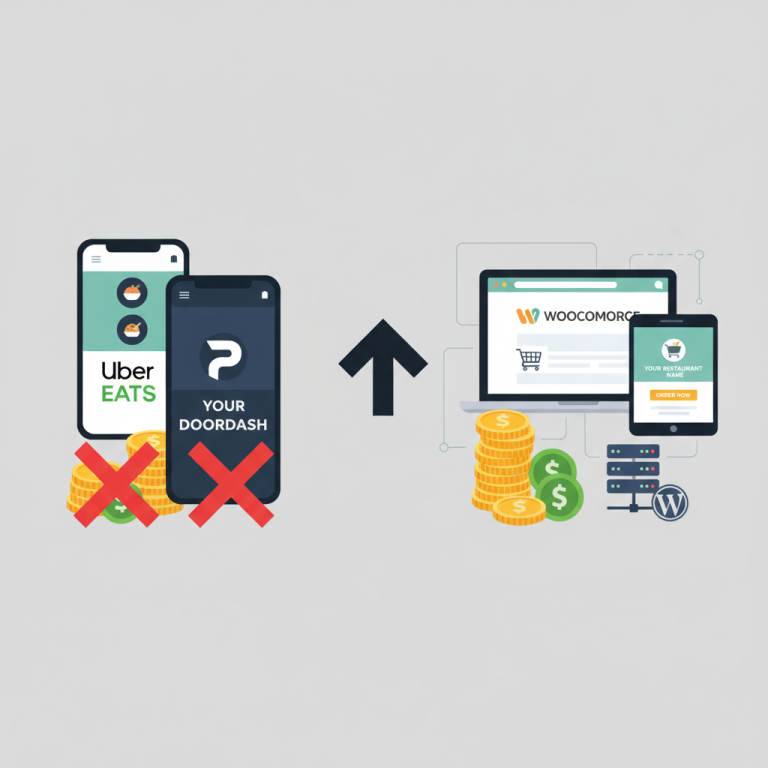
- Zero-commission ordering plus loyalty is a moat. Once a customer downloads your app or bookmarks your site to earn points, they’re far less likely to reopen a delivery marketplace.
- Higher average order value. “Spend $5 more to unlock free garlic bread” is one of the most reliable AOV levers in the business.
Industry surveys from Paytronix, Bond, and similar loyalty analytics firms consistently show that active loyalty members visit more often and spend more per visit than non-members — often 20% or more. Your mileage will vary, but the direction is almost always the same: rewarded customers come back.
Types of Loyalty Programs That Work for Restaurants
Before you install any plugin, decide what kind of program fits your concept. The mechanics you choose shape everything downstream — the tech, the messaging, the reporting. Here are the models that consistently work for food businesses.
Points-Based Programs
The classic: customers earn X points per dollar spent, and points convert into discounts or free items. It’s flexible, easy to explain (“10 points per dollar, 500 points gets you a free entrée”), and works across delivery, pickup, and dine-in. Great for pizzerias, casual restaurants, and anywhere the check size varies a lot.
Tiered VIP Programs
Bronze, Silver, Gold — or whatever names fit your brand. As customers hit annual spend thresholds, they unlock bigger perks: free delivery, priority ordering during rush hours, exclusive menu items, birthday desserts. Tiered programs work especially well for higher-ticket concepts like steakhouses, sushi restaurants, and cocktail bars where status matters.
Punch-Card Style (“Buy 10, Get 1 Free”)
The digital descendant of the paper coffee card. Simple, tactile, and psychologically effective because of the “endowed progress effect” — people work harder to finish something they’ve already started. Perfect for cafés, bubble tea shops, bagel spots, and any concept with a hero product customers order repeatedly.
Cashback / Store Credit
Instead of points, customers earn a percentage of every order back as store credit (say, 5%). It feels tangible — “you have $8.40 to spend” reads more clearly than “you have 840 points.” This works well for restaurants targeting practical, price-conscious diners.
Referral Rewards
Give $10, get $10. Referral programs turn your best customers into a distributed marketing team. They pair beautifully with any of the above — you can layer referrals on top of a points system without confusing anyone.
Birthday and Milestone Perks
Not a full program on their own, but table stakes for any restaurant loyalty setup. A free dessert on someone’s birthday costs you $2 in food and buys you a group booking. It’s arguably the highest-ROI email you’ll ever send.
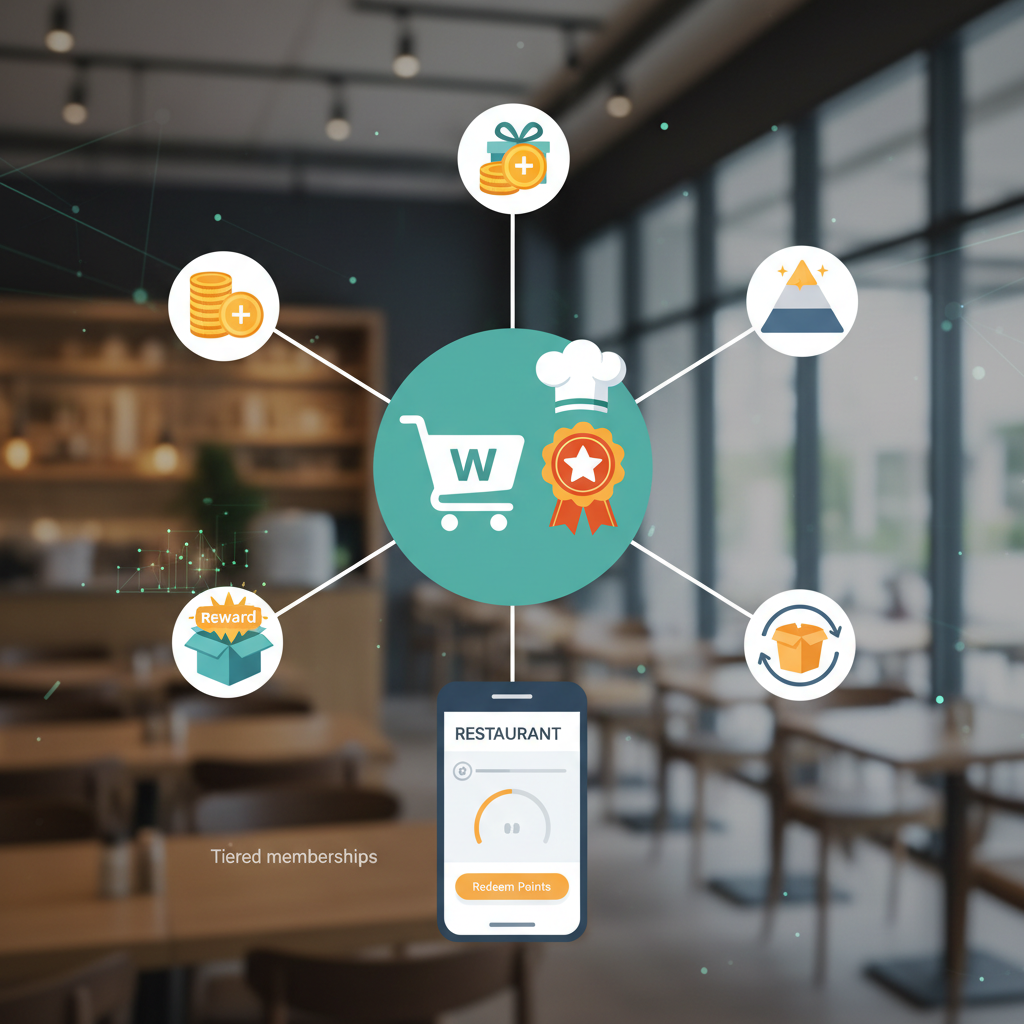
Most successful restaurant programs combine two or three of these — for example, a points system with a birthday perk and a referral bonus. Keep it simple enough that a first-time customer can understand it in one sentence.
[IMAGE: infographic comparing five restaurant loyalty program types with icons and example rewards]
Best WordPress and WooCommerce Loyalty Plugins Compared
WooCommerce has a healthy ecosystem of loyalty plugins. Here’s an honest look at the main contenders and how they fit into a restaurant setup.
WPLoyalty
One of the more restaurant-friendly options. WPLoyalty supports points earning on purchases, signup bonuses, birthdays, referrals, and reviews. It has tiered levels, a clean customer-facing widget, and integrates well with WooCommerce coupons. Pricing is subscription-based with a free tier that covers basic points functionality.
YITH WooCommerce Points and Rewards
A veteran plugin from a well-known WooCommerce developer. Handles points per purchase, category-specific point multipliers, and manual point adjustments. The UI is functional rather than beautiful, but it’s stable and widely supported.
Advanced Coupons Loyalty Program
Built as an extension of the popular Advanced Coupons plugin. If you already use it for BOGO deals or scheduled coupons, adding loyalty is a natural extension. Strong on coupon-based redemption, less strong on tiered VIP mechanics.
myCred
Technically a points-management framework rather than a pure loyalty plugin. Extremely flexible — you can build almost any reward logic you can imagine — but requires more setup and often add-on modules. Best for restaurants with a developer on hand who want something custom.
Compatibility With Restaurant Ordering Plugins
Here’s where things get practical. If you’re running a restaurant on WooCommerce, you’re almost certainly using a specialized ordering plugin on top — one that handles delivery zones, order timing, tipping, kitchen printing, and menu variations. This is where FoodMaster’s restaurant ordering system shines: because it’s built directly on top of WooCommerce (not as a walled-off ordering island), any well-coded loyalty plugin that respects standard WooCommerce hooks will work with it out of the box.
That means points accrue on delivery orders, pickup orders, and dine-in QR orders alike. Redemptions apply as standard WooCommerce coupons or cart discounts, so your kitchen tickets, receipts, and reports stay clean. Before committing to any loyalty plugin, run a test order end-to-end: place an order, verify points are earned, redeem them, and confirm the discount shows correctly on the printed ticket.
Step-by-Step: Setting Up a Points-Based Rewards System in WooCommerce
Let’s walk through a realistic setup. I’ll use a generic points-based plugin as the reference — the exact menu labels vary, but the concepts are universal.
1. Install and Activate the Plugin
From your WordPress dashboard, go to Plugins → Add New, search for your chosen loyalty plugin, install and activate it. Most plugins add a new top-level menu item like “Loyalty” or “Rewards.”
2. Define Your Earning Rules
This is the heart of the program. A sensible starting point for a restaurant:
- 1 point per $1 spent on any order (delivery, pickup, or dine-in).
- 50-point signup bonus when a customer creates an account.
- 25 points for leaving a product review — a nudge that fills out your menu items with social proof.
- 100-point birthday bonus in the customer’s birthday month.
- 200 points for a successful referral (when the referred friend completes their first order).
3. Set Redemption Values
Decide what points are worth. A common ratio is 100 points = $1, which means you’re effectively giving 1% back on every order. If your margins allow, you can go richer — 2% or even 3% — but resist the urge to make the math complicated. “100 points equals a dollar” is easy to remember; “137 points equals $1.42 off” is not.
Then create redemption tiers or thresholds. For example:
- 500 points → $5 off any order
- 1,000 points → Free side of your choice
- 2,000 points → Free entrée up to $20
4. Build Tiered VIP Levels (Optional but Powerful)
If your plugin supports tiers, create three levels based on 12-month spend:
- Regular ($0–$249): 1 point per dollar
- Insider ($250–$749): 1.5 points per dollar + free delivery on orders over $30
- VIP ($750+): 2 points per dollar + free delivery + priority order handling
5. Display Point Balances Everywhere
A rewards program only works if customers remember they have points. Configure the plugin to show balances on:
- The customer account dashboard
- The cart and checkout pages (“You have 620 points — redeem for $6 off”)
- Order confirmation emails (“You just earned 34 points!”)
- A dedicated “Rewards” page linked from your main menu
6. Test the Full Flow
Create a test customer, place a real order (you can refund it later), and walk through: earning, viewing balance, redeeming at checkout, and verifying that the discount appears on both the customer’s receipt and your kitchen ticket. Do this once thoroughly and you’ll catch 90% of the issues that would otherwise frustrate real customers.
[IMAGE: screenshot-style mockup of a WooCommerce checkout page showing points balance and a redemption slider]
Integrating Loyalty With Menu Ordering, Delivery, and Pickup Flows
The technical setup is only half the battle. The other half is making sure the loyalty experience feels seamless inside your ordering flow — not bolted on as an afterthought.
Show Points in the Menu Itself
Where your ordering plugin displays menu items, consider adding subtle earn-rate messaging: “Earn 18 points” next to a $17.99 pizza. This works because it turns every menu item into a small loyalty reminder without being pushy. Most WooCommerce themes let you add this via product meta or a simple template override.
Make Redemption Frictionless at Checkout
The single biggest mistake I see restaurants make: burying redemption behind a coupon code. If a customer has enough points, show them a one-click “Apply 500 points for $5 off” button right in the cart. Every extra click loses redemptions, and unredeemed points are a liability sitting on your balance sheet.
Reward Specific Menu Items or Categories
Want to promote a new burger? Set it to earn 3x points for a two-week launch window. Trying to move inventory before it spoils? Add bonus points to that category. This turns your WooCommerce Restaurant Website (2026)”>WooCommerce Restaurant Website (2026)”>Restaurant Website (2026)”>loyalty program into a flexible merchandising tool, not just a discount machine.
Combine Loyalty With Delivery Zones and Minimums
Be intentional here. A customer redeeming $10 in points shouldn’t accidentally drop below your delivery minimum. Configure your ordering plugin’s minimum-order rule to apply to the pre-discount subtotal, not the post-discount total. FoodMaster and most quality restaurant ordering plugins handle this correctly by default, but always test it with a real redemption.
Handle Dine-In and QR Orders
If you use QR table ordering, make sure guests can log in (or quickly create an account with just an email) to earn points on their in-store meals. This is a huge advantage over paper punch cards — a family of four at your restaurant can earn points on a $120 dinner just by scanning a QR code, which is a much bigger loyalty moment than a $25 delivery order. For more on setting this up, our guide on building a QR ordering system covers the mechanics.
Don’t Stack Discounts You Can’t Afford
Decide upfront whether loyalty redemptions can combine with promo codes, happy-hour discounts, or first-order coupons. Most restaurants disallow stacking to protect margins. Configure this explicitly in your plugin settings and communicate it clearly on your rewards page (“Points cannot be combined with other promotions”).
Promoting Your Program and Measuring ROI
A loyalty program you don’t promote is just an expensive database entry. Launch it like you’d launch a new menu item.
Launch Campaign Checklist
Commission-free ordering
Run restaurant orders on your own WordPress site
FoodMaster adds delivery, pickup, dine-in, POS, and kitchen tools — with zero per-order fees.