On this page
- Why Local SEO Is the #1 Growth Channel for Restaurants in 2026
- Setting Up and Optimizing Your Google Business Profile the Right Way
- Claiming and Verifying Correctly
- Categories and Attributes
- NAP Consistency
- Common Mistakes to Avoid
- On-Page SEO Tweaks for WordPress Restaurant Sites
- Title Tags, Meta Descriptions, and H1s
- URL Structure
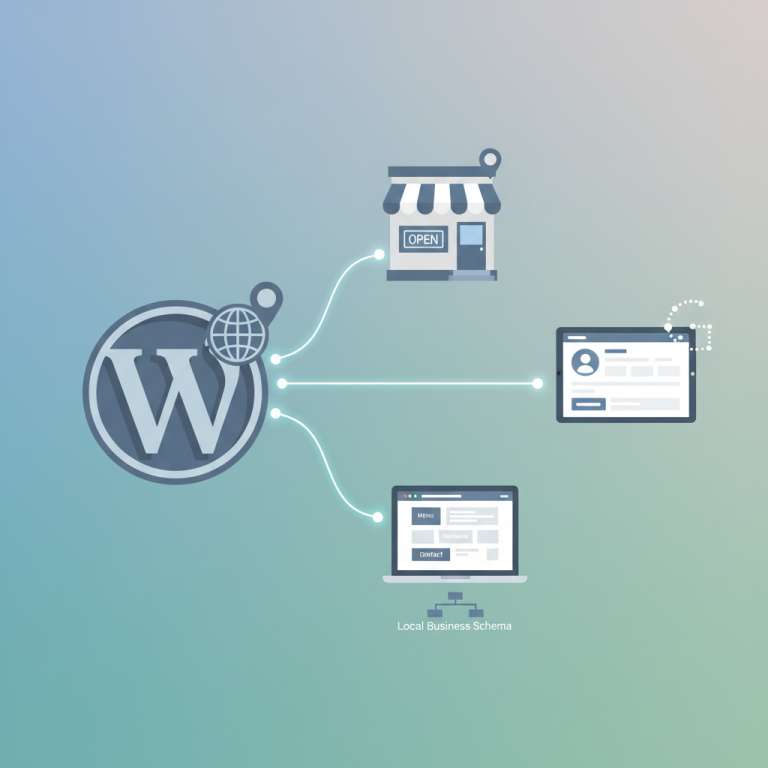
- Schema Markup
- Image Optimization
- Building Location-Specific Landing Pages That Convert
- Anatomy of a High-Ranking Location Page
- WordPress Implementation
- Winning Reviews, Citations, and Local Backlinks
- Generating a Steady Flow of Reviews
- Handling Negative Reviews
- Citations
- Local Backlinks
- Tracking Local SEO Performance and Avoiding Google Penalties
- Tools Worth Setting Up
If your restaurant doesn’t show up in the Google Map Pack when someone searches “pizza near me” at 7pm on a Friday, you’re essentially invisible to the hungriest customers in your neighborhood. Local search has quietly become the single most valuable acquisition channel for independent restaurants, and the gap between the top three map results and everyone else below them keeps widening every year.
This guide walks through exactly what’s working right now for restaurants that want to dominate local search, capture more direct orders, and stop bleeding margin to third-party delivery apps. No fluff, no theory — just the tactics that move the needle.
Why Local SEO Is the #1 Growth Channel for Restaurants in 2026
Google has publicly stated that “near me” searches have grown by more than 500% over the last several years, and restaurants sit at the very top of that trend. According to data from SOCi and BrightLocal’s annual Local Consumer Review Survey, roughly 4 out of 5 consumers use Google to find information about local businesses at least weekly, and restaurants are consistently the most-searched local category.
What makes Restaurant Website (2026)”>Restaurant Website Mobile-Friendly (More Orders From Phones in 2026)”>Restaurant Website on Google: Local SEO for WordPress (2026)”>local SEO uniquely powerful for restaurants is intent. Someone typing “sushi delivery near me” isn’t browsing — they’re hungry, they have a phone in hand, and they’re ready to convert within the next 15 minutes. Studies from Google’s own consumer research indicate that roughly 76% of people who search for something nearby on their smartphone visit a related business within a day, and 28% of those searches result in a purchase.
Voice search compounds this shift. When someone asks a smart speaker or their phone “where can I get tacos right now,” the assistant almost always pulls from the top Google Business Profile results. If you’re not in the local three-pack, you don’t exist in that conversation.
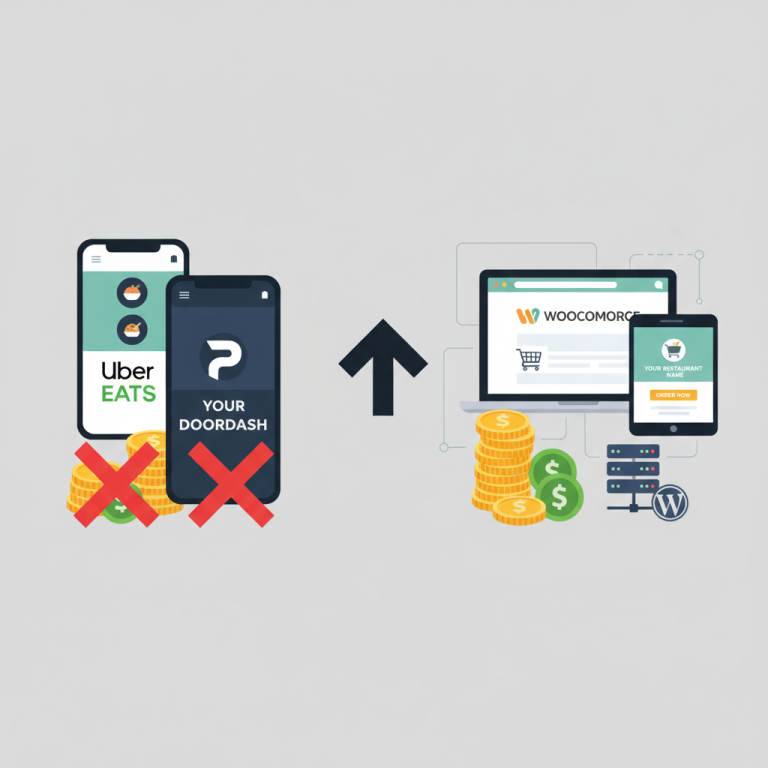
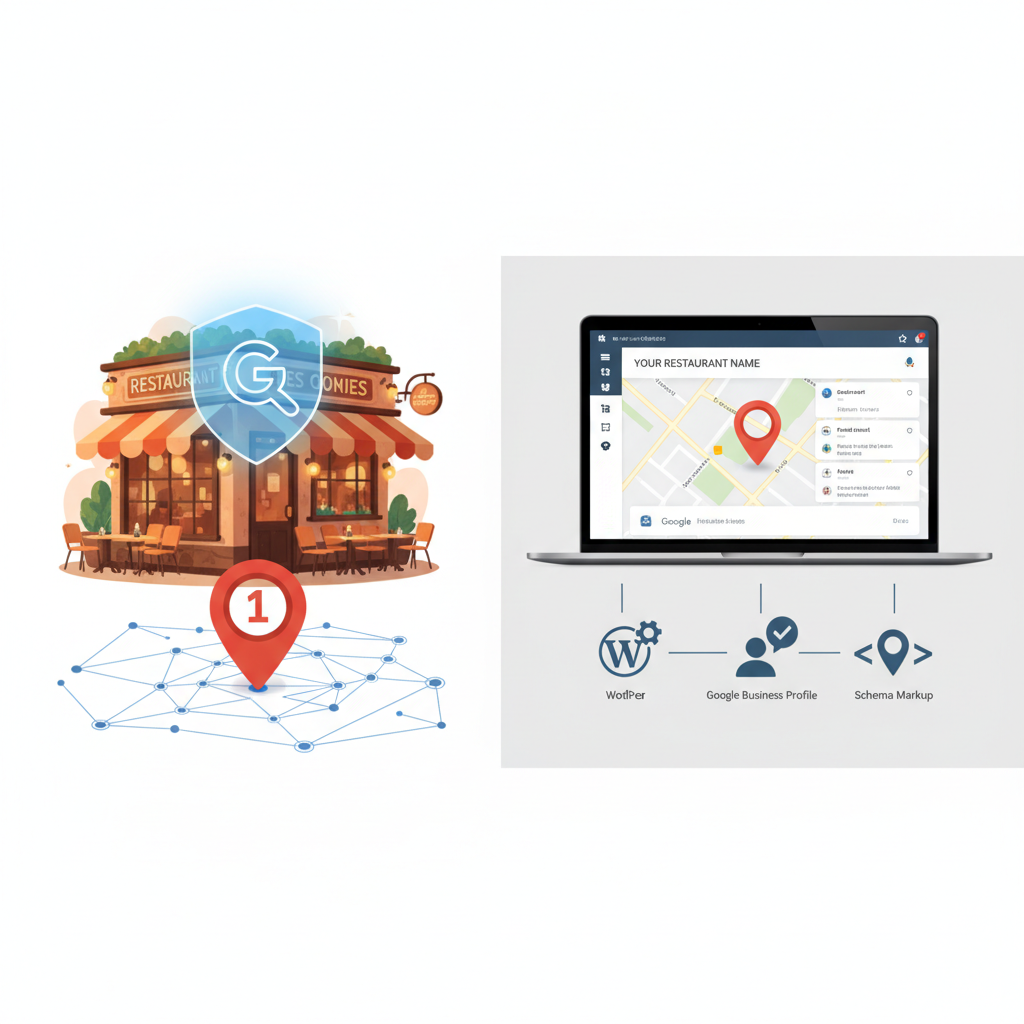
The financial impact is straightforward. A restaurant ranking #1 in the Map Pack for a moderately competitive term like “brunch downtown [your city]” can expect anywhere from 300 to 2,000+ profile views per week, translating into hundreds of direction requests, calls, and website clicks — all essentially free traffic that never touches Uber Eats or DoorDash commissions.
Setting Up and Optimizing Your Google Business Profile the Right Way
Your Google Business Profile (GBP) is the foundation of everything. Before you touch your website, your GBP needs to be airtight.
Claiming and Verifying Correctly
Start at google.com/business and either claim your existing listing or create a new one. Verification typically happens via postcard, phone, or video — video verification has become the default in most regions and requires you to record a live walkthrough showing your signage, kitchen, and any proof of ownership like a utility bill.
Do this on a business email tied to your domain ([email protected]), not a personal Gmail. It signals legitimacy and makes ownership transfers easier later.
Categories and Attributes
Your primary category is the single most important ranking factor in your GBP. Be specific: “Neapolitan Pizza Restaurant” outperforms the generic “Pizza Restaurant” in cities where that specificity matches user queries. Add secondary categories that genuinely apply — “Delivery Restaurant,” “Takeout Restaurant,” “Caterer” — but don’t stuff irrelevant ones.
Fill out every attribute Google offers: outdoor seating, dog-friendly, vegan options, wheelchair accessible, live music, happy hour. These attributes now appear as filters in Google Maps, and each one you enable expands the number of refined searches you can appear in.
NAP Consistency
Your Name, Address, and Phone number must be identical across your website, GBP, Yelp, TripAdvisor, Facebook, and every directory you appear on. Even small variations (“Suite 4” vs “Ste 4” vs “#4”) can dilute your local authority. Audit this quarterly.
Common Mistakes to Avoid
- Keyword-stuffed business names: Naming yourself “Tony’s Best Cheap Pizza Delivery NYC” instead of just “Tony’s Pizza” is a direct violation of Google’s guidelines and can get you suspended. Competitors report these, and reinstatement can take weeks.
- Fake or expired hours: If your holiday hours are wrong and a customer shows up to a locked door, expect a 1-star review within an hour.
- Ignoring Q&A: Anyone can post a question — and anyone can answer. Seed your own Q&A section with the questions you get asked most (parking, gluten-free options, reservations, delivery radius).
- Low-quality photos: Upload at least 20 high-resolution photos: exterior, interior, staff, individual dishes shot in natural light, and menu boards. Restaurants with 100+ photos get roughly 520% more calls than those with fewer than 10, according to Google’s internal data shared at past Google I/O events.
Post to your GBP weekly. Product posts featuring specific menu items, event announcements, and offers all show up in your profile and act as fresh-content signals.
[IMAGE: annotated screenshot of an optimized Google Business Profile for a restaurant showing categories, attributes, photos, and posts]
On-Page SEO Tweaks for WordPress Restaurant Sites
Once your GBP is solid, your website needs to reinforce the same signals. Google cross-references your GBP with your site to confirm you’re a real, active business at a specific location.
Title Tags, Meta Descriptions, and H1s
Your homepage title tag should follow a proven pattern: Primary Keyword + Location + Brand. For example: “Wood-Fired Pizza in Austin, TX | Tony’s Pizzeria.” Keep it under 60 characters.
Your meta description isn’t a direct ranking factor, but it dramatically affects click-through rate from the search results. Include your USP, opening hours, and a call-to-action: “Family-owned Neapolitan pizzeria in East Austin. Delivery, pickup, and dine-in daily 11am–10pm. Order online — no fees.”
URL Structure
Keep URLs short, readable, and keyword-relevant:
- yourrestaurant.com/menu/
- yourrestaurant.com/locations/austin-downtown/
- yourrestaurant.com/catering/
Avoid parameter-heavy URLs like /?page_id=47.
Schema Markup
Structured data is non-negotiable in 2026. At minimum, implement these schema types:
- Restaurant and LocalBusiness schema on your homepage and location pages, including servesCuisine, priceRange, address, geo coordinates, and openingHoursSpecification.
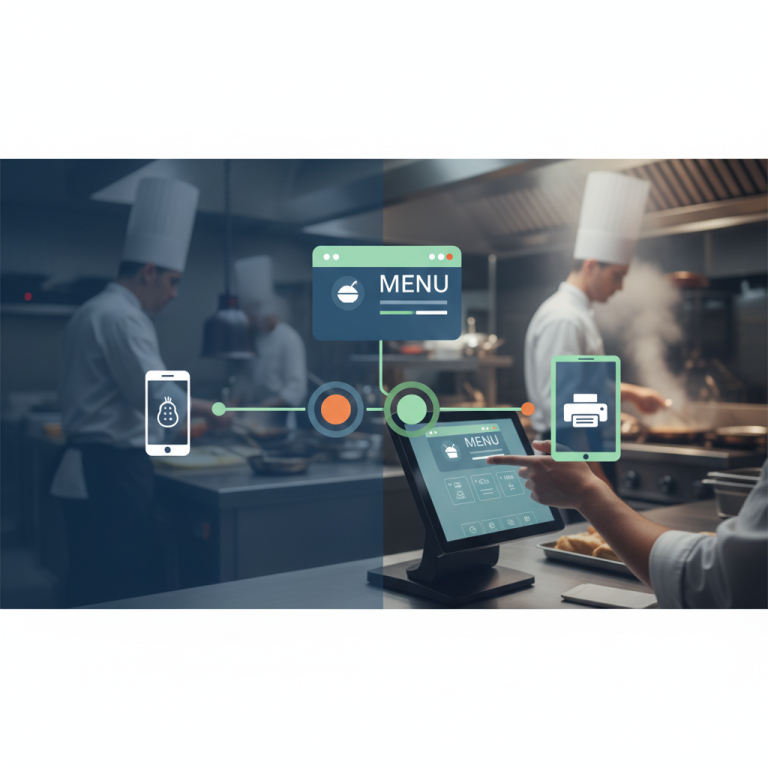
- Menu schema linking to your menu URL, with hasMenuSection and hasMenuItem for each dish including name, description, and price.
- FAQPage schema on relevant pages to earn expanded SERP real estate.
- Review and AggregateRating schema (only if reviews are collected on your own site — don’t fabricate this).
If you’re running WordPress with WooCommerce for online ordering, plugins like FoodMaster restaurant ordering system automatically generate Product and Menu schema for every menu item, which is a significant time saver compared to manually coding JSON-LD for a 60-item menu.
Image Optimization
Every food photo should have descriptive alt text (“margherita pizza with fresh basil at Tony’s Pizzeria Austin”), a compressed file size under 200KB, and a descriptive filename (margherita-pizza-austin.jpg, not IMG_4823.jpg). WebP format is now widely supported and typically cuts file sizes by 25–35% versus JPG.
Building Location-Specific Landing Pages That Convert
If you run more than one location — or plan to — dedicated location pages are how you rank for each neighborhood you serve.
Anatomy of a High-Ranking Location Page
Every location page needs unique content. Google’s Helpful Content system aggressively demotes duplicated location pages that just swap out the city name. Each page should include:
- Unique H1 with location and cuisine: “Authentic Thai Restaurant in Brooklyn Heights”
- 200–400 words of location-specific copy describing the neighborhood, nearby landmarks, parking, and the story behind that specific location
- Embedded Google Map (iframe from Google Maps, not just a static image)
- NAP block matching your GBP exactly
- Opening hours in both human-readable and schema format
- Location-specific menu highlights or specials (some locations may have different offerings)
- Delivery zone information — list the specific neighborhoods and ZIP codes you deliver to
- Reviews from that location (pulled dynamically or manually curated)
- Photos of that specific location — never reuse stock or other-location photos
- Order Online / Reserve buttons prominently placed above the fold
WordPress Implementation
Create a custom “Location” post type or use a template inside a page builder like Elementor, Bricks, or the native block editor. FoodMaster handles multi-location setups elegantly — you can assign menus, delivery zones, opening hours, and minimum order values per location, and each location can have its own ordering page with the correct pickup times and delivery radius automatically applied. This is far cleaner than hacking together multiple WooCommerce stores.
Internally link every location page from your main navigation or a footer “Locations” widget, and cross-link between them (“Visit our downtown location” from the East Side page, etc.).
[IMAGE: wireframe layout of an ideal restaurant location landing page with map, menu, reviews, and order button labeled]
Winning Reviews, Citations, and Local Backlinks
Reviews are the second-biggest local ranking factor after proximity, according to every credible local SEO study published in the last five years (BrightLocal, Whitespark, Moz). But they also directly influence conversion — 87% of consumers read online reviews for local businesses, and most won’t consider a restaurant under 4.0 stars.
Generating a Steady Flow of Reviews
The best time to ask for a review is immediately after a positive experience — right when the customer finishes their meal or receives their delivery. Automate this:
- Send a follow-up email or SMS 30–60 minutes after an online order is marked delivered, with a direct link to your Google review page (use the short URL from your GBP dashboard: g.page/r/xxxxx/review)
- Print QR codes on receipts and table cards that link straight to the review form
- Train front-of-house staff to mention reviews casually to happy customers
Do not offer discounts or free items in exchange for reviews. Google’s policies prohibit incentivized reviews, and violations can wipe your entire review history.
Handling Negative Reviews
Respond to every negative review within 24 hours, publicly, without being defensive. Acknowledge the issue, apologize sincerely, and move the conversation offline (“Please email me directly at owner@… so I can make this right”). Prospective diners read your responses more carefully than the reviews themselves — a graceful reply often converts skeptics.
Citations
Get listed on the major aggregators and directories: Yelp, TripAdvisor, OpenTable, Zomato, Foursquare, Yellow Pages, Apple Maps (via Apple Business Connect), Bing Places, and Facebook. For each, use the exact NAP as your GBP. Local citations — chamber of commerce, neighborhood association directories, “best of” city blogs — carry real weight.
Local Backlinks
Backlinks from local sources are gold. Practical ways to earn them:
- Sponsor a local youth sports team, 5K, or charity event (they’ll link from their sponsors page)
- Host or supply food for a community event and get mentioned in the local paper
- Reach out to local food bloggers and food-focused Instagram accounts with a genuine invitation — not a paid post request
- Partner with nearby non-competing businesses (a wine shop, a florist for date night) and cross-promote with linked content
- Get featured in “best restaurants in [city]” roundups by pitching journalists at your local alt-weekly, Eater, or Thrillist affiliate
Tracking Local SEO Performance and Avoiding Google Penalties
You can’t improve what you don’t measure. A minimal but effective tracking stack for a restaurant looks like this:
Tools Worth Setting Up
- Google Search Console — free, essential. Monitor which queries drive impressions and clicks to your site, catch indexing issues, and see how mobile users interact with your pages.
- Google Business Profile Insights — shows searches, profile views, direction requests, calls, and website clicks. Track month-over-month trends.
- Google Analytics 4 — set up conversion events for online or
Commission-free ordering
Run restaurant orders on your own WordPress site
FoodMaster adds delivery, pickup, dine-in, POS, and kitchen tools — with zero per-order fees.