On this page
- Why Restaurant Abandoned Carts Are Different (and More Recoverable) Than Regular eCommerce
- Tracking Abandoned Carts in WooCommerce: The Tools You Actually Need
- Configuring Cart-Capture Timing (Don’t Be Creepy)
- Building the Perfect Recovery Sequence: Timing, Channels, and Message Templates
- Touch 1: Email at 30 Minutes — The Gentle Nudge
- Touch 2: SMS or WhatsApp at 2 Hours — The Personal Poke
- Touch 3: Email at 24 Hours — The Incentive
- Setting It Up Step by Step With FoodMaster and WooCommerce
- Adding SMS and WhatsApp to the Mix (Without Annoying Customers)
- Compliance: The Non-Negotiables
- Choosing a Provider
- The Cost-Per-Recovery Math
Every restaurant owner running online orders has seen it: someone builds a beautiful $47 order — margherita pizza, garlic knots, a tiramisu — and then vanishes at checkout. The kitchen never sees it. The revenue never lands. But here’s the thing most restaurateurs don’t realize: those abandoned food carts are dramatically easier to recover than a random Shopify store’s forgotten sneakers. Hungry people don’t change their mind about being hungry. They just get distracted, spooked by a delivery fee, or interrupted by a toddler.
A well-tuned WooCommerce Restaurant Website (2026)”>WooCommerce Restaurant Website (2026)”>abandoned cart recovery flow — email plus SMS, timed carefully — can pull back 15% to 30% of those lost orders. For a restaurant doing $30,000/month in online sales with a 25% abandonment rate, that’s roughly $1,100 to $2,200 in recovered revenue every month, on autopilot. Let’s build that flow properly.
Why Restaurant Abandoned Carts Are Different (and More Recoverable) Than Regular eCommerce
Standard eCommerce abandonment rates hover around 70% according to the Baymard Institute, and typical recovery emails claw back 8-12% of those. Restaurants play by different rules — and the rules favor you.
First, the intent window is razor-thin. When someone opens your menu at 7:15 PM on a Friday, they’re not researching, comparing, or window-shopping. They want food, tonight, ideally in the next hour. That means a recovery message sent 20-30 minutes later still hits inside the decision window. Contrast that with a furniture site where the customer might not buy for another three weeks.
Second, the reasons for abandonment are simpler and more fixable:
- Delivery fee shock — customer sees $6.99 delivery on a $22 order and flinches
- Minimum order not met — they need to add something but got frustrated
- Payment friction — no Apple Pay, no saved card, guest checkout confusion
- Distraction — phone rings, kids need something, they’ll come back… maybe
- Decision fatigue — they picked 6 items and now can’t commit
Each of these has a message that fixes it. A gentle “your order is waiting” email handles distraction. A free-delivery-over-$30 nudge handles fee shock. A “still thinking? here’s 10% off” handles fatigue. Because the objections are narrow, your copy can be precise — and precise copy converts.
Realistic benchmarks I’ve seen from restaurant operators using WooCommerce-based ordering: 15-20% recovery on email alone, 22-30% when SMS is layered in. That’s roughly 2-3x standard eCommerce norms.
Tracking Abandoned Carts in WooCommerce: The Tools You Actually Need
Out of the box, WooCommerce stores cart data in session cookies and — for logged-in users — in the user meta table. That’s useful, but it doesn’t capture guest carts, which is where 60-80% of restaurant orders come from. To recover those, you need a plugin that captures the email or phone number the moment it’s typed at checkout, before the customer actually completes the order.
Here are the tools that reliably do this on WooCommerce restaurant stores:
- FunnelKit Automations — deep WooCommerce integration, visual automation builder, handles email + SMS, great for stores already using FunnelKit for checkout optimization.
- CartBounty — lightweight, affordable, captures guest carts as soon as email is entered. Pro version integrates with Mailchimp, ActiveCampaign, and Twilio.
- AutomateWoo — WooCommerce’s official automation plugin. Rock-solid but the interface takes some getting used to.
- Omnisend — best if you want email + SMS in one dashboard and don’t mind sending marketing traffic through their servers.
- Klaviyo — powerful segmentation, though pricing scales quickly for high-volume restaurants.
For most independent restaurants doing under 500 orders/month, CartBounty Pro or FunnelKit hit the sweet spot on cost and features. Multi-location operators typically outgrow those and move to Klaviyo or Omnisend for the analytics depth.
Configuring Cart-Capture Timing (Don’t Be Creepy)
Here’s a mistake I see constantly: restaurants trigger an abandonment email the second someone leaves the site. That’s too fast. The customer might be in another tab checking their bank balance. Fire off a “you forgot something!” email 90 seconds later and you look desperate.
Set your cart-abandonment threshold to at least 20-30 minutes of inactivity. This is long enough that the customer has genuinely bounced, but short enough that they’re still hungry. Also set a floor — I don’t recommend recovering carts under $15, because the discount you’d offer eats the margin.
[IMAGE: dashboard view of a WooCommerce abandoned cart tracking plugin showing captured guest carts with email, phone, cart total, and time since abandonment]
Building the Perfect Recovery Sequence: Timing, Channels, and Message Templates
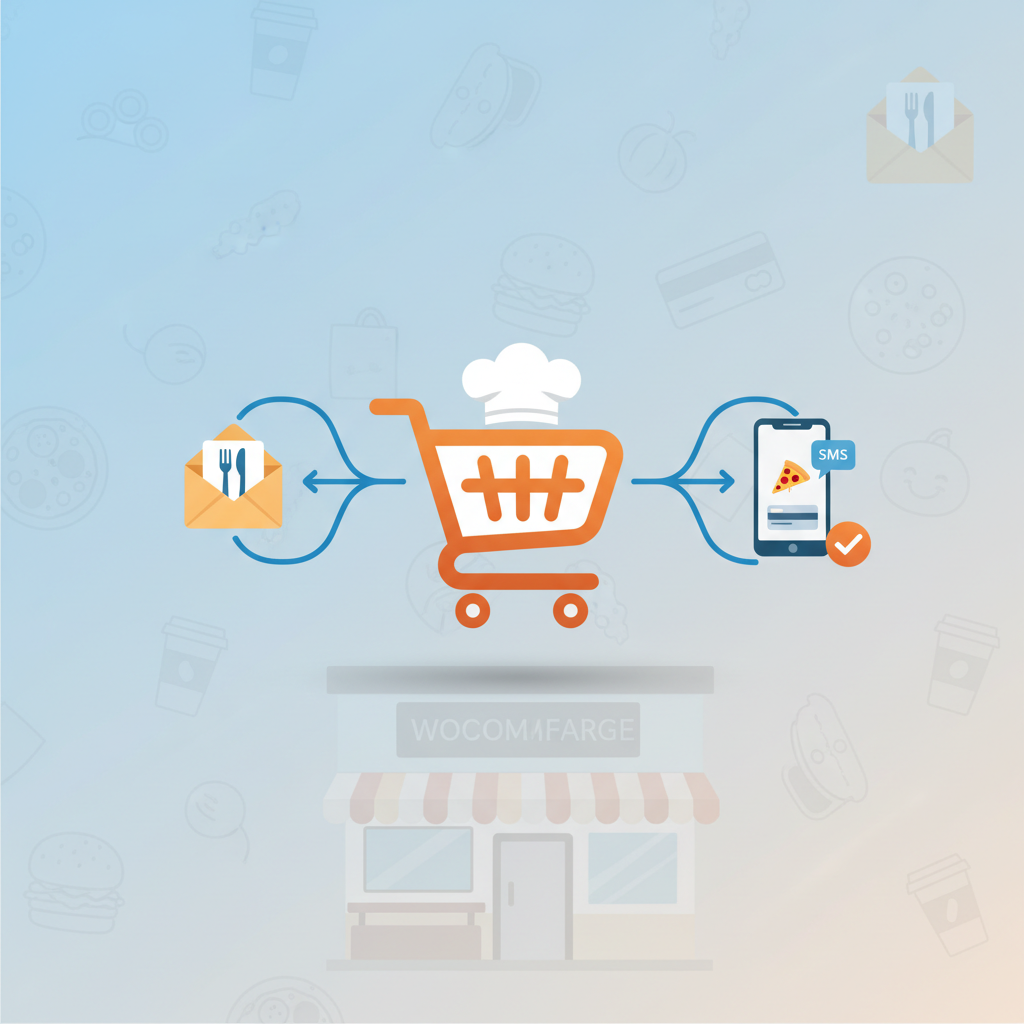
Three touches, three channels, three different psychological angles. That’s the framework. More than three and you enter unsubscribe territory. Fewer and you leave money on the counter.
Touch 1: Email at 30 Minutes — The Gentle Nudge
No discount yet. You’re just reminding them their food is still waiting. Warm tone, no pressure.
Subject line options:
- “{FirstName}, your order is still warm 🍕”
- “Forgot something? Your cart at Tony’s is waiting”
- “Still hungry? We saved your order”
Body template:
“Hey {FirstName}, looks like life got in the way — your order at Tony’s Pizza is still saved and ready when you are. Here’s what’s in your cart: {CartItems}. Just tap below to pick up right where you left off. [Complete My Order] Kitchen’s fired up till 11pm. — The Tony’s crew”
Touch 2: SMS or WhatsApp at 2 Hours — The Personal Poke
Short, human, no marketing polish. This is where SMS earns its keep — open rates hover around 95% versus 20-25% for email, per data from Twilio and industry SMS reports.
Template:
“Hey {FirstName}, it’s Marco from Tony’s Pizza. Saw your order didn’t go through — anything I can help with? Your cart is still saved: {ShortLink}. Reply STOP to opt out.”
That reply-STOP line isn’t optional — it’s a legal requirement in most jurisdictions (more on that below).
Touch 3: Email at 24 Hours — The Incentive
Now you break out the discount. This is your last shot, so make it count.
When to offer what:
- Free delivery — best for orders that abandoned near checkout. Costs you $3-6, feels like $10 to the customer. Highest ROI incentive.
- 10-15% off — best for large carts ($40+) where margin can absorb it.
- Free side or dessert — best when food cost is low (garlic bread, cookie). Feels generous, costs pennies.
- No incentive — for repeat customers who abandon frequently. Don’t train them to wait for a coupon.
Subject line: “One more try — free delivery on us, {FirstName}”
Body: “We’d love to feed you tonight. Use code COMEBACK for free delivery on your saved order — good for the next 24 hours. [Finish My Order]”
Setting It Up Step by Step With FoodMaster and WooCommerce
If you’re running FoodMaster, our WooCommerce restaurant ordering plugin (formerly WooFood), the recovery flow slots in cleanly because FoodMaster stores order data in native WooCommerce order objects — meaning any WooCommerce-compatible automation tool can read it.
Here’s the practical setup, start to finish:
- Install your recovery plugin. For this walkthrough I’ll use FunnelKit Automations, but the steps are conceptually identical for CartBounty or AutomateWoo. Go to Plugins → Add New → search → install → activate.
- Enable early email capture at checkout. In FoodMaster’s checkout settings, make sure the email field is positioned early in the form (before payment). Some recovery plugins fire the capture on the
blurevent of the email field — meaning as soon as the customer types their email and clicks away, the cart is saved. - Map FoodMaster order data to merge tags. Your recovery emails need to show what’s actually in the cart. Confirm your plugin supports these dynamic tags:
{customer_first_name},{cart_items},{cart_total},{recovery_url},{restaurant_name}. - Build the automation. Create a new workflow: Trigger = “Cart Abandoned” → Delay 30 min → Send Email 1 → Delay 90 min → Check “cart still abandoned?” → Send SMS → Delay 22 hours → Check again → Send Email 2 with coupon.
- Generate a dynamic recovery URL. The one-click “return to my cart” link is the single most important element. Your plugin should generate a unique token URL per abandoned cart. When clicked, it restores the exact items, quantities, and modifiers into the customer’s cart in FoodMaster.
- Create the coupon. In WooCommerce → Coupons, make a code like
COMEBACKwith usage limit of 1 per customer, minimum spend matching your average ticket, and 24-hour expiry. - Test end to end. This is where most setups break. Use a test email, add items to your cart, enter the email at checkout, then close the browser. Wait for each message to fire. Click the recovery link. Confirm the cart restores correctly, the coupon applies, and the order completes.
One FoodMaster-specific tip: if you’re using our delivery zones or scheduled ordering features, make sure your recovery URL preserves the customer’s zone/time selection. Otherwise they’ll click through, see “we don’t deliver to your area” (because the zone reset), and bounce a second time. Frustrating and preventable.
[IMAGE: flowchart diagram showing the 3-touch recovery sequence with email at 30 min, SMS at 2 hours, and discount email at 24 hours, with decision branches for completed orders]
Adding SMS and WhatsApp to the Mix (Without Annoying Customers)
SMS is the highest-leverage channel in restaurant recovery — and also the fastest way to torch your brand if you do it wrong. Let’s cover the guardrails.
Compliance: The Non-Negotiables
In the US, the TCPA (Telephone Consumer Protection Act) requires prior express written consent before you send marketing texts. Fines run $500-$1,500 per message. In the EU and UK, GDPR and PECR require explicit opt-in with clear purpose. In Canada, CASL applies.
Practical implementation:
- Add an unchecked checkbox at checkout: “Text me order updates and occasional offers from [Restaurant Name]. Msg & data rates may apply. Reply STOP to unsubscribe.”
- Keep timestamped records of when each customer opted in — most SMS providers log this automatically.
- Include “Reply STOP to opt out” in every marketing message. Transactional messages (order confirmations, delivery updates) are separately allowed but shouldn’t include marketing.
- Honor opt-outs immediately. Twilio and MessageBird handle this automatically at the number level.
Choosing a Provider
Twilio is the default for most WooCommerce plugins — reliable, well-documented, ~$0.0083 per SMS in the US. MessageBird is competitive in Europe. For WhatsApp, you’ll need the WhatsApp Business API, which requires a business verification process and costs about $0.005-$0.09 per conversation depending on country and message type.
The Cost-Per-Recovery Math
Let’s run real numbers for a mid-sized restaurant:
- 100 abandoned carts/month, average value $32
- SMS cost: 100 × $0.01 = $1.00 in messaging
- Assume 22% recovery rate = 22 recovered orders × $32 = $704 recovered
- Net: $703 profit per month from SMS alone, minus any coupon costs
Even if you factor in $150-$250/month for your automation platform, the ROI is stupid
Commission-free ordering
Run restaurant orders on your own WordPress site
FoodMaster adds delivery, pickup, dine-in, POS, and kitchen tools — with zero per-order fees.