On this page
- Price Menu Items With More Confidence
- A smarter way to price every dish
- Turn costs into a workable selling price
- Built for real-world food businesses
- FAQs
- What’s the difference between food cost percentage and profit margin?
- Should I include labor and overhead in every menu item price?
- How should I use the manual adjustment feature?
Price Menu Items With More Confidence
A smarter way to price every dish
A good Menu Price Calculator helps you move beyond rough estimates and set prices that actually support your business. For restaurants, food trucks, cafes, and home-based food brands, every item needs to cover more than ingredients alone. Packaging, labor, and overhead can quietly eat into profit if they’re left out of the equation.
Turn costs into a workable selling price
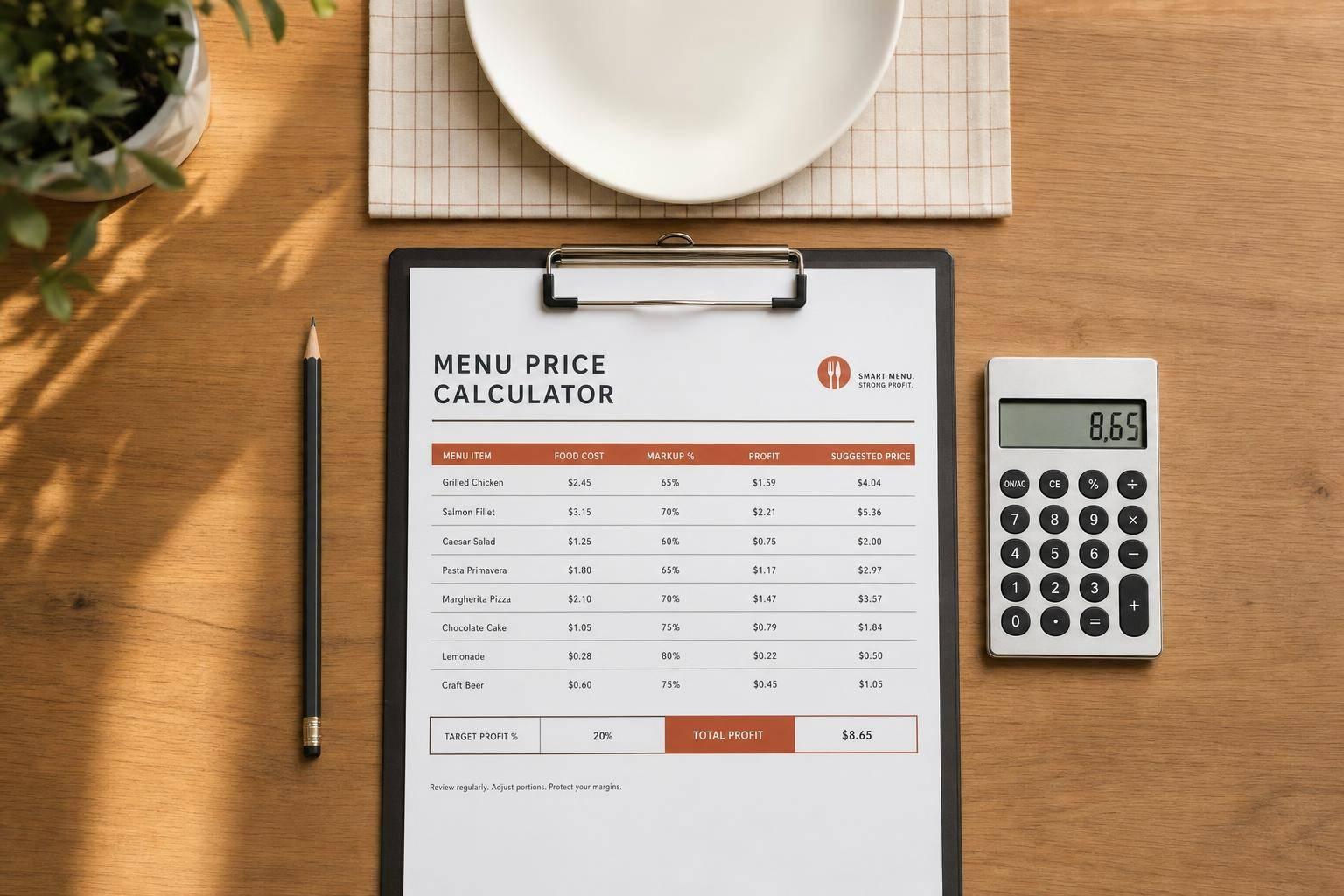
This tool gives you a fast way to calculate a suggested selling price based on your real per-item costs and your pricing goal. You can work from a target food cost percentage, a desired profit margin, or compare both methods side by side. That makes it easier to spot underpriced items, adjust your menu strategically, and protect your margins without overcomplicating the process.
Built for real-world food businesses
A reliable menu pricing tool is especially useful when costs change often or when you’re testing new items. Instead of guessing, you get a clear breakdown of total cost, markup, and estimated profit per sale. If needed, you can also factor in tax and make a final manual adjustment. A practical Menu Price Calculator like this helps you make faster, sharper pricing decisions with less stress and more consistency.
FAQs
What’s the difference between food cost percentage and profit margin?
Food cost percentage looks at how much of the selling price is made up of food-related cost, usually ingredients and sometimes packaging depending on how you run your business. Profit margin looks at what’s left after all included costs are covered. In practice, food cost pricing is common for restaurants because it’s fast and easy to benchmark, while margin-based pricing gives you a fuller picture when labor and overhead matter heavily. If you use both, you can compare the two views and choose a price that fits your market and your goals.
Should I include labor and overhead in every menu item price?
If you want a more realistic selling price, yes. Ingredient cost alone can make an item look profitable when it really isn’t. Labor, packaging, and overhead all affect what you keep from each sale. Some businesses assign these costs loosely across the menu, while others estimate them per item. This calculator works well either way because it helps you see the effect of each cost clearly before you set a final price.
How should I use the manual adjustment feature?
Manual adjustment is useful when the calculated price is technically correct but not ideal for your menu. You might round up to a cleaner number, match local competitor pricing, or stay within a price point customers expect. A small fixed increase or percentage adjustment lets you fine-tune the recommendation without losing sight of your cost structure. It’s best used as the final step after the core pricing math is done.
Commission-free ordering
Run restaurant orders on your own WordPress site
FoodMaster adds delivery, pickup, dine-in, POS, and kitchen tools — with zero per-order fees.