On this page
- Why Local SEO Is the #1 Growth Channel for Restaurant Websites
- Setting Up and Optimizing Your Google Business Profile for Your Restaurant
- Nail Your NAP Consistency
- Complete Every Profile Section
- Track GBP Traffic with UTM Parameters
- Manage and Respond to Reviews
- Implementing Restaurant Schema Markup on Your WordPress Site
- Key Schema Types for Restaurants
- Adding Schema with SEO Plugins
- Custom JSON-LD for Menu Items
- Location-Based Keyword Research and On-Page SEO Strategy
- Finding High-Value Local Keywords
- On-Page Optimization for WooCommerce Menu Pages
- Location Landing Pages for Multi-Location Restaurants
- Building Local Citations, Backlinks, and Managing Online Reviews
- Building Consistent NAP Citations
- Earning Local Backlinks
- Automating Review Requests Post-Order
- Technical Local SEO Checklist for WordPress Restaurant Sites
- Mobile Responsiveness
- Page Speed Optimization
- SSL, Sitemaps, and Google Maps
- Multilingual Menus and Hreflang
- Rank Math Local SEO Module
- Putting It All Together
Why Local SEO Is the #1 Growth Channel for Restaurant Websites
When someone types “Thai food near me” or “best pizza delivery in Brooklyn” into Google, they’re not casually browsing — they’re ready to order. According to Google’s own data, roughly 46% of all searches carry local intent, and “near me” searches related to food and restaurants have surged dramatically over the past several years. For restaurant owners running a WordPress site, this represents an enormous opportunity to capture high-intent traffic without paying commissions to WooCommerce Restaurant Website (Complete Setup Guide)”>third-party delivery platforms.
Think about the math for a moment. Third-party platforms like DoorDash and UberEats typically charge restaurants between 15% and 30% per order. On a $40 order, that’s $6 to $12 going straight to the platform. If you can redirect even a fraction of those orders to your own website — where you keep 100% of the margin — the annual savings add up fast. A restaurant doing 50 orders per day through third-party apps could save $75,000 to $150,000 annually by driving those orders direct.
The bridge between “someone searches for food nearby” and “they order from your website” is local SEO. And if your restaurant runs on WordPress with WooCommerce — especially with a restaurant ordering plugin like FoodMaster handling your menu and orders — you already have the technical foundation to rank. What you need is the right optimization strategy. That’s exactly what this guide covers.
Setting Up and Optimizing Your Google Business Profile for Your Restaurant
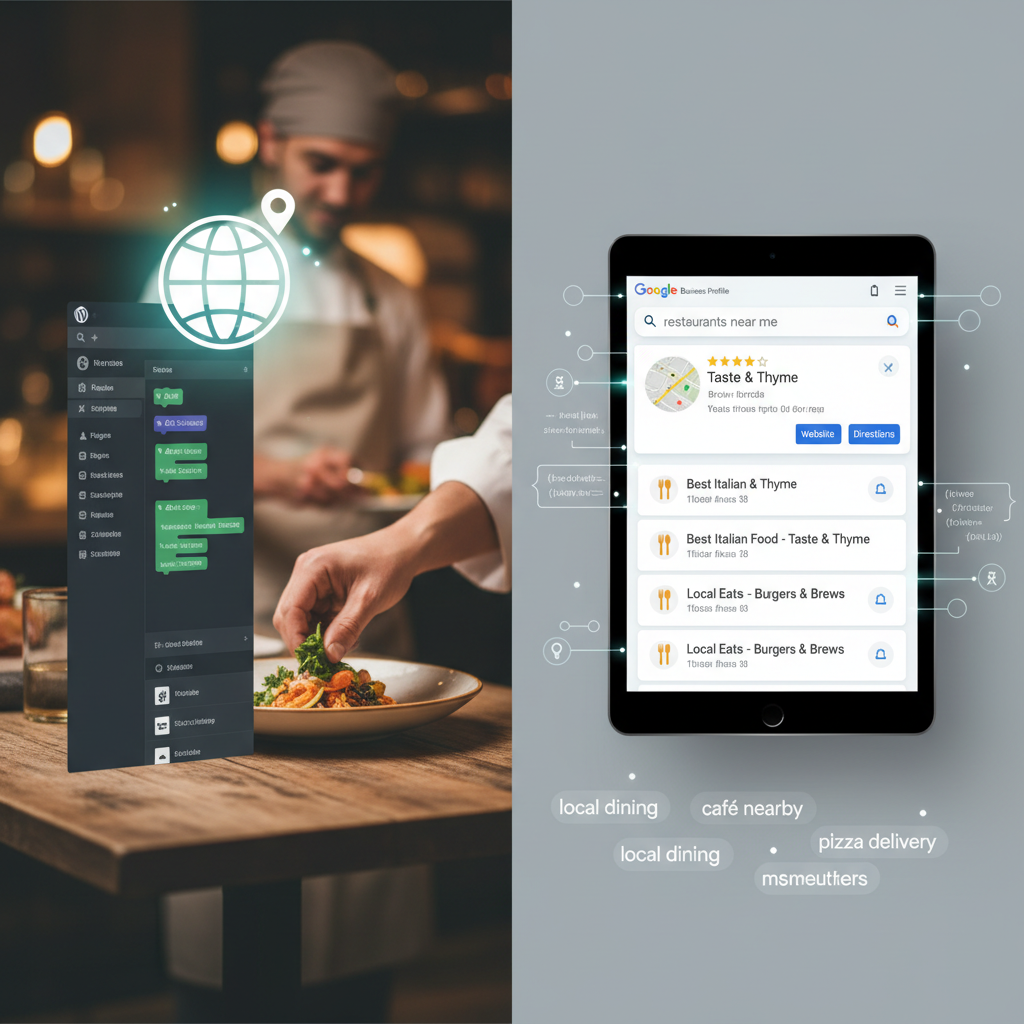
Your Google Business Profile (GBP) is the single most important factor for appearing in the local pack — those three map-based results that show up above organic listings when someone searches for restaurants nearby. If you haven’t claimed yours yet, head to business.google.com and verify your listing immediately.
Nail Your NAP Consistency
NAP stands for Name, Address, and Phone number. This sounds basic, but inconsistencies are one of the most common local SEO mistakes. Your business name, street address, and phone number must be identical everywhere — on your GBP listing, your WordPress site’s footer and contact page, and every directory listing. Even small differences (like “St.” vs “Street” or a missing suite number) can confuse Google’s algorithms and dilute your ranking signals.
Complete Every Profile Section
Google rewards completeness. Fill out every available field:
- Business hours: Include special holiday hours and update them seasonally. Google tracks whether your listed hours match reality through user reports.
- Business categories: Choose your primary category carefully (e.g., “Pizza Restaurant” rather than just “Restaurant”). Add secondary categories for services you offer, like “Delivery Restaurant” or “Takeout Restaurant.”
- Attributes: Mark whether you offer dine-in, takeout, delivery, outdoor seating, wheelchair accessibility, and other relevant attributes.
- Menu link: Point this directly to your WooCommerce-powered menu page — not a PDF, not a third-party menu site. This drives traffic to where customers can actually place orders.
- Order link: Google lets you add a direct ordering URL. Use this to link to your online ordering page.
- Photos: Upload high-quality images of your food, interior, exterior, and staff. Listings with photos receive 42% more requests for directions and 35% more click-throughs to websites, according to Google’s own reporting.
Track GBP Traffic with UTM Parameters
When you add your website URL to your Google Business Profile, append UTM parameters so you can track this traffic in Google Analytics. For example:
https://yourrestaurant.com/order?utm_source=google&utm_medium=organic&utm_campaign=gbp_listing
This lets you see exactly how many visitors — and orders — come from your Google Maps listing versus other channels. If you’re using WooCommerce for ordering, you can tie this data directly to revenue.
[IMAGE: Screenshot of a fully optimized Google Business Profile for a restaurant showing photos, hours, menu link, order button, and review ratings]
Manage and Respond to Reviews
Reviews are a top-three ranking factor for local search. Respond to every review — positive and negative — within 24 hours. For negative reviews, acknowledge the issue, apologize, and offer to make it right offline. For positive reviews, thank the customer and mention something specific. This signals to both Google and potential customers that you’re actively engaged.
Implementing Restaurant Schema Markup on Your WordPress Site
Schema markup is structured data you add to your website’s code that helps Google understand exactly what your business is, what you serve, and how customers can interact with you. When implemented correctly, it can trigger rich results in search — star ratings, price ranges, operating hours, and even menu items displayed directly in the search results page.
Key Schema Types for Restaurants
There are several schema types relevant to restaurant websites:
- Restaurant schema (a subtype of FoodEstablishment): Covers your restaurant’s name, cuisine type, address, hours, price range, and contact info.
- LocalBusiness schema: Provides broader business details that reinforce your local presence.
- Menu schema: Describes your menu sections and individual items, including names, descriptions, and prices.
- AggregateRating schema: Displays your average review rating and total review count in search results.
Adding Schema with SEO Plugins
If you’re using Rank Math SEO, navigate to Rank Math → Titles & Meta → Local SEO and fill in your business details. Rank Math automatically generates LocalBusiness schema based on this information. For the Restaurant-specific schema type, select “Restaurant” as your business type in the dropdown.
Yoast SEO offers similar functionality through its Local SEO add-on (a premium feature). Both plugins handle the basics well, but for menu-level schema — which is where the real competitive advantage lies — you’ll likely need custom JSON-LD.
Custom JSON-LD for Menu Items
If your menu items are WooCommerce products (as they would be with a plugin like FoodMaster), you can add Menu schema that maps directly to your product pages. Here’s an example JSON-LD snippet for a menu section:
{
  "@context": "https://schema.org",
  "@type": "Restaurant",
  "name": "Mario's Pizzeria",
  "servesCuisine": "Italian",
  "address": {
    "@type": "PostalAddress",
    "streetAddress": "123 Main Street",
    "addressLocality": "Austin",
    "addressRegion": "TX",
    "postalCode": "78701"
  },
  "hasMenu": {
    "@type": "Menu",
    "hasMenuSection": {
      "@type": "MenuSection",
      "name": "Pizzas",
      "hasMenuItem": [
        {
          "@type": "MenuItem",
          "name": "Margherita Pizza",
          "description": "Fresh mozzarella, San Marzano tomatoes, basil",
          "offers": {
            "@type": "Offer",
            "price": "14.99",
            "priceCurrency": "USD"
          }
        }
      ]
    }
  }
}
You can add this to your site’s header using a plugin like WPCode (formerly Insert Headers and Footers) or directly in your theme’s header.php. After adding schema, validate it using Google’s Rich Results Test to confirm it’s error-free.
Location-Based Keyword Research and On-Page SEO Strategy
Generic keywords like “pizza delivery” are brutally competitive. Location-based keywords like “pizza delivery in Williamsburg Brooklyn” or “best sushi near downtown Denver” are where independent restaurants can realistically compete and win.
Finding High-Value Local Keywords
Start with these free tools:
- Google Keyword Planner: Enter your cuisine type plus your city or neighborhood. Look for keywords with moderate search volume (100-1,000 monthly searches) and low to medium competition.
- Google Autocomplete: Type “best [cuisine] in [your city]” and note every suggestion Google offers. These are real searches people are making.
- Google Trends: Compare variations of your target keywords to see which phrasing is gaining popularity in your region.
- Ubersuggest: Provides keyword difficulty scores and content ideas around your local food terms.
Build a keyword list that includes variations like: “[cuisine] delivery [city],” “order [food type] online [neighborhood],” “best [dish] near [landmark],” and “[restaurant type] open late [city].”
On-Page Optimization for WooCommerce Menu Pages
Once you have your keywords, weave them into your site naturally:
- Page titles: Your menu page title should include your primary keyword. Example: “Order Authentic Thai Food Delivery in Austin | [Restaurant Name]”
- Meta descriptions: Write compelling descriptions that include your city/neighborhood and a call to action. “Order fresh Thai food for delivery or pickup in downtown Austin. Browse our full menu and order online — no app needed.”
- H1 and H2 headings: Use location-modified headings on your menu category pages. “Our Pizza Menu — Delivery in Park Slope, Brooklyn” is far more valuable for local SEO than just “Our Menu.”
- WooCommerce product descriptions: Each menu item’s product description is an SEO opportunity. Instead of “Pepperoni pizza with mozzarella cheese,” write “Hand-tossed pepperoni pizza made with whole-milk mozzarella — available for delivery across downtown Portland.”
[IMAGE: Side-by-side comparison of a poorly optimized restaurant menu page versus a well-optimized one showing proper title tags, local keywords in headings, and structured product descriptions]
Location Landing Pages for Multi-Location Restaurants
If you operate multiple locations, create a dedicated landing page for each one. Each page should have unique content — not just the same template with a swapped address. Include the specific location’s hours, staff photos, neighborhood references, embedded Google Map, driving directions, and a direct link to order from that location. This is where a WooCommerce-based ordering system shines, since you can configure separate menus or delivery zones per location using plugins like FoodMaster, which supports delivery zone management and location-specific settings.
Building Local Citations, Backlinks, and Managing Online Reviews
Off-page signals — citations, backlinks, and reviews — collectively account for a significant portion of local ranking factors. You can’t just optimize your own site and expect to dominate; you need external validation.
Building Consistent NAP Citations
Submit your restaurant to these directories with exactly matching NAP information:
- Yelp
- TripAdvisor
- Apple Maps (via Apple Business Connect)
- Bing Places
- Facebook Business Page
- Foursquare
- Yellow Pages / YP.com
- Your local Chamber of Commerce directory
- Industry-specific directories like Zomato, OpenTable, or EatStreet
Tools like BrightLocal or Moz Local can audit your existing citations and identify inconsistencies. Fix any mismatched information before building new citations — conflicting data actively hurts your rankings.
Earning Local Backlinks
Backlinks from locally relevant websites carry outsized weight for local SEO. Here are practical ways to earn them:
- Food bloggers: Invite local food bloggers for a complimentary meal in exchange for an honest review with a link back to your site.
- Local news and event sites: Sponsor a community event, charity fundraiser, or local sports team. These organizations typically link to sponsors on their websites.
- Neighborhood associations: Many neighborhood business directories are free to join and provide a valuable .org backlink.
- Supplier partnerships: If you source from local farms or breweries, ask them to feature your restaurant on their “where to find our products” page.
Automating Review Requests Post-Order
WooCommerce allows you to send automated follow-up emails after an order is completed. Configure a post-delivery email (sent 1-2 hours after the order’s estimated delivery time) that thanks the customer and includes a direct link to leave a Google review. Keep the ask simple: “Enjoyed your meal? We’d love a quick Google review — it helps neighbors find us!” Review velocity — how frequently new reviews come in — is a confirmed local ranking signal, so consistency matters more than volume.
Technical Local SEO Checklist for WordPress Restaurant Sites
All the keyword optimization and schema markup in the world won’t help if your site is slow, broken on mobile, or missing technical fundamentals. Here’s your complete checklist.
Mobile Responsiveness
The majority of restaurant-related searches happen on mobile devices — industry data consistently places this figure above 70%. Google uses mobile-first indexing, meaning the mobile version of your site is what gets evaluated for rankings. Test your site with Google PageSpeed Insights and fix any mobile usability issues. Ensure your menu is easy to browse and your ordering flow works flawlessly on small screens. If you’re using a WooCommerce-based ordering plugin, verify that product pages, the cart, and checkout are all fully responsive.
Page Speed Optimization
A slow restaurant website kills conversions. Studies from Google show that 53% of mobile visitors abandon a site that takes longer than three seconds to load. Key optimizations include:
- Compress and lazy-load food images (use WebP format where possible)
- Use a caching plugin like WP Super Cache or LiteSpeed Cache
- Minimize render-blocking CSS and JavaScript
- Choose a quality hosting provider with server locations near your customer base
- Use a CDN for static assets
SSL, Sitemaps, and Google Maps
- SSL certificate: Your site must run on HTTPS. This is a confirmed ranking signal, and browsers flag non-HTTPS sites as “Not Secure” — devastating for a site where customers enter payment information.
- XML sitemap: Submit your sitemap through Google Search Console. Make sure your location pages, menu category pages, and individual menu item pages are all included. Rank Math and Yoast both generate sitemaps automatically.
- Google Maps embed: Add an embedded Google Map to your contact page and each location page. Use the Google Maps Embed API or a plugin like WP Go Maps for more customization. This reinforces your geographic relevance to search engines.
Multilingual Menus and Hreflang
If you serve a multilingual community, consider translating your menu using a plugin like WPML or TranslatePress. Add hreflang tags to tell Google which language version to show different users. This is particularly valuable in cities with large non-English-speaking populations — you’ll capture search traffic that monolingual competitors miss entirely.
Rank Math Local SEO Module
If you’re using Rank Math Pro, activate the Local SEO module under Rank Math → Dashboard → Modules. This module lets you configure multiple business locations, automatically generates LocalBusiness schema for each, adds a KML file to your sitemap for geographic data, and provides shortcodes to display your business info consistently across your site. For multi-location restaurants, this module alone can save hours of manual schema implementation.
Putting It All Together
Local SEO for restaurants isn’t a single task — it’s a system. Your Google Business Profile drives visibility in Maps and the local pack. Schema markup helps Google understand and display your restaurant’s details as rich results. Location-based keywords connect your pages to the exact searches your potential customers are making. Citations and reviews build the authority that pushes you above competitors. And technical fundamentals ensure nothing undermines the work you’ve done.
The restaurants that consistently rank #1 for “near me” searches aren’t necessarily the biggest or the best-known — they’re the ones that treat their website as a serious marketing asset. If you’re running WordPress with WooCommerce and a capable food ordering system, you already have the platform. Now apply this guide section by section, track your rankings monthly, and watch your direct orders grow while your dependency on commission-heavy third-party platforms shrinks.
Commission-free ordering
Run restaurant orders on your own WordPress site
FoodMaster adds delivery, pickup, dine-in, POS, and kitchen tools — with zero per-order fees.