On this page
- Why Local SEO Is the #1 Growth Strategy for Restaurant Websites (And Why Most Owners Ignore It)
- Why Most Restaurant Owners Skip It
- Setting Up Google Business Profile for Your Restaurant and Connecting It to Your WordPress Site
- Optimizing Your Google Business Profile
- Connecting GBP to Your WordPress Site
- On-Page Local SEO Essentials: Schema Markup, NAP Consistency, and Location Pages for Your WooCommerce Restaurant
- NAP Consistency
- Local Schema Markup (Structured Data)
- Location Pages
- Optimizing Your WordPress Restaurant Site for “Near Me” Searches and Google Maps Pack Rankings
- Target Local Keywords Strategically
- Optimize for Mobile
- Create Content That Signals Local Relevance
- Building Local Citations, Managing Online Reviews, and Leveraging Customer Testimonials to Boost Authority
- Local Citations
- Managing Online Reviews
- Leveraging Testimonials on Your Website
- Tracking Your Local SEO Performance: Google Search Console, Analytics, and Key Metrics Every Restaurant Owner Should Monitor
- Google Business Profile Insights
- Google Search Console
- Google Analytics (GA4)
- Key Metrics to Watch Monthly
- Putting It All Together
Here’s a stat that should grab your attention: 46% of all Google searches have local intent, and “restaurants near me” is consistently one of the top local search queries worldwide. Yet most independent restaurant owners spend their marketing budgets on social media ads while completely ignoring the one channel that drives hungry, ready-to-order customers directly to their door — local SEO.
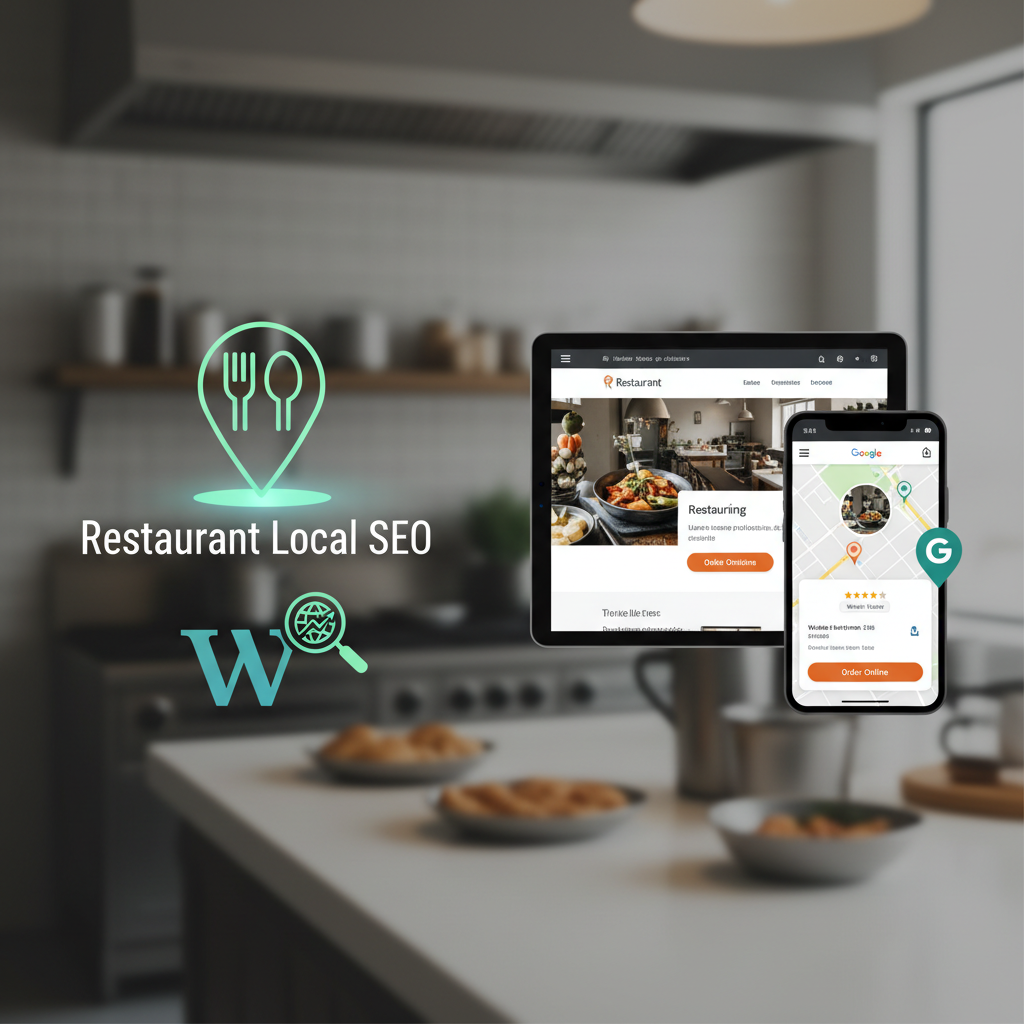
If your restaurant doesn’t show up when someone nearby searches for food, you’re invisible. And invisible restaurants don’t get orders. This guide walks you through everything you need to do — step by step — to get your WordPress restaurant website ranking in Google Maps, local search results, and the coveted “Local Pack” that appears above organic results.
Whether you’re running a single-location pizzeria or a multi-location chain, these strategies work. Let’s get into it.
Why Local SEO Is the #1 Growth Strategy for Restaurant Websites (And Why Most Owners Ignore It)
Think about how you personally find a place to eat. You pull out your phone, type something like “Thai food near me” or “best burger downtown,” and pick from the top results. Your customers do the exact same thing. Google reports that 76% of people who search for something nearby on their phone visit a business within 24 hours, and 28% of those searches result in a purchase.
For restaurants, “purchase” means an order — whether that’s dine-in, pickup, or delivery. Local SEO puts you in front of people at the exact moment they’re deciding where to eat. No other marketing channel offers that level of intent.
Why Most Restaurant Owners Skip It
The honest answer? It feels technical and the results aren’t instant. Posting on Instagram gives you immediate likes and comments — a dopamine hit that feels like progress. Local SEO, on the other hand, is a slow build. But here’s the difference: a strong Instagram post fades in 48 hours. A strong local SEO presence drives customers to your website and ordering system every single day, for months and years, without ongoing ad spend.
The other barrier is that many restaurant websites aren’t set up to convert local search traffic into actual orders. If someone finds you on Google but lands on a static page with a PDF menu and a phone number, you’ve lost them. You need a website that lets people order immediately. That’s where having a proper Restaurant Online Ordering Website: 10 Essential Best Practices for Effortless Success”>Online Ordering System in WordPress (Step-by-Step Guide)”>online ordering system — like FoodMaster built on WooCommerce — makes local SEO not just a visibility play, but a direct revenue driver. When someone finds you and can order in two clicks, the entire funnel works.
Setting Up Google Business Profile for Your Restaurant and Connecting It to Your WordPress Site
Your Google Business Profile (GBP) is the single most important factor in local search rankings. It’s what powers your listing in Google Maps and the Local Pack. If you haven’t claimed yours yet, do it right now at business.google.com.
Optimizing Your Google Business Profile
Claiming your profile is just the start. Here’s how to fully optimize it:
- Business name: Use your exact legal business name. Don’t stuff keywords like “Best Pizza Restaurant Downtown” — Google penalizes this.
- Primary category: Choose the most specific category available (e.g., “Pizza Restaurant” instead of just “Restaurant”).
- Secondary categories: Add all relevant ones — “Delivery Restaurant,” “Takeout Restaurant,” “Italian Restaurant,” etc.
- Address and service area: Enter your exact address. If you deliver, define your delivery radius.
- Phone number: Use a local phone number, not a toll-free one.
- Website URL: Link directly to your WordPress site. If you have a dedicated ordering page, consider linking to that.
- Hours: Keep these accurate, including holiday hours. Inaccurate hours are one of the top reasons customers leave negative reviews.
- Menu: Add your full menu directly in GBP. Yes, it’s tedious. Do it anyway.
- Photos: Upload high-quality images of your food, interior, exterior, and team. Businesses with photos receive 42% more requests for directions and 35% more clicks to their website.
- Business description: Write a natural, keyword-rich description (750 characters max) that mentions your cuisine type, location, and what makes you unique.
Connecting GBP to Your WordPress Site
Make sure the URL in your Google Business Profile points to your WordPress site. Then, on your WordPress site, embed a Google Map showing your location on your contact or location page. Use the Google Maps Embed API or simply paste the iframe code from Google Maps. This creates a clear connection between your GBP listing and your website, which signals relevance to Google.
Also add a link to your Google Business Profile from your website footer. This encourages reviews and reinforces the connection between the two properties.
On-Page Local SEO Essentials: Schema Markup, NAP Consistency, and Location Pages for Your WooCommerce Restaurant
On-page SEO is where your WordPress site itself does the heavy lifting. There are three pillars here that most restaurant sites get wrong.
NAP Consistency
NAP stands for Name, Address, Phone number. Your NAP must be identical everywhere it appears — on your website, Google Business Profile, Yelp, TripAdvisor, social media profiles, and every directory listing. Even small differences matter. “123 Main St” vs. “123 Main Street” vs. “123 Main St.” can confuse Google’s algorithms and dilute your local authority.
Put your full NAP in your WordPress site’s footer so it appears on every page. Use plain HTML text, not an image, so search engines can read it.
Local Schema Markup (Structured Data)
Schema markup is code that tells Google exactly what your business is, where it’s located, and what you offer. For restaurants, you want to implement the Restaurant schema type (a subset of LocalBusiness). Here’s what to include:
- Business name, address, and phone number
- Cuisine type and serves cuisine
- Opening hours specification
- Price range
- Menu URL
- Accepted payment methods
- Aggregate rating (if you have reviews on your site)
- Geo coordinates (latitude and longitude)
WordPress plugins like Rank Math or Yoast SEO make adding local business schema straightforward without touching code. Rank Math’s Local SEO module is particularly good for restaurants — it generates the JSON-LD markup automatically based on the information you provide.
Location Pages
If you have one location, your homepage can serve as your location page. But make sure it includes your full address, an embedded Google Map, your hours, and a clear call-to-action to order online.
For multi-location restaurants, create a dedicated page for each location with a unique URL (e.g., yoursite.com/locations/downtown/ and yoursite.com/locations/westside/). Each page should have unique content — not just the same template with a different address swapped in. Mention nearby landmarks, neighborhoods, and the specific services available at that location. If you’re managing multiple locations through WooCommerce with FoodMaster, each location page can link directly to that location’s ordering menu, creating a seamless experience from search to checkout.
Optimizing Your WordPress Restaurant Site for “Near Me” Searches and Google Maps Pack Rankings
The Google Maps Pack (also called the Local 3-Pack) is the box of three business listings that appears at the top of local search results with a map. Getting into this box is the holy grail of local SEO for restaurants. Here’s how to optimize for it.
Target Local Keywords Strategically
Don’t just optimize for generic terms like “restaurant.” Target specific, intent-rich keywords:
- “[cuisine type] restaurant in [city/neighborhood]” — e.g., “Mexican restaurant in Brooklyn”
- “[food item] delivery [city]” — e.g., “pizza delivery Austin”
- “best [cuisine] near [landmark]” — e.g., “best sushi near Union Square”
- “order food online [city]” — e.g., “order food online Portland”
- “[cuisine] takeout [neighborhood]” — e.g., “Chinese takeout Midtown”
Use these keywords naturally in your page titles, H1 and H2 headings, meta descriptions, image alt text, and body content. Don’t stuff them — write for humans first.
Optimize for Mobile
Over 60% of local searches happen on mobile devices. If your restaurant site isn’t fast and mobile-friendly, you’re losing customers. Here’s a quick checklist:
- Page speed: Aim for under 3 seconds load time. Use a caching plugin (WP Rocket or LiteSpeed Cache), optimize images with ShortPixel or Imagify, and choose quality hosting.
- Responsive design: Your menu, ordering system, and all pages must work perfectly on phones. Test on actual devices, not just Chrome DevTools.
- Tap-friendly buttons: “Order Now” buttons should be large, visible, and easy to tap with a thumb.
- Click-to-call: Make your phone number a clickable link (
tel:link) so mobile users can call with one tap.
Create Content That Signals Local Relevance
Google rewards sites that demonstrate genuine local expertise. Consider adding:
- A blog with posts about local food events, seasonal menu highlights, or community involvement
- Pages about catering for local businesses and events
- Testimonials from local customers that mention your neighborhood or city
- Partnerships with local suppliers mentioned on your About page
This kind of content creates what SEOs call “local topical authority.” It tells Google you’re not just a restaurant that happens to be in a city — you’re a part of that city.
Building Local Citations, Managing Online Reviews, and Leveraging Customer Testimonials to Boost Authority
Off-page signals — especially citations and reviews — carry enormous weight in local search rankings. Let’s break both down.
Local Citations
A citation is any online mention of your restaurant’s NAP. Citations appear on business directories, review sites, social platforms, and data aggregators. The more consistent citations you have on authoritative sites, the more Google trusts your business information.
Start with these essential citation sources for restaurants:
- Google Business Profile (already covered)
- Yelp
- TripAdvisor
- Facebook Business Page
- Apple Maps (via Apple Business Connect)
- Bing Places
- Foursquare
- Your local Chamber of Commerce directory
- City-specific food directories and blogs
- Industry directories like OpenTable, Zomato, or Allmenus
You can use tools like BrightLocal, Moz Local, or Whitespark to audit your existing citations and find new opportunities. The goal is accuracy and consistency across all of them.
Managing Online Reviews
Reviews are the second most important ranking factor for the Local Pack, according to multiple industry studies. Here’s the strategy:
- Ask for reviews systematically. After every online order, send a follow-up email with a direct link to your Google review page. If you’re using WooCommerce for your ordering, this can be automated with email marketing plugins.
- Respond to every review. Thank positive reviewers by name and address specific things they mentioned. For negative reviews, respond professionally, acknowledge the issue, and offer to make it right. Google has confirmed that responding to reviews improves your local ranking.
- Never buy fake reviews. Google’s algorithms are sophisticated and getting better at detecting them. The penalty isn’t worth the risk.
- Diversify review platforms. While Google reviews matter most, having reviews on Yelp, TripAdvisor, and Facebook adds credibility and creates additional citation signals.
Leveraging Testimonials on Your Website
Pull your best reviews and feature them on your WordPress site. Create a dedicated testimonials page or display them on your homepage. Use the Review schema markup so they can appear as rich snippets in search results. Testimonials that mention specific dishes, your delivery speed, or your ordering experience are especially valuable — they naturally include keywords that help your SEO.
If your online ordering is powered by FoodMaster, WooCommerce’s built-in review system captures customer feedback on individual menu items. These product reviews add fresh, user-generated content to your site — something Google loves.
Tracking Your Local SEO Performance: Google Search Console, Analytics, and Key Metrics Every Restaurant Owner Should Monitor
You can’t improve what you don’t measure. Here are the tools and metrics that matter for restaurant local SEO.
Google Business Profile Insights
GBP provides built-in analytics showing:
- How many people found you through direct search (your name) vs. discovery search (category/keyword)
- What search queries triggered your listing
- How many people requested directions, called you, or clicked to your website
- Photo views compared to competitors
Check these monthly. If discovery searches are growing, your local SEO is working. If direction requests and website clicks are increasing, you’re converting visibility into action.
Google Search Console
Search Console shows you exactly which queries your website ranks for and your average position. Filter by queries containing your city name, neighborhood, or “near me” to isolate local performance. Track:
- Impressions: How often your site appears in local search results
- Click-through rate (CTR): The percentage of impressions that result in clicks. If your CTR is low, improve your title tags and meta descriptions.
- Average position: Your ranking for specific local keywords over time
Google Analytics (GA4)
In GA4, pay attention to:
- Traffic by source: How much traffic comes from organic search vs. other channels
- Landing pages: Which pages local searchers land on most often
- Conversions: Set up conversion tracking for online orders. If you’re using WooCommerce, GA4’s e-commerce tracking can show you exactly how much revenue local search traffic generates.
- User location: Confirm that your traffic is coming from your target geographic area
Key Metrics to Watch Monthly
- Local Pack ranking for your top 5-10 target keywords (use a rank tracker like BrightLocal or SE Ranking)
- Total Google Business Profile actions (calls + direction requests + website clicks)
- Number and average rating of new reviews
- Organic traffic from local queries
- Online order conversion rate from organic search visitors
Create a simple spreadsheet and update these numbers on the first of every month. After three months, you’ll start seeing clear trends that tell you what’s working and where to double down.
Putting It All Together
Local SEO isn’t a one-time project — it’s an ongoing practice. But the beauty of it for restaurants is that the fundamentals aren’t complicated. Claim and optimize your Google Business Profile. Make your website fast, mobile-friendly, and structured with proper schema. Keep your NAP consistent everywhere. Earn reviews. Create local content. Track your results.
The restaurants that dominate local search aren’t necessarily the ones with the best food (though that helps). They’re the ones that show up consistently, make it easy to order, and build trust through reviews and a professional online presence. With WordPress, WooCommerce, and a solid ordering plugin like FoodMaster, you have everything you need to build that presence without paying commissions to third-party platforms.
Start with your Google Business Profile today. Audit your NAP consistency this week. Add schema markup this month. In six months, you’ll wonder why you didn’t do this sooner.
Commission-free ordering
Run restaurant orders on your own WordPress site
FoodMaster adds delivery, pickup, dine-in, POS, and kitchen tools — with zero per-order fees.