On this page
- Why Abandoned Carts Are a Huge Problem for Restaurant Websites
- Common Reasons Customers Abandon Their Food Orders (And How to Fix Them)
- Unexpected Delivery Fees
- Forced Account Creation
- Slow or Confusing Checkout Process
- Limited Payment Options
- Confusing Menu Navigation
- Missing Trust Signals
- Best Abandoned Cart Recovery Plugins for WooCommerce Restaurants Compared
- Step-by-Step: Setting Up Automated Cart Recovery Emails That Actually Work
- Installation and Basic Configuration
- Building a 3-Email Recovery Sequence
- Writing Email Copy That Fits Food Ordering
- Setting Up Discount Coupons Strategically
- Advanced Recovery Tactics: SMS, Push Notifications & Exit-Intent Popups
- SMS Recovery Messages
- Browser Push Notifications
- Exit-Intent Popups
- Measuring Results and Optimizing Your Recovery Strategy Over Time
- Key Metrics to Track
- A/B Testing for Continuous Improvement
- Connecting Recovery Data to Google Analytics
- Setting Realistic Expectations
Why Abandoned Carts Are a Huge Problem for Restaurant Websites
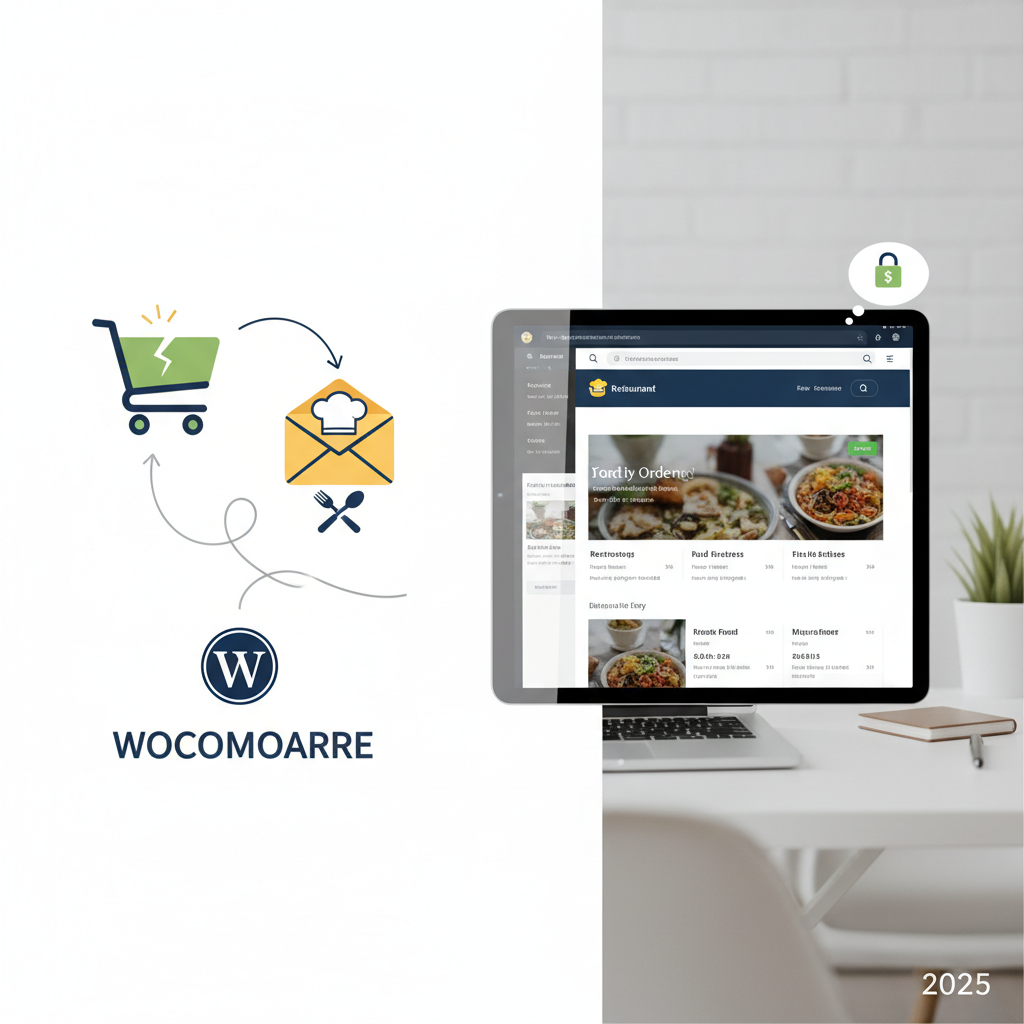
Picture this: a hungry customer browses your online menu, carefully selects a pad thai, adds spring rolls, maybe throws in a Thai iced tea — then vanishes. No order placed, no revenue earned, and you never even knew they were there. This scenario plays out dozens of times daily on most restaurant ordering websites, and the cumulative revenue loss is staggering.
Abandoned carts in food ordering work slightly differently than in traditional ecommerce. When someone abandons a clothing cart, they might return days later. When someone abandons a food order, they’re hungry now — which means they’ve almost certainly ordered from a competitor instead. That sale isn’t coming back on its own.
Industry data from the Baymard Institute consistently shows average cart abandonment rates hovering around 70% across all ecommerce. For food and restaurant ordering specifically, rates tend to cluster between 60-80%, depending on the platform and checkout friction. A restaurant processing 50 online orders per day with a 70% abandonment rate is actually losing roughly 117 potential orders daily. Even if only 10-15% of those could be recovered, that’s 12-17 additional orders every single day.
The math gets compelling fast. At an average order value of $35, recovering just 10% of abandoned carts could mean an extra $400+ per day — over $12,000 monthly in revenue that was already walking through your digital door.
Common Reasons Customers Abandon Their Food Orders (And How to Fix Them)
Before setting up automated recovery systems, it’s worth addressing why customers leave in the first place. Fixing the root causes will always outperform chasing people after they’ve already decided to leave.
Unexpected Delivery Fees
This is the number one cart killer for restaurant sites. A customer builds a $25 order, reaches checkout, and discovers a $6.99 delivery fee they didn’t anticipate. The fix: display delivery fees prominently on your menu page or in the cart widget before checkout. Better yet, offer free delivery above a certain threshold and show progress toward that threshold as items are added.
Forced Account Creation
Nobody wants to create an account when they’re hungry. Enable guest checkout — always. You can still capture their email during the order process for receipts and future marketing. If you’re using a WooCommerce-based ordering system like FoodMaster, guest checkout is straightforward to enable through WooCommerce settings.
Slow or Confusing Checkout Process
Every extra field or page in your checkout process bleeds customers. Aim for a single-page checkout with only essential fields: name, delivery address, phone number, payment. Remove billing address fields if they match delivery. Auto-detect city and state from zip code.
Limited Payment Options
If you only accept credit cards, you’re losing customers who prefer PayPal, Apple Pay, Google Pay, or cash on delivery. Adding digital wallet options can reduce abandonment by 10-20% based on Stripe’s published conversion data.
Confusing Menu Navigation
When customers can’t quickly find what they want, they leave. Clear categories, a search function, and high-quality food photos all reduce friction. A well-structured restaurant ordering plugin handles this with built-in menu organization, category filtering, and mobile-optimized layouts.
Missing Trust Signals
New customers need reassurance. Display your restaurant’s physical address, phone number, reviews, and food safety certifications. An SSL certificate (the padlock icon) is non-negotiable for any site accepting payments.
[IMAGE: infographic showing the top 6 reasons customers abandon food orders with percentage breakdowns and quick-fix solutions for each]
Best Abandoned Cart Recovery Plugins for WooCommerce Restaurants Compared
Once you’ve minimized checkout friction, automated recovery tools capture the revenue you’d otherwise lose. Here’s how the leading WooCommerce options stack up for restaurant use cases:
| Plugin | Price | Key Features | Best For |
|---|---|---|---|
| CartFlows Cart Abandonment Recovery | Free (Pro from $79/yr) | Email sequences, unique coupon codes, detailed reports | Budget-conscious restaurants wanting solid free features |
| Retainful | Free tier; from $19/mo | Drag-and-drop email builder, exit-intent popups, next-order coupons | Restaurants wanting visual email design without coding |
| AutomateWoo | $9.92/mo (billed annually) | Advanced workflows, SMS integration, personalized coupons, follow-ups | Multi-location restaurants needing complex automation |
| Mailchimp for WooCommerce | Free (Mailchimp plan required) | Abandoned cart emails, audience segmentation, landing pages | Restaurants already using Mailchimp for newsletters |
| WooCommerce Recover Abandoned Cart (SUSPENDED) | Free; Pro from $119/yr | Email + SMS, cart capture for guests, merge tags | Restaurants wanting combined email and SMS in one plugin |
For most WooCommerce restaurant sites, CartFlows Cart Abandonment Recovery offers the best starting point. It’s free, lightweight, and handles the core functionality — capturing abandoned carts and sending timed email sequences — without bloating your site. Restaurant ordering sites already run multiple plugins (ordering system, payment gateways, delivery management), so keeping your recovery tool lean matters for page speed.
If you’re running your ordering system through FoodMaster’s WooCommerce-based food ordering plugin, all of these cart recovery plugins integrate seamlessly since they hook into WooCommerce’s native cart and checkout functions.
Step-by-Step: Setting Up Automated Cart Recovery Emails That Actually Work
Let’s walk through a complete setup using the free CartFlows Cart Abandonment Recovery plugin, which works reliably with WooCommerce Restaurant Website (2025)”>WooCommerce restaurant configurations.
Installation and Basic Configuration
- Navigate to Plugins → Add New in your WordPress dashboard
- Search for “WooCommerce Cart Abandonment Recovery” by CartFlows
- Install and activate the plugin
- Go to WooCommerce → Cart Abandonment to access settings
- Set the “Cart Abandoned” cutoff time to 15 minutes (shorter than the default 30 minutes, since food orders are time-sensitive)
- Enable “Delete Recovered Orders After” and set to 30 days to keep your database clean
- Under “Webhook” settings, configure your notification preferences
Building a 3-Email Recovery Sequence
The timing and messaging for restaurant cart recovery differs significantly from standard ecommerce. Here’s the sequence that works:
Email 1 — Sent 30 minutes after abandonment: This is your “Did something go wrong?” email. Keep it short and helpful. Subject line example: “Your [Restaurant Name] order is waiting 🍜” — Remind them what they had in their cart (the plugin auto-inserts cart contents), ask if they encountered any issues, and include a direct link back to their saved cart. No discount yet.
Email 2 — Sent 6 hours after abandonment: The gentle nudge with social proof. Subject line example: “Still craving that Pad Thai?” — Reference their specific items, mention your restaurant’s rating or a short customer quote, and introduce a small incentive: free delivery or 10% off. For food orders, free delivery often converts better than percentage discounts because it removes the exact friction that likely caused the abandonment.
Email 3 — Sent 24 hours after abandonment: The final attempt with urgency. Subject line example: “Last chance: your 15% off expires tonight” — Offer a slightly larger discount with a clear expiration time. Mention that menu items have limited daily availability (if true). This email typically recovers customers who were price-sensitive or got distracted.
Writing Email Copy That Fits Food Ordering
Generic “You left something behind!” copy doesn’t resonate for food orders. Lean into sensory language and immediacy:
- Reference specific dish names from their cart — “Your Margherita pizza and garlic knots” feels personal
- Use urgency that makes sense for food — “Our kitchen is ready when you are” rather than artificial countdown timers
- Keep emails short — under 150 words. Hungry people don’t read essays
- Make the CTA button large and obvious — “Complete My Order” in a contrasting color
- Include your restaurant’s phone number for customers who’d rather call it in
Setting Up Discount Coupons Strategically
In the plugin’s email template editor, use the {coupon} merge tag to auto-generate unique single-use coupons. Set the coupon to expire within 24-48 hours of generation. Start with free delivery on Email 2 and escalate to 10-15% off on Email 3. Never lead with your biggest discount — you’ll train customers to abandon carts deliberately.
[IMAGE: screenshot of an abandoned cart recovery email template configured for a restaurant, showing food item images, a personalized greeting, and a prominent “Complete My Order” button]
Advanced Recovery Tactics: SMS, Push Notifications & Exit-Intent Popups
Email recovery rates for food ordering sites typically hover around 5-12%. To push that higher, layer in additional channels.
SMS Recovery Messages
SMS open rates exceed 95%, making text messages incredibly effective for time-sensitive food orders. AutomateWoo includes built-in SMS functionality through Twilio integration. Alternatively, plugins like Joy SMS Notifications for WooCommerce can trigger texts on cart abandonment events.
Keep SMS recovery messages ultra-brief: “Hey [Name]! Your order from [Restaurant] is still saved. Complete it here: [link]. Reply STOP to opt out.” Send one SMS only, timed at 1 hour post-abandonment. More than one feels invasive.
Important: SMS requires explicit opt-in consent. Add a checkbox during checkout (not pre-checked) that says “Send me order updates via text.” This gives you permission to text about their specific cart while staying compliant with TCPA regulations.
Browser Push Notifications
Push notifications through services like PushEngage or OneSignal work even after customers close your website. When a subscriber abandons their cart, you can trigger a browser notification that appears on their device — no email address required.
For restaurant sites, push notifications work best as a first touchpoint (sent 15-20 minutes after abandonment) since they’re immediate and hard to miss. The message should be simple: “Your food order is getting cold! 🔥 Tap to complete your order.” PushEngage offers a WooCommerce integration that automatically detects cart abandonment and triggers notifications based on your rules.
Exit-Intent Popups
Exit-intent technology detects when a user’s mouse moves toward the browser’s close button or back arrow. For restaurant checkout pages specifically, triggering a popup at this moment can recover 3-5% of abandoning visitors on the spot — before they ever leave.
Effective exit-intent messages for food ordering sites include:
- “Wait! Get free delivery on your order” — with a one-click apply button
- “Having trouble? Chat with us or call [phone number]” — addresses technical issues
- “Your items are reserved for 15 minutes” — creates gentle urgency without being pushy
Plugins like OptinMonster or Convert Pro offer WooCommerce-specific exit-intent triggers that only fire on checkout pages, avoiding annoying customers who are simply browsing your menu.
Measuring Results and Optimizing Your Recovery Strategy Over Time
Setting up recovery flows is only half the work. Ongoing measurement and optimization is where the real revenue gains compound.
Key Metrics to Track
- Recovery Rate: Percentage of abandoned carts that convert after receiving recovery messages. Aim for 5-15% initially; top-performing restaurant sites reach 20%+
- Email Open Rate: Target 40%+ for the first email (food-related subjects tend to perform well). Below 30% means your subject lines need work
- Click-Through Rate: The percentage who click your “Complete Order” link. Below 10% suggests your email content or CTA isn’t compelling enough
- Revenue Recovered: Total dollar value of orders completed through recovery links. Most plugins display this on their dashboard
- Time-to-Recovery: How long after abandonment customers convert. This tells you which email in your sequence is doing the heavy lifting
- Unsubscribe Rate: Keep this below 1% per campaign. Higher rates mean you’re too aggressive with frequency or discounting
A/B Testing for Continuous Improvement
Run these tests one at a time, giving each at least 2-3 weeks of data before drawing conclusions:
- Subject lines: Test emoji vs. no emoji, question vs. statement, dish name included vs. generic
- Timing: Try 15 minutes vs. 30 minutes for Email 1. For restaurants, shorter delays often win because the hunger impulse fades quickly
- Discount type: Free delivery vs. percentage off vs. flat dollar amount. Track not just recovery rate but average order value — a 15% discount might recover more carts but at lower margins
- Sender name: Test your restaurant name vs. a person’s name (e.g., “Chef Marco at [Restaurant]”)
Connecting Recovery Data to Google Analytics
For a complete picture of your customer journey, connect your recovery campaigns to GA4. Most cart recovery plugins append UTM parameters to their recovery links automatically. Configure these as:
- utm_source: cart_recovery
- utm_medium: email (or sms, or push)
- utm_campaign: abandoned_cart_email1 (or email2, email3)
This lets you see recovered revenue alongside your other traffic sources in GA4’s acquisition reports and attribute revenue accurately across channels. You’ll also spot patterns — like whether SMS-recovered customers have higher average order values than email-recovered ones.
Setting Realistic Expectations
Month one will show the biggest gains as you capture low-hanging fruit. Expect recovery rates to stabilize after 60-90 days as your regular customers learn your patterns. When rates plateau, that’s your signal to test new approaches: different channels, refreshed email creative, or adjusted incentive structures.
Restaurants using WooCommerce-based ordering systems have a structural advantage here. Because everything runs through WooCommerce’s order management, your recovery data integrates cleanly with your sales reports, customer profiles, and marketing tools. A purpose-built solution like FoodMaster keeps your ordering workflow tight while giving cart recovery plugins the WooCommerce hooks they need to function properly.
Your action plan: Start with the free CartFlows plugin and a 3-email sequence today. Track results for two weeks. Then layer in one additional channel (SMS or push notifications) and measure the incremental lift. Within 30 days, you’ll have a clear picture of how much revenue you’ve been leaving on the table — and a system that captures it automatically, every single day your restaurant is open for orders.
Commission-free ordering
Run restaurant orders on your own WordPress site
FoodMaster adds delivery, pickup, dine-in, POS, and kitchen tools — with zero per-order fees.