On this page
- Why Your Payment Gateway Choice Makes or Break Restaurant Margins
- Stripe for WooCommerce Restaurants: Strengths, Weaknesses & Real Fees
- What Stripe does well for restaurants
- Where Stripe falls short
- Square for WooCommerce Restaurants: POS Sync, Hardware & Hidden Costs
- What makes Square compelling for hybrid restaurants
- The catches nobody mentions upfront
- PayPal (and Braintree) for WooCommerce Restaurants: Trust, Checkout Speed & Buyer Protection
- The PayPal product lineup, decoded
- Where PayPal shines
- Where PayPal hurts
- Side-by-Side Comparison: Fees, Payouts, Refunds, Tipping & Restaurant-Specific Features
- How to Choose (and Combine) the Right Gateway for Your Restaurant Type
- Delivery-first pizzeria or burger joint
- Dine-in restaurant adding online ordering
Payment processing fees look tiny on paper — 2.9% here, 30 cents there — until you run the math on a Friday night with 180 orders averaging $32 each. Suddenly that “small” percentage is eating $170 in a single shift, or roughly $60,000 a year from a modest single-location restaurant. For a business where net margins often hover between 3% and 9%, your payment gateway isn’t a checkout detail. It’s a P&L line item.
If you’re running (or building) a WooCommerce restaurant, the three names you’ll keep bumping into are Stripe, Square, and PayPal. They all “work,” but they behave very differently once you factor in payout speed, chargebacks, tipping, POS syncing, and dine-in hardware. Here’s how to actually compare them — with the details that matter for food businesses, not generic ecommerce.
Why Your Payment Gateway Choice Makes or Break Restaurant Margins
Restaurants are unusually sensitive to payment processing decisions for four reasons most tutorials skip:
- Thin margins amplify fees. A 0.3% difference in effective rate on $500,000 in annual online sales is $1,500 — often the cost of an extra part-time shift per month.
- Cash flow is daily. Restaurants pay suppliers, staff, and utilities on tight cycles. A 2-day payout delay versus same-day deposits can force you into short-term credit.
- Chargebacks are common. “Food never arrived,” “wrong order,” “didn’t recognize the charge” — food businesses see higher dispute rates than most retail categories, and each chargeback typically costs $15–$25 on top of the refunded amount.
- Peak-hour volume spikes matter. Your gateway needs to handle 40 simultaneous checkouts on a Saturday night without timing out or triggering fraud filters that block legit customers.
So when you evaluate Stripe, Square, and PayPal, use this five-point framework: effective fees (not just the headline rate), payout speed, WooCommerce integration quality, hardware & POS options, and dispute/chargeback handling. Everything else is secondary.
Stripe for WooCommerce Restaurants: Strengths, Weaknesses & Real Fees
Stripe is the developer-favorite gateway that quietly powers a huge share of modern online ordering. In the US, standard pricing is 2.9% + $0.30 per successful card transaction, with a 1% surcharge for international cards and 1% for currency conversion. UK pricing sits around 1.5% + 20p for domestic cards, and rates vary by country.
What Stripe does well for restaurants
- Apple Pay and Google Pay out of the box. Enabling wallet payments on mobile checkout is a one-toggle affair, and it noticeably reduces checkout abandonment on phones — where the majority of food orders now happen.
- Fast payouts. Standard rolling payouts are 2 business days in the US after the initial 7–10 day hold for new accounts. Instant Payouts are available for a 1% fee if you need same-day cash.
- Excellent WooCommerce integration. Both the official Stripe plugin and WooPayments (which runs on Stripe under the hood) are well-maintained. Both support Strong Customer Authentication (3D Secure 2), which is mandatory in the EU/UK.
- Subscriptions and saved cards. If you’re running meal plans, weekly family boxes, or a loyalty membership, Stripe’s Billing engine is arguably the best in the business.
- Tipping-friendly. Stripe supports variable authorization amounts and multi-party payments (Stripe Connect), which matters if you’re splitting tips or running a multi-vendor food hall setup.
Where Stripe falls short
Stripe has no native POS hardware ecosystem the way Square does. Stripe Terminal exists, but it’s more of a developer toolkit than a plug-and-play cash register — you’ll typically pair it with a third-party POS. Stripe also has a reputation for occasionally freezing accounts in high-risk categories without much warning, though restaurants are usually considered low-risk.
Best fit: delivery-first restaurants, ghost kitchens, subscription meal services, and any operation where online ordering is the primary channel and you don’t need a physical card reader tied to the same system.
Square for WooCommerce Restaurants: POS Sync, Hardware & Hidden Costs
Square is the opposite philosophy: it started as an in-person card reader and grew into online payments. That heritage shows. Online transactions through the Square for WooCommerce plugin run at 2.9% + $0.30 in the US, matching Stripe. In-person tap/dip/swipe with a Square reader is 2.6% + $0.10 — meaningfully cheaper than card-not-present, which is why dine-in restaurants gravitate here.
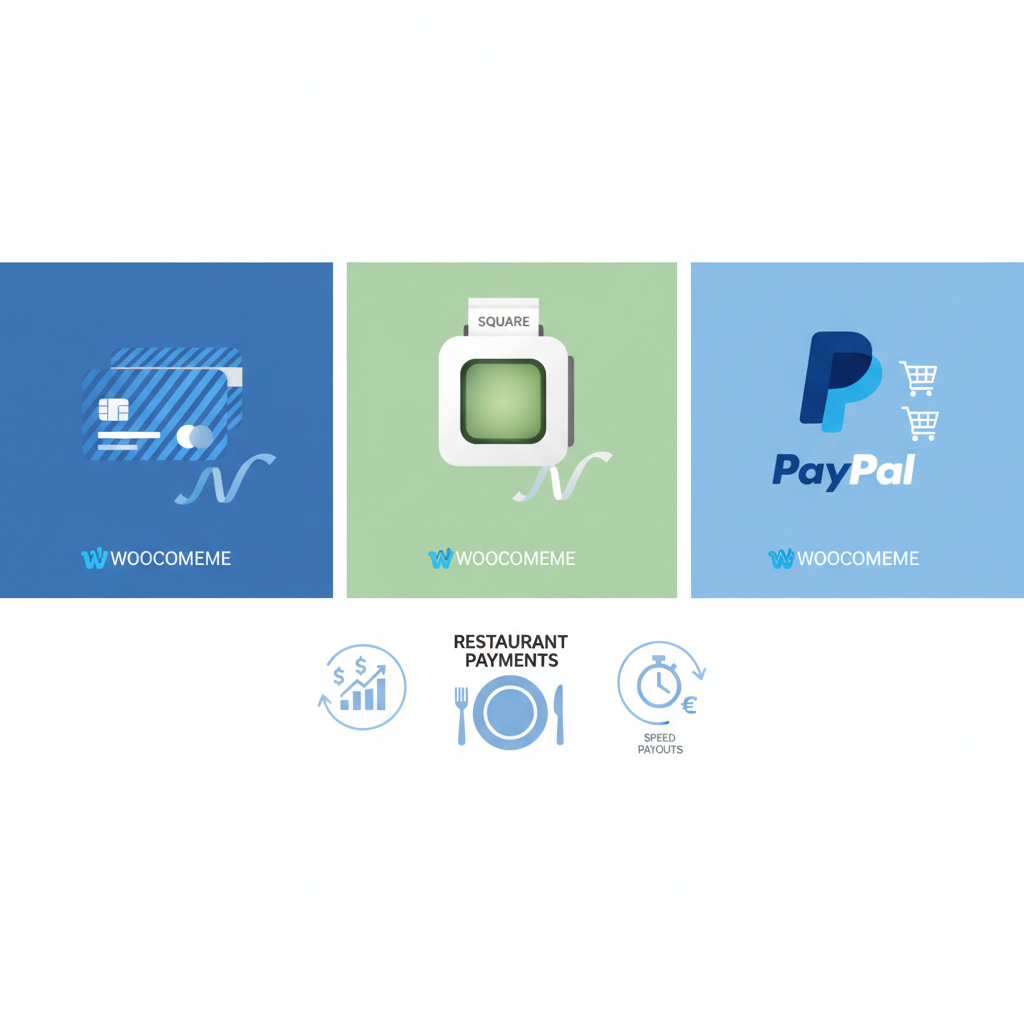
[IMAGE: side-by-side comparison of Stripe, Square, and PayPal dashboards showing transaction fees and payout timelines for a sample restaurant]
What makes Square compelling for hybrid restaurants
- Inventory sync between online and in-store. If a customer orders the last margherita pizza in person, the WooCommerce catalog can update automatically. This is genuinely useful for restaurants selling packaged goods, merchandise, or limited-run specials.
- Free basic POS software. Square’s iPad app doesn’t cost anything monthly, unlike Toast or Clover subscriptions.
- Instant Deposits for a 1.75% fee, or free next-business-day payouts. Some sellers qualify for automatic same-day deposits.
- Reasonable hardware pricing. The basic magstripe reader is free; the contactless + chip reader runs around $59; a full Square Register is roughly $799.
The catches nobody mentions upfront
Square is notorious for account holds and reserves, especially for newer merchants with sudden volume spikes — exactly what happens when a restaurant goes viral on TikTok. Payouts can be frozen for 30–90 days pending review. Build a relationship with a Square account manager early if you’re processing over $10K/month.
The WooCommerce integration is also slightly less flexible than Stripe’s when it comes to advanced flows like partial refunds on split payments or complex tipping structures. It works, but you’ll hit edge cases faster.
Best fit: restaurants running both a physical location and online ordering, especially those that want one dashboard for sales reporting. Pair it with a proper WooCommerce ordering plugin like FoodMaster’s restaurant ordering system to get delivery zones, table QR ordering, and kitchen printing on top of Square’s payment rails.
PayPal (and Braintree) for WooCommerce Restaurants: Trust, Checkout Speed & Buyer Protection
PayPal is the gateway customers trust even when they’ve never heard of your restaurant. That trust translates into measurable conversion lift, particularly for first-time customers ordering from a brand they haven’t tried before. PayPal’s own studies (and independent A/B tests from Baymard Institute) consistently show express checkout options reducing cart abandonment.
The PayPal product lineup, decoded
- PayPal Standard / Checkout: the classic redirect flow. Fees are 3.49% + $0.49 for standard PayPal transactions in the US as of the most recent published rates — noticeably higher than Stripe or Square.
- PayPal Advanced Checkout (card processing): lets customers pay by card without leaving your site. Fees are 2.99% + $0.49 for card transactions.
- Venmo: included in PayPal Checkout for US merchants — huge for younger customers and casual food purchases.
- Braintree: PayPal’s developer-focused gateway (similar to Stripe in feel). Rates are typically 2.59% + $0.49 for cards, with better support for custom flows.
Where PayPal shines
Guest checkout via PayPal is genuinely fast — customers can order lunch in under 20 seconds on mobile without typing a card number. For pickup and delivery orders where speed of decision matters, that friction reduction is worth the higher per-transaction fee.
Where PayPal hurts
- Higher effective fees once you factor in the $0.49 fixed component — brutal on small orders. A $12 burger order pays roughly 7.6% effective rate on PayPal Standard versus 5.4% on Stripe.
- Dispute resolution favors buyers heavily. Food disputes (“cold,” “missing item”) often resolve in the customer’s favor even with delivery proof.
- Reserve holds can trigger on high-growth accounts, similar to Square.
Best fit: as a secondary gateway alongside Stripe or Square, offered at checkout to capture customers who prefer PayPal/Venmo. Rarely the right choice as your only processor.
Side-by-Side Comparison: Fees, Payouts, Refunds, Tipping & Restaurant-Specific Features
Here’s the practical breakdown, current as of the latest published rates from each provider. Always verify on the processor’s own pricing page before signing up, as rates change by country and merchant category.
| Feature | Stripe | Square | PayPal |
|---|---|---|---|
| Online card rate (US) | 2.9% + $0.30 | 2.9% + $0.30 | 2.99% + $0.49 (Advanced) |
| In-person card rate | 2.7% + $0.05 (Terminal) | 2.6% + $0.10 | 2.29% + $0.09 (Zettle) |
| Monthly fee | $0 | $0 (basic) | $0 |
| Chargeback fee | $15 (refunded if you win) | $0 | $20 |
| Standard payout | 2 business days | Next business day | 1–3 business days |
| Instant payout | 1% fee | 1.75% fee | 1.75% fee (max $25) |
| Apple Pay / Google Pay | Yes, native | Yes | Yes (via Advanced Checkout) |
| Venmo | No | No | Yes |
| Tipping support in WC | Excellent | Good | Limited |
| Recurring / subscriptions | Best in class | Yes | Yes |
| Countries supported | 46+ | 7 (US, CA, UK, AU, IE, FR, ES, JP) | 200+ |
Two numbers to internalize: the fixed per-transaction fee matters way more than the percentage for restaurants because average order values are relatively low. On a $15 order, PayPal’s $0.49 fixed fee alone is 3.3% before the percentage kicks in. That’s why smart operators route small orders through Stripe/Square and let PayPal capture the customers who specifically ask for it.
How to Choose (and Combine) the Right Gateway for Your Restaurant Type
There’s no universal answer, but there is a right answer for each restaurant type:
Delivery-first pizzeria or burger joint
Go with Stripe as primary and PayPal Advanced as secondary. You’ll capture mobile wallet users, keep effective fees low on your typical $20–$40 tickets, and give PayPal-loyal customers an option. If you want a full ordering experience layered on top — delivery zones, minimum order thresholds, tipping, kitchen printing — pair it with a purpose-built WooCommerce food ordering plugin rather than trying to stitch generic checkout addons together.
Dine-in restaurant adding online ordering
Square makes obvious sense so your in-person and online sales roll up in one dashboard. Add Stripe or PayPal
Commission-free ordering
Run restaurant orders on your own WordPress site
FoodMaster adds delivery, pickup, dine-in, POS, and kitchen tools — with zero per-order fees.