On this page
- Why Restaurant Loyalty Programs Are a Game-Changer
- Choosing the Right Loyalty Model for Your Restaurant
- 1. Points-Based Programs
- 2. Tier / VIP Programs
- 3. Cashback / Store Credit
- 4. Referral Rewards
- Best WooCommerce Loyalty Plugins Compared
- WPLoyalty
- YITH Points and Rewards
- WooRewards
- Advanced Coupons Loyalty Program
- myCred
- Step-by-Step Setup: Installing and Configuring Your Loyalty Plugin
- Step 1: Install and Activate
- Step 2: Configure Basic Points Settings
- Step 3: Set Up Earning Rules
- Step 4: Configure Redemption
- Step 5: Connect to Your Menu and Checkout
- Adding Referral Rewards and VIP Tiers
- Setting Up Referrals
- Building VIP Tiers
- Promoting Your Program and Measuring Success
- Launch Campaign Checklist
Ask any restaurant owner what keeps the lights on, and they’ll tell you the same thing: regulars. The couple that orders pizza every Friday, the office manager who runs the Monday lunch order for twelve people, the family that celebrates every birthday at your place. These customers don’t just spend more — they cost less to serve because you’re not paying to acquire them over and over again.
The problem? Most independent restaurants running on WooCommerce leave this money on the table. They pour budget into ads chasing new orders while their best customers get nothing more than a generic “thanks for your order” email. Meanwhile, chains use sophisticated loyalty apps that turn one-time buyers into weekly regulars. The good news is you can build the same kind of system on WordPress — often for a fraction of what platforms like Toast Loyalty or Square Loyalty charge — and this guide walks you through exactly how to do it.
Why Restaurant Loyalty Programs Are a Game-Changer
Loyalty economics have always favored restaurants. Food is a repeat purchase category by nature — people eat several times a day, every day, forever. A well-designed WordPress Restaurant Website Into a Mobile App With PWA (2026)”>Restaurant Website (2026)”>WooCommerce Restaurant (Points, Perks & Retention)”>rewards program simply nudges more of that repeat behavior toward your kitchen instead of the pizzeria down the street.
Industry research from firms like Bond Brand Loyalty and PYMNTS consistently shows that loyalty program members visit restaurants more frequently and spend more per visit than non-members. The National Restaurant Association has reported that a majority of consumers say a loyalty program influences where they choose to eat. Even a modest lift in repeat visit frequency compounds fast: if a customer who used to order twice a month starts ordering three times, that’s a 50% revenue increase from a single guest — without spending a cent on ads.
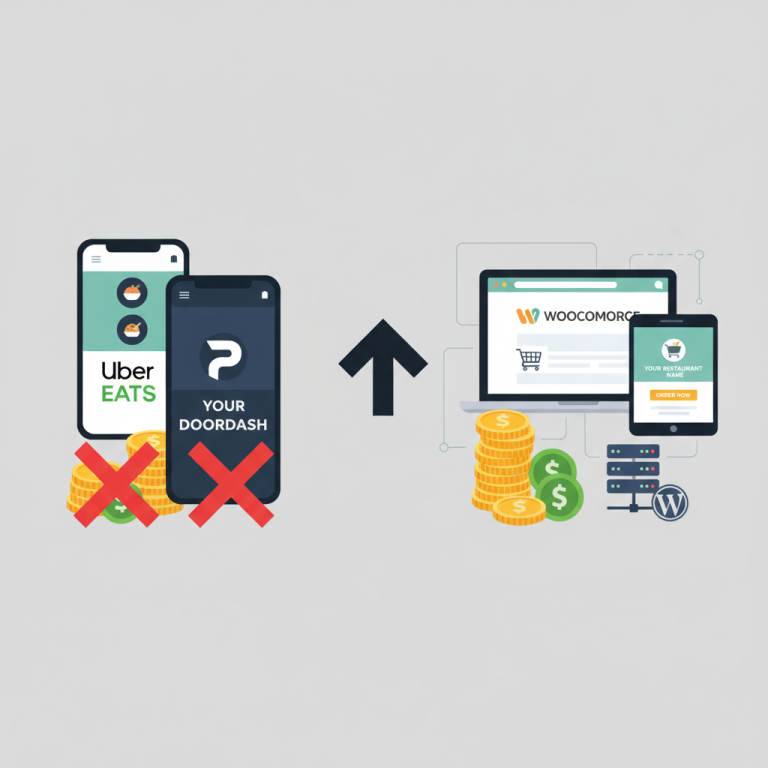
Here’s where WooCommerce shines. SaaS loyalty platforms bundled with POS systems often charge $25–$75 per location per month, sometimes with transaction fees on top. On WordPress, a one-time plugin license (or a modest annual fee) handles the same job with no per-order cut. Combined with a purpose-built ordering system like FoodMaster’s WooCommerce restaurant plugin, you own your customer data, your rules, and your margins.
Choosing the Right Loyalty Model for Your Restaurant
Before you install anything, decide what kind of program actually fits your menu, your ticket size, and your customer habits. There’s no universally “best” model — a $9 taco truck and a $60-average steakhouse should not run the same program.
1. Points-Based Programs
The classic: customers earn X points per dollar and redeem points for discounts or free items. It’s flexible, easy to understand, and works for almost any concept. A pizzeria might offer 1 point per $1 spent, with 100 points unlocking a free medium pizza. Points-based systems shine when your average order value varies (a $15 lunch vs. a $45 family dinner) because rewards scale naturally with spend.
2. Tier / VIP Programs
Customers move up levels — Bronze, Silver, Gold — based on lifetime spend or order count, unlocking better perks at each stage. Tiers work brilliantly for restaurants with a strong regular base: cafes, sushi spots, gastropubs. The psychology matters here. Once someone is 80% of the way to “Gold,” they’ll actively pick you over a competitor to close the gap.
3. Cashback / Store Credit
Instead of points, customers earn credit (say, 5% back on every order) that automatically applies to future orders. This is dead simple to explain and feels tangible — “you have $6.40 in credit” reads better than “you have 640 points.” Great for higher-ticket concepts like fine dining or catering.
4. Referral Rewards
Existing customers get a credit or free item when a friend places their first order. Referrals are the highest-ROI channel a restaurant has because acquisition cost is essentially zero, and referred customers tend to have higher retention rates. A burger joint running “$5 for you, $5 for a friend” can see referrals drive 10–20% of new customer volume once it’s promoted properly.
Most successful restaurant programs blend two models — usually points + referrals, or tiers + referrals. Don’t overengineer it. If your staff can’t explain the program in ten seconds, customers won’t understand it either.
Best WooCommerce Loyalty Plugins Compared
The WordPress ecosystem has half a dozen mature loyalty plugins. Here’s an honest breakdown of the leading options and how they play with a food-ordering setup.
[IMAGE: side-by-side comparison table of WooCommerce loyalty plugins showing pricing, features and restaurant compatibility]
WPLoyalty
Purpose-built for WooCommerce, with clean UI and strong out-of-the-box support for points, referrals, and tiers. Pricing typically starts around $99/year for a single site. It supports earning rules by product, category, or user role — useful if you want to award bonus points on high-margin items like desserts or drinks. Integrates cleanly with FoodMaster because both operate on standard WooCommerce hooks.
YITH Points and Rewards
Part of the well-known YITH plugin family. Solid points engine, straightforward setup, and reliable code quality. The free version is limited; the premium (around $89/year) unlocks the features you’ll actually need. Referrals require an add-on. Best if you’re already invested in the YITH ecosystem.
WooRewards
Feature-rich with a generous free tier. Handles points, levels, badges, and social sharing rewards. The interface can feel dense for first-timers, but if you want granular control over dozens of earning triggers, it delivers. Pro version around $79.
Advanced Coupons Loyalty Program
Built as an extension of Advanced Coupons, it’s an excellent choice if you’re already using their coupon toolkit for BOGO deals or scheduled promotions. Points convert directly into coupons, which is nice for tracking redemptions. Pricing is bundled with their larger suite.
myCred
The most flexible — and the most complex. myCred is really a points framework, not a plug-and-play loyalty plugin. If you want to build something custom (gamified rewards, multiple point types, integrations with membership plugins), it’s incredibly powerful. If you just want customers to earn 1 point per dollar, it’s overkill.
For most restaurants running WooCommerce with FoodMaster, WPLoyalty hits the best balance of features, price, and simplicity. That’s what we’ll use for the walkthrough below, though the concepts translate to any of the plugins above.
Step-by-Step Setup: Installing and Configuring Your Loyalty Plugin
Before touching plugin settings, make sure your ordering system is solid. If you haven’t yet, review our guide on setting up a WooCommerce restaurant ordering system so that products, categories, and checkout are already dialed in. Loyalty layers on top — it doesn’t replace a broken foundation.
Step 1: Install and Activate
From your WordPress dashboard, go to Plugins → Add New, upload the WPLoyalty zip file, activate it, and enter your license key under the plugin’s settings tab. You’ll see a new “Loyalty” menu item appear in your admin sidebar.
Step 2: Configure Basic Points Settings
Head to Loyalty → Settings. Set your program name (e.g., “Pepe’s Rewards”), your points label (Points, Slices, Stars — pick something on-brand), and the base earning rule. A common starting point for restaurants:
- Earn rate: 1 point per $1 spent (post-tax, pre-tip)
- Redemption rate: 100 points = $5 off
- Minimum redemption: $10 order (prevents abuse on tiny orders)
- Points expiration: 12 months of inactivity
That effectively gives customers a 5% loyalty return, which is competitive without eroding margin. If your food cost is 30%, you have plenty of room.
Step 3: Set Up Earning Rules
Under Loyalty → Earn Points, create rules for how customers accumulate points. Beyond the base “per dollar” rule, add:
- Sign-up bonus: 50 points for creating an account (removes friction at first checkout)
- Birthday bonus: 100 points on their birthday month
- Review bonus: 25 points for leaving a product review
- Category bonus: Double points on desserts or drinks (whatever has the fattest margin)
Step 4: Configure Redemption
Under Loyalty → Redeem, create redemption tiers. Rather than a single “$5 off” option, offer a ladder:
- 100 points → $5 off
- 200 points → $12 off (slight bonus encourages saving)
- 400 points → Free appetizer (fixed reward, feels more special than a discount)
- 800 points → Free entrée up to $18
Mixing dollar discounts with fixed free items is a proven technique. Free items feel more emotionally rewarding than percentage discounts, and they also let you feature high-margin dishes.
Step 5: Connect to Your Menu and Checkout
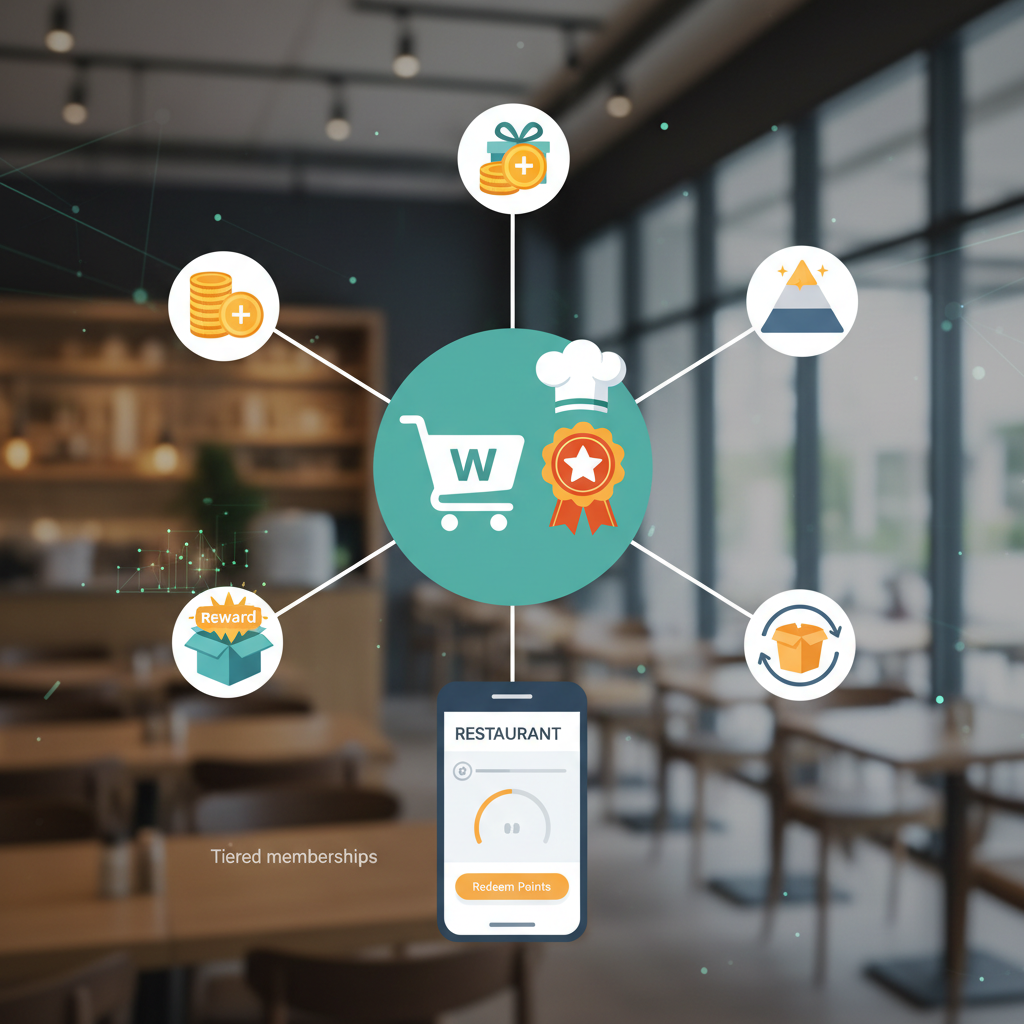
WPLoyalty automatically hooks into WooCommerce checkout. Verify by placing a test order — you should see a “Redeem Points” widget on the cart page and a points earned notification on the thank-you page. If you’re running FoodMaster, points will accrue on delivery, pickup, and dine-in orders alike because they all flow through WooCommerce order objects.
One tweak worth making: enable the “points earned preview” on product and cart pages. Seeing “You’ll earn 34 points with this order” while browsing the menu is a subtle but powerful upsell trigger.
Adding Referral Rewards and VIP Tiers
Once the base points program is running, layer on referrals and tiers. These are where loyalty programs go from “nice to have” to genuine growth engines.
Setting Up Referrals
Navigate to Loyalty → Referrals. Configure a two-sided reward — this matters because one-sided referrals (“give $5 to a friend”) convert far worse than mutual rewards (“$5 for you, $5 for them”).
Recommended structure:
- Referred friend: $8 off their first order (minimum $20)
- Referring customer: 150 points once the friend’s first order is completed and non-refunded
- Cap: Maximum 10 successful referrals per customer per year (prevents gaming)
Enable the sharing widgets so customers can send their referral link via email, SMS, WhatsApp, or Messenger. In most markets, WhatsApp and SMS massively outperform email for food referrals — friends recommending dinner tonight don’t wait for inbox scrolling.
Building VIP Tiers
Under Loyalty → Tiers, create three or four levels based on annual spend. A workable structure for a mid-range restaurant:
- Bronze (default): 1x points, standard rewards
- Silver ($200 spent in 12 months): 1.25x points, free delivery on orders over $30, birthday dessert
- Gold ($500 spent): 1.5x points, always-free delivery, priority order queue, quarterly comp appetizer
- Platinum ($1,200 spent): 2x points, access to secret menu items, invitation to chef events
The “priority order queue” perk is a genuine differentiator worth mentioning. If you’re using FoodMaster’s kitchen display or POS features, you can flag Gold+ orders visually so the kitchen prioritizes them during rushes — a small operational tweak that VIPs notice immediately.
One warning: tier demotion is a psychological minefield. If Sarah spent $500 last year but only $180 this year, dropping her from Gold to Bronze will feel like a punishment. Consider a soft downgrade — she keeps Silver for a “grace year” — or make tier status permanent once earned but with annual bonus perks tied to current spend.
[IMAGE: mockup of a restaurant website showing a VIP tier progress bar and points balance widget on the menu page]
Promoting Your Program and Measuring Success
A loyalty program buried in your account page will get 5% enrollment. A promoted one gets 40%+. The difference is entirely in how you launch and market it.
Launch Campaign Checklist
- Email blast to existing customers with a “founding member” bonus — 200 free points for anyone who signs up in the first 14 days.
- SMS follow-up three days later to non-openers (SMS open rates hover around 95%).
- Homepage banner and menu page widget showing points earned per item.
- Receipt QR codes — every printed and digital receipt gets a QR that scans to
Commission-free ordering
Run restaurant orders on your own WordPress site
FoodMaster adds delivery, pickup, dine-in, POS, and kitchen tools — with zero per-order fees.