
The WordPress restaurant plugin for online ordering
Add online ordering to your restaurant’s WordPress site. FoodMaster takes delivery, pickup and table orders on your own domain, sends them to the kitchen and charges no commission.
4.9/5 from 92+ reviews, used by 10,000+ restaurants Read the reviews
Try a live demo first. 30-day money-back guarantee, support within a day.
- Installs like any WordPress plugin, no coding
- Online menu, checkout and payments on your own site
- No commission on any order, unlimited orders
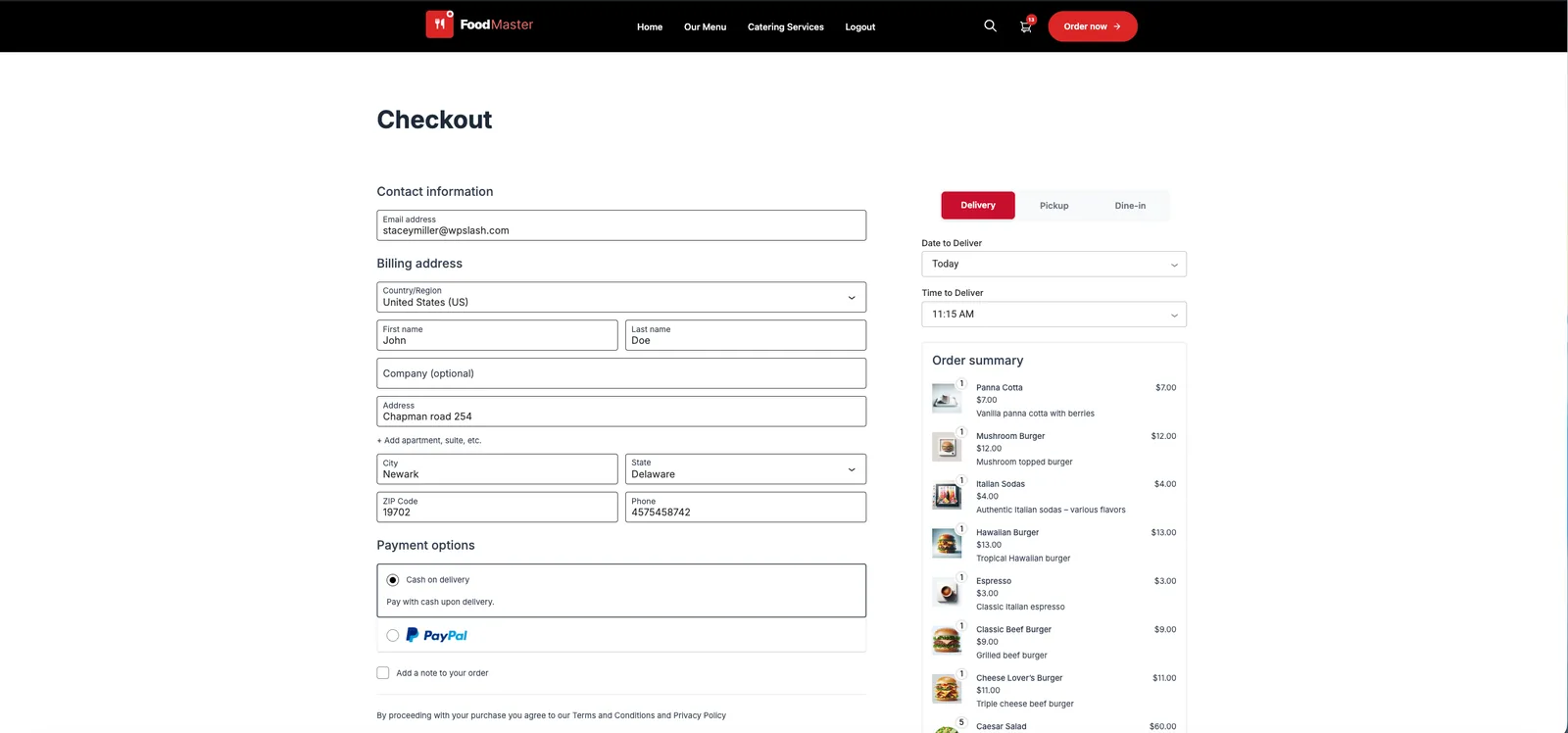
What a WordPress restaurant plugin does for you
Your WordPress site already tells people where you are and what you cook. A restaurant plugin lets them order from it, and gets each order to your kitchen.
For your guests
- An online menu they can order from
Categories, photos and prices, with sizes, sauces and sides as single, multi or limited choices.
- Delivery, pickup or dine-in
ASAP or scheduled for later, with time slots you control. Dine-in guests order by scanning a table QR code.
- Pay the way they like
Card, PayPal, cash on delivery or local banks, through the WooCommerce checkout the plugin uses.
For your team
- Orders print themselves
The Windows and macOS app prints each new order to your thermal printers, split by category.
- A kitchen display
Every order on a screen, moved from new to preparing to ready.
- A POS for phone and walk-in orders
Staff take counter and phone orders with the same menu and prices as the website.
For you
- Delivery zones and fees
Deliver by distance, postal code or a zone drawn on a map, with a fee per zone.
- More than one location
Each branch gets its own menu, hours and delivery area on the same WordPress site.
- Your own reports
Revenue, orders, average order value and order types, in your WordPress admin.
Your WordPress site instead of a delivery marketplace
Marketplaces charge up to 30% of every order and keep the customer relationship. With a WordPress restaurant plugin the orders, the customers and the margin stay with you.
Delivery marketplaces
- Commission on every order, often 15–30%
- Your menu next to your competitors
- Customer details stay with the app
- Fees grow with every order you take
FoodMaster on your WordPress site
- No commission: you keep 100% of each order
- Your domain, your design, your brand
- Every customer and order saved in your WordPress
- One yearly fee, unlimited orders
| Online sales a month | Marketplace at 25% | FoodMaster |
|---|---|---|
| $4,000 | $12,000 | $499 |
| $8,000 | $24,000 | $499 |
| $20,000 | $60,000 | $499 |
Yearly cost. 25% is the middle of the usual marketplace range; FoodMaster costs the same at any volume.
See it on a real WordPress restaurant site
Each demo is a WordPress site running FoodMaster. Pick a cuisine, add a few dishes to the cart and check out like a guest would.
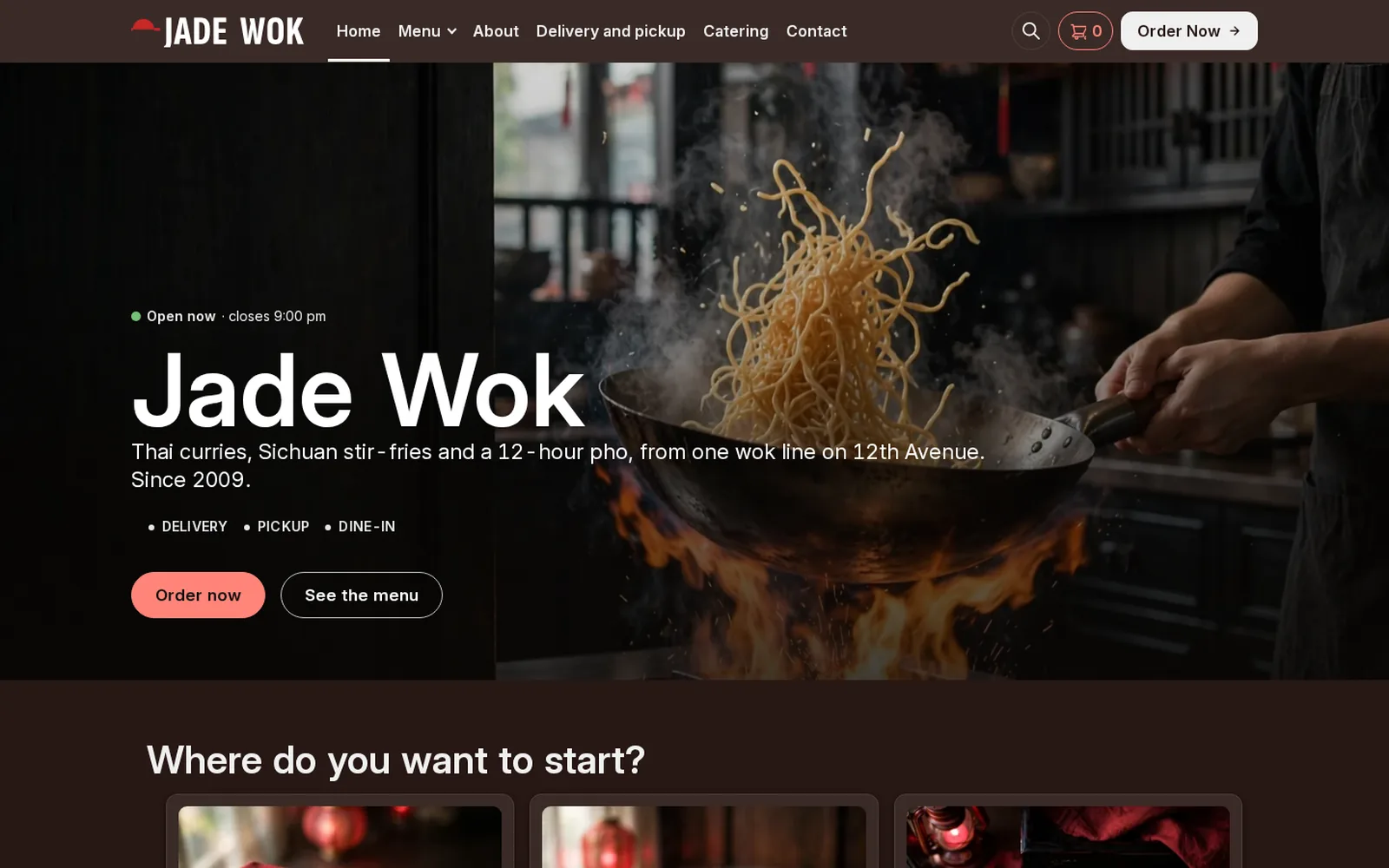
Restaurant demo
Asian
An Asian kitchen running FoodMaster: browse the menu, add to cart and go through checkout.
Open the demo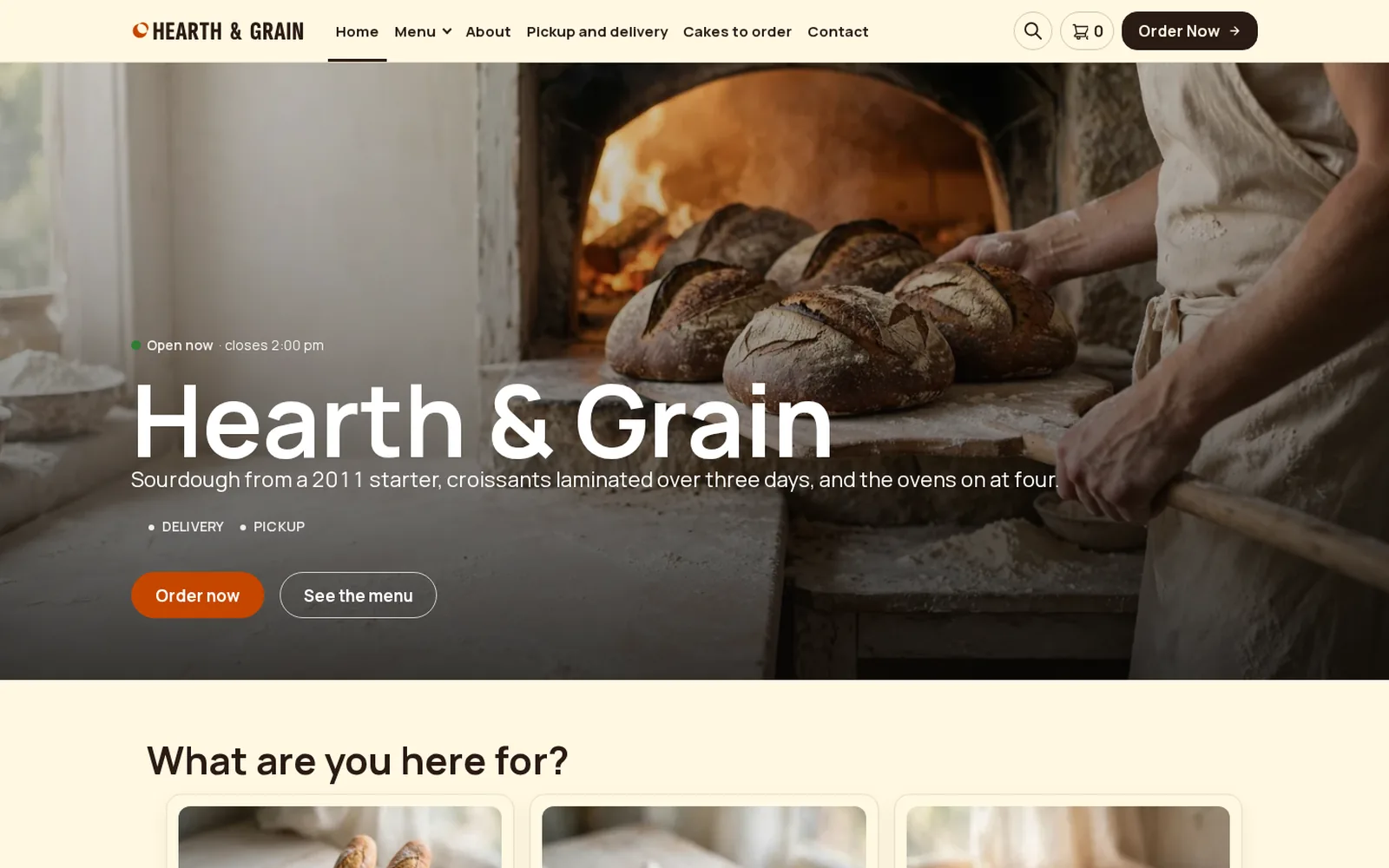
Restaurant demo
Bakery
A bakery running FoodMaster: browse the menu, add to cart and go through checkout.
Open the demo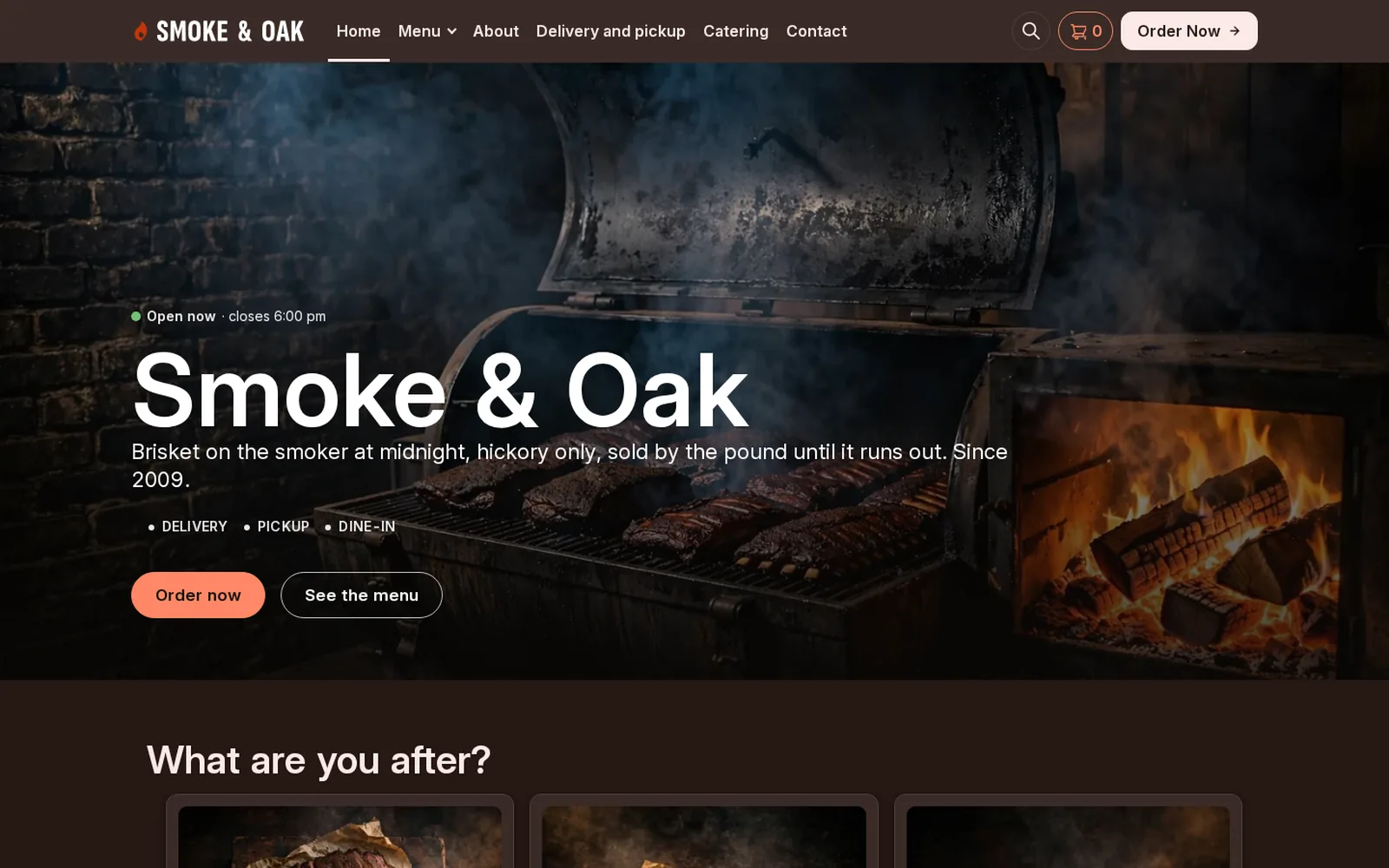
Restaurant demo
BBQ
A barbecue restaurant running FoodMaster: browse the menu, add to cart and go through checkout.
Open the demo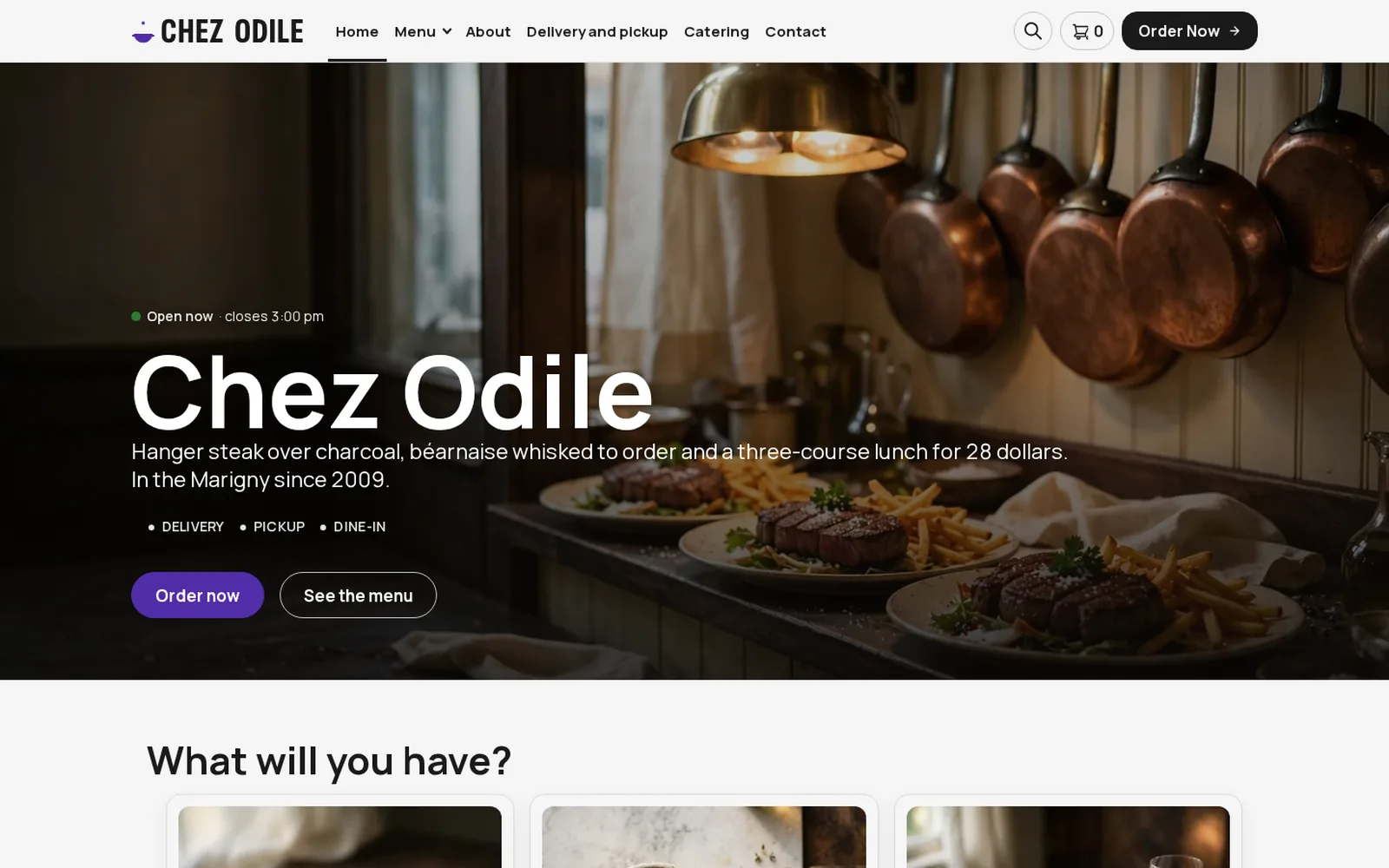
Restaurant demo
Bistro
A bistro running FoodMaster: browse the menu, add to cart and go through checkout.
Open the demo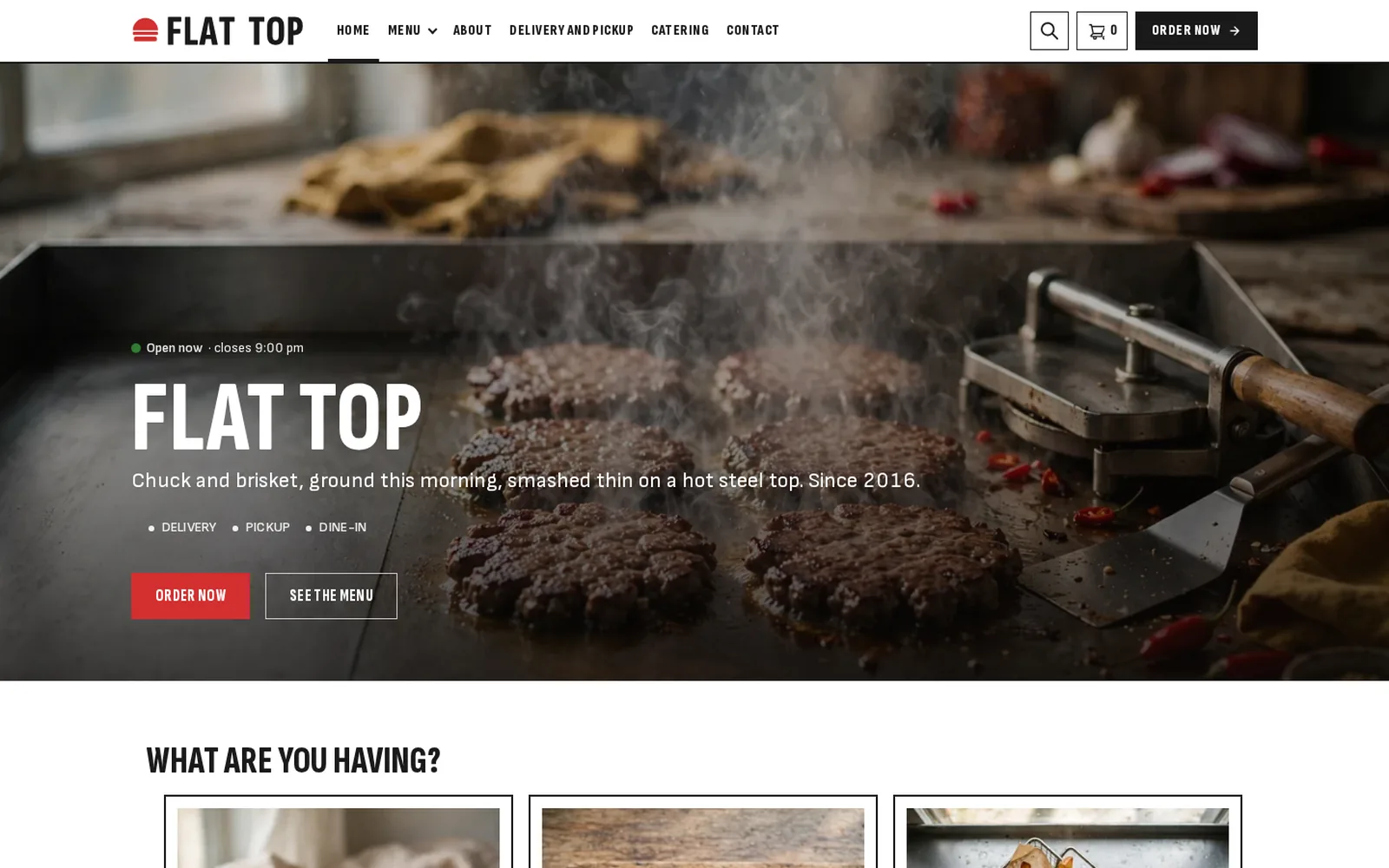
Restaurant demo
Burger
A burger restaurant running FoodMaster: browse the menu, add to cart and go through checkout.
Open the demo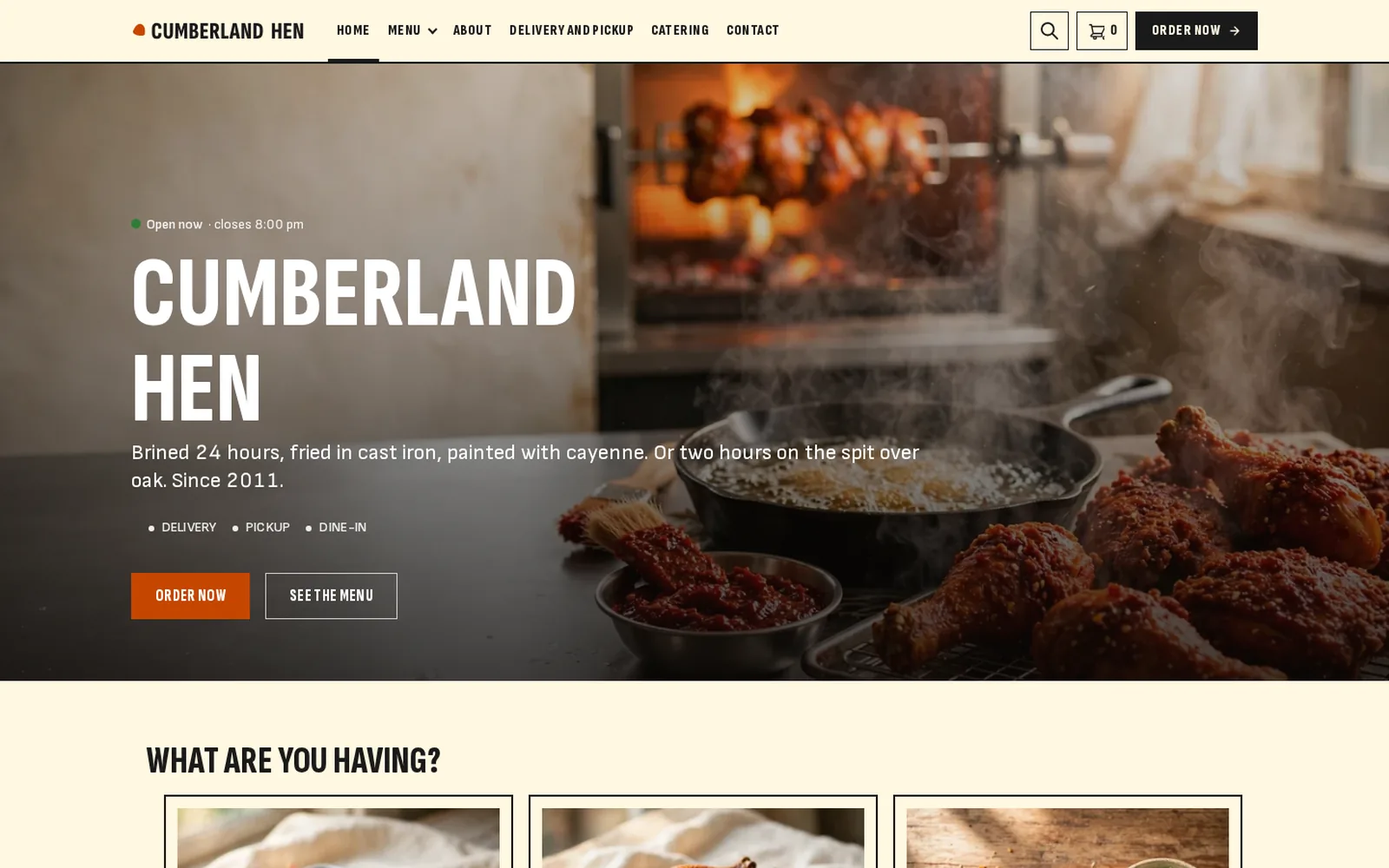
Restaurant demo
Chicken
A chicken shop running FoodMaster: browse the menu, add to cart and go through checkout.
Open the demo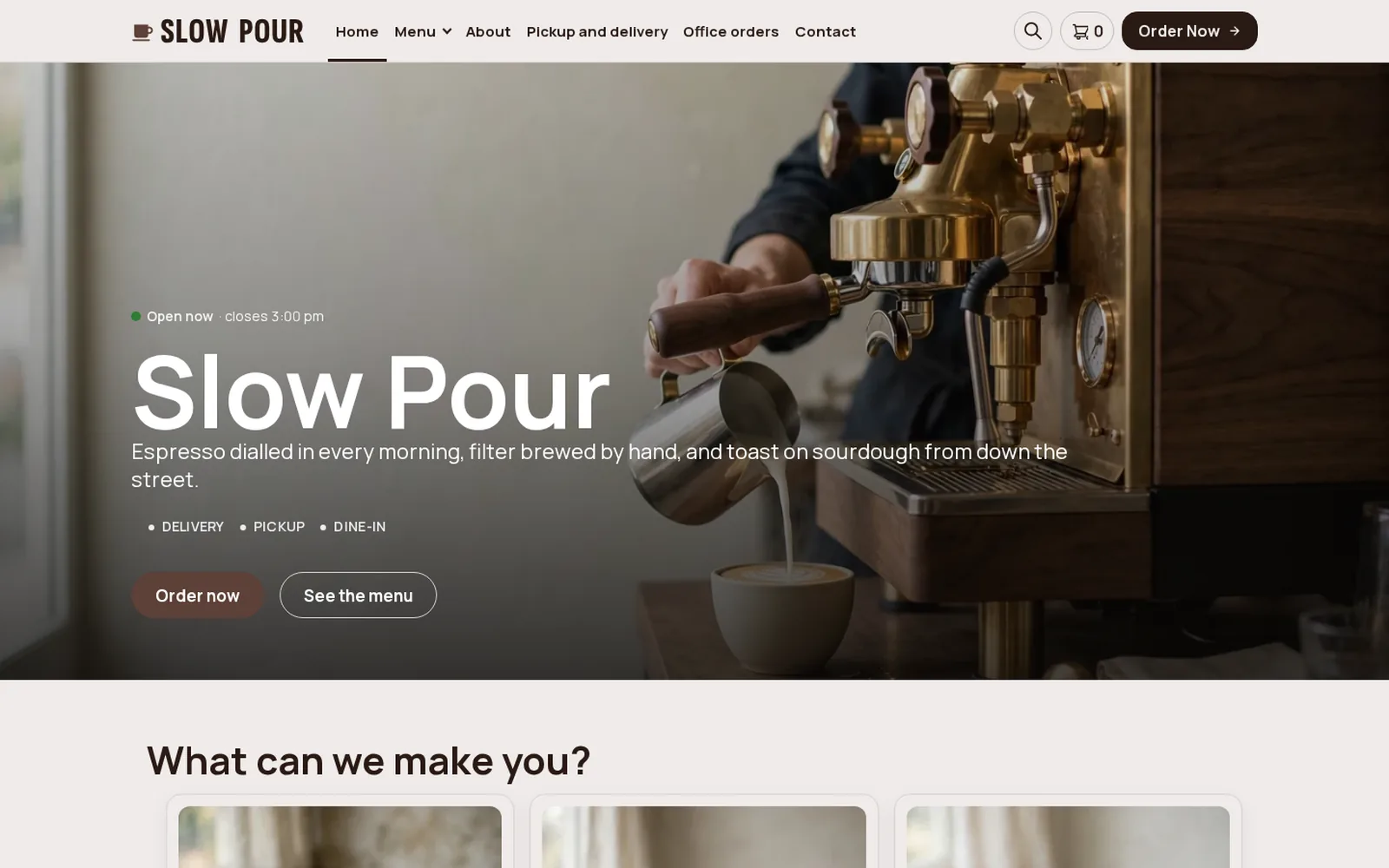
Restaurant demo
Coffee shop
A coffee shop running FoodMaster: browse the menu, add to cart and go through checkout.
Open the demo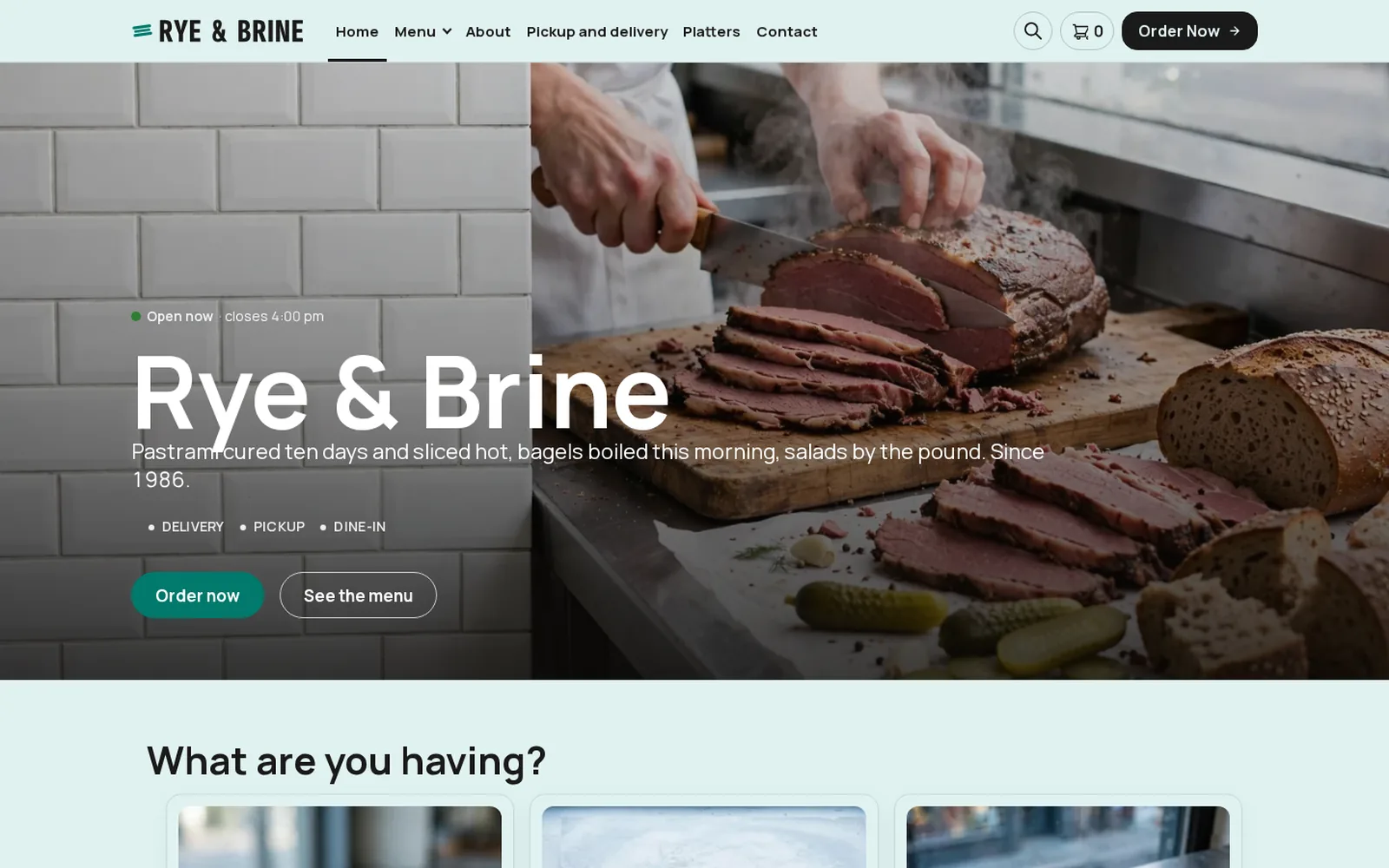
Restaurant demo
Deli
A deli running FoodMaster: browse the menu, add to cart and go through checkout.
Open the demo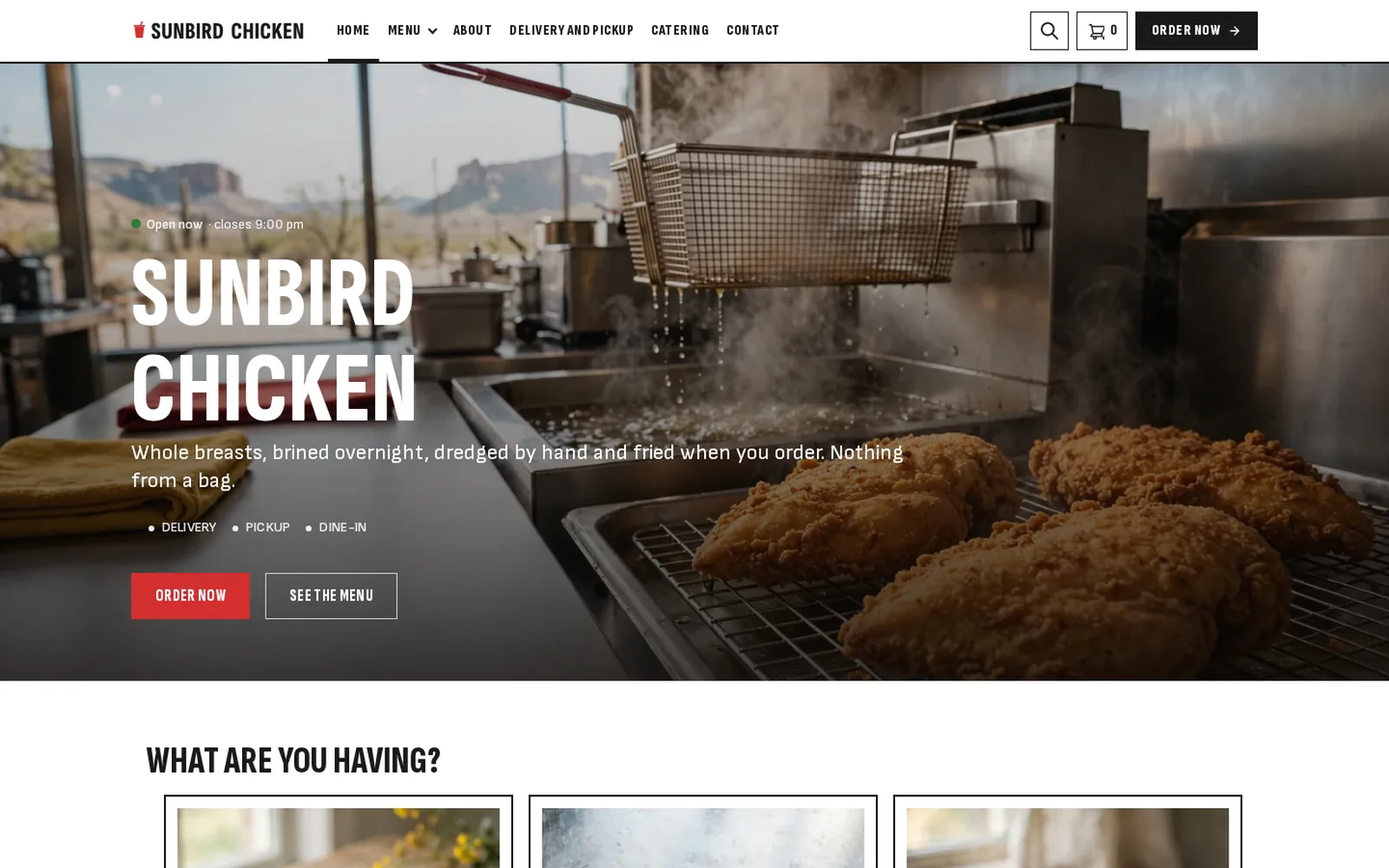
Restaurant demo
Fast food
A fast food restaurant running FoodMaster: browse the menu, add to cart and go through checkout.
Open the demo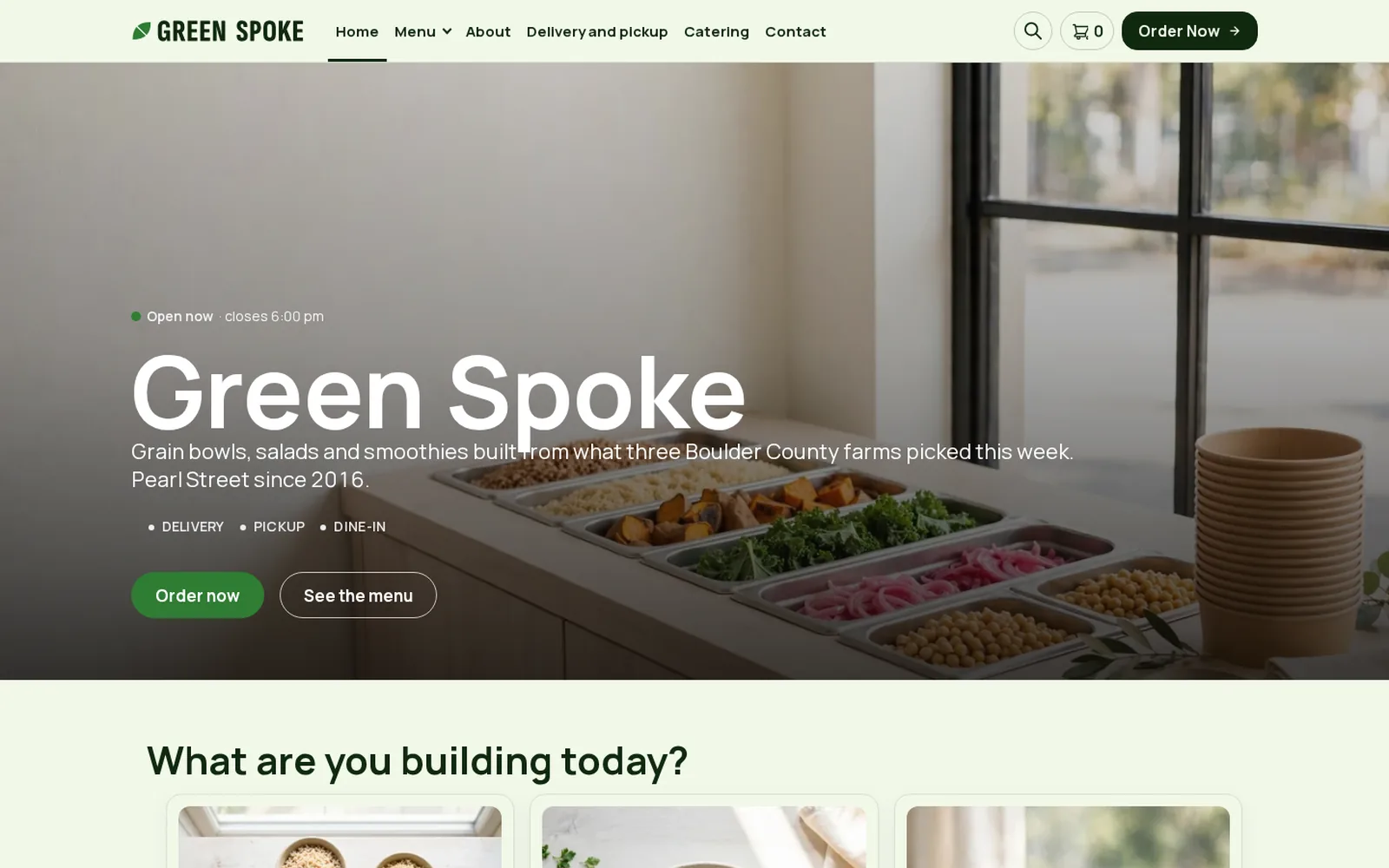
Restaurant demo
Healthy
A healthy food kitchen running FoodMaster: browse the menu, add to cart and go through checkout.
Open the demo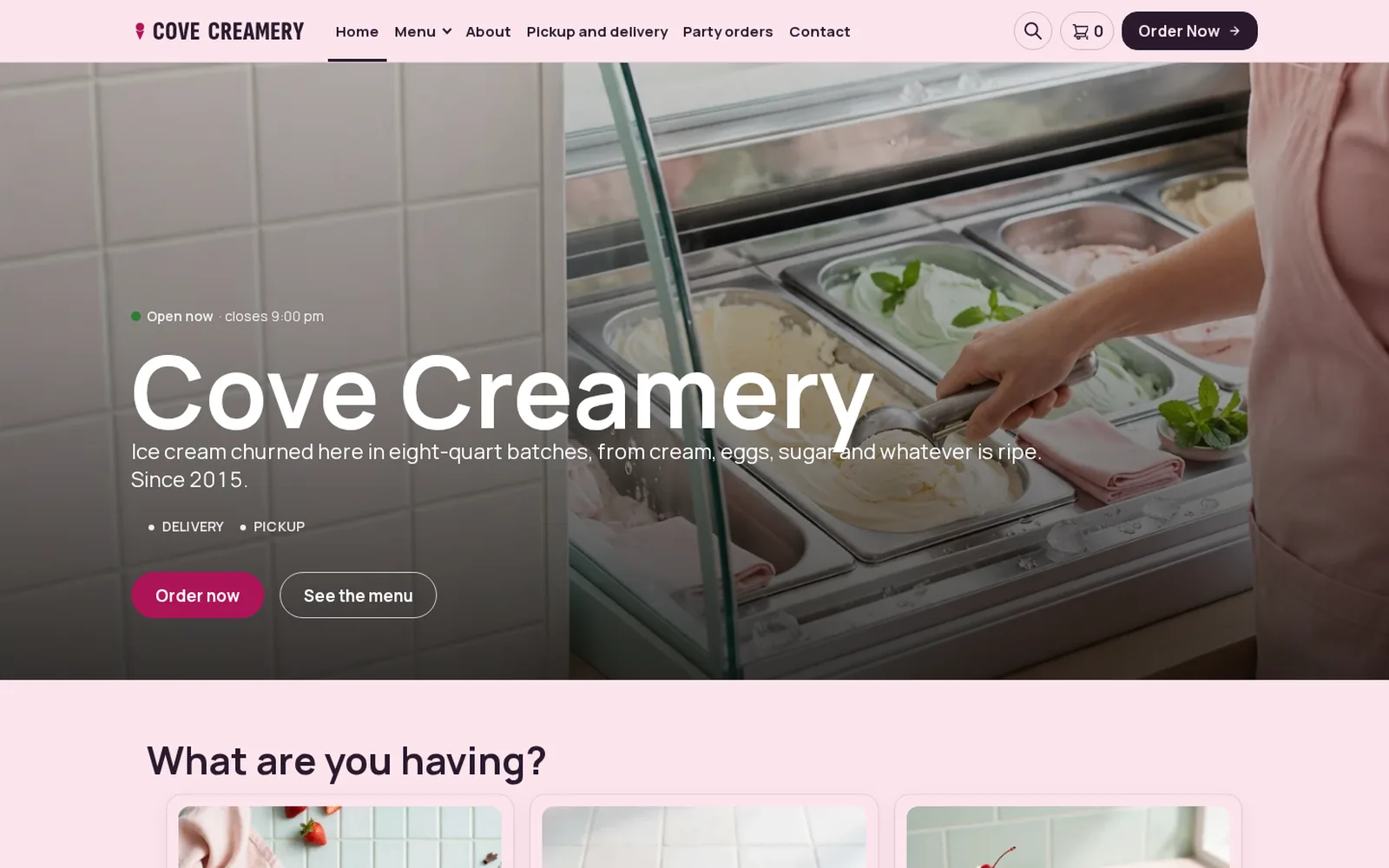
Restaurant demo
Ice cream
An ice cream shop running FoodMaster: browse the menu, add to cart and go through checkout.
Open the demo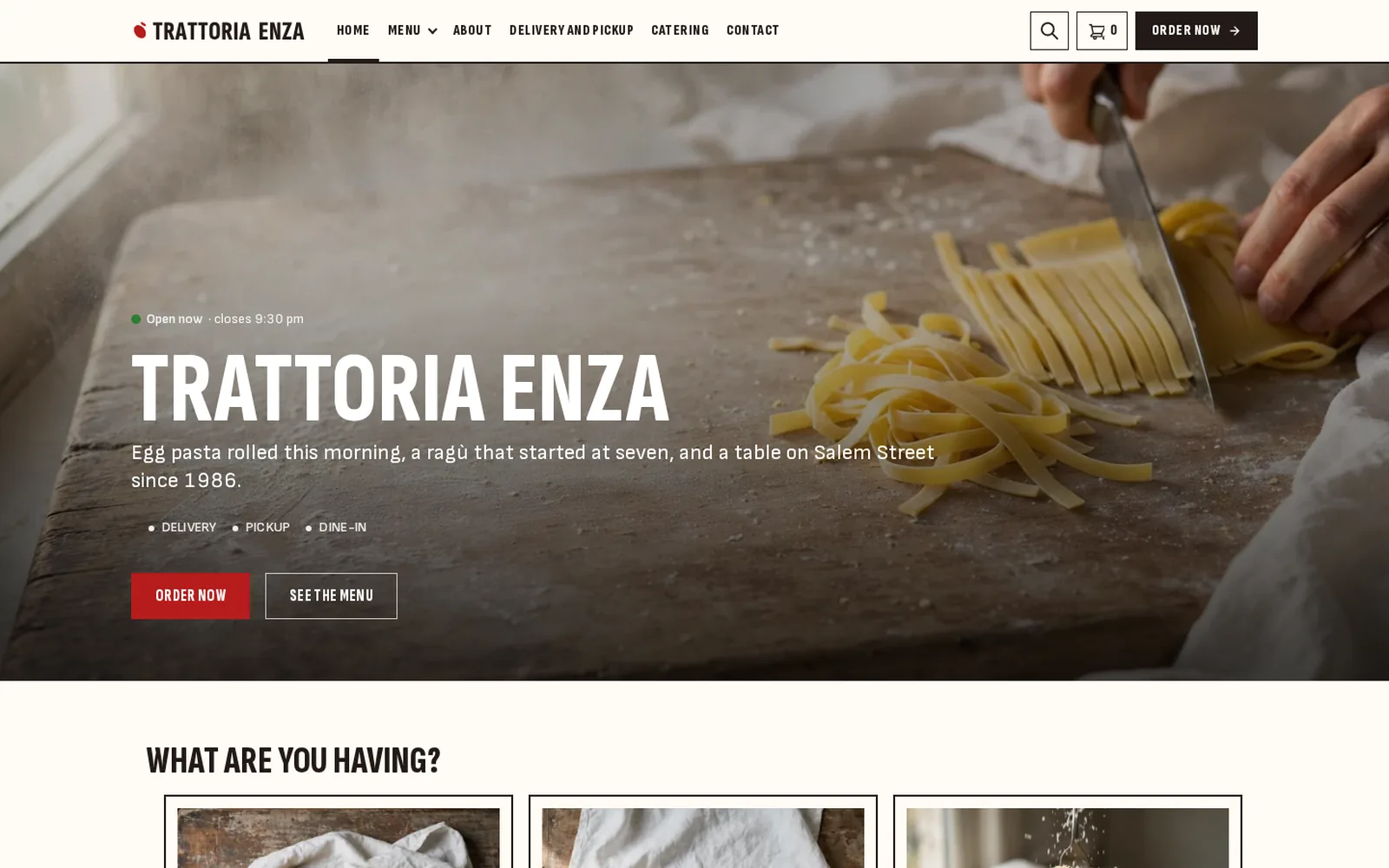
Restaurant demo
Italian
An Italian restaurant running FoodMaster: browse the menu, add to cart and go through checkout.
Open the demo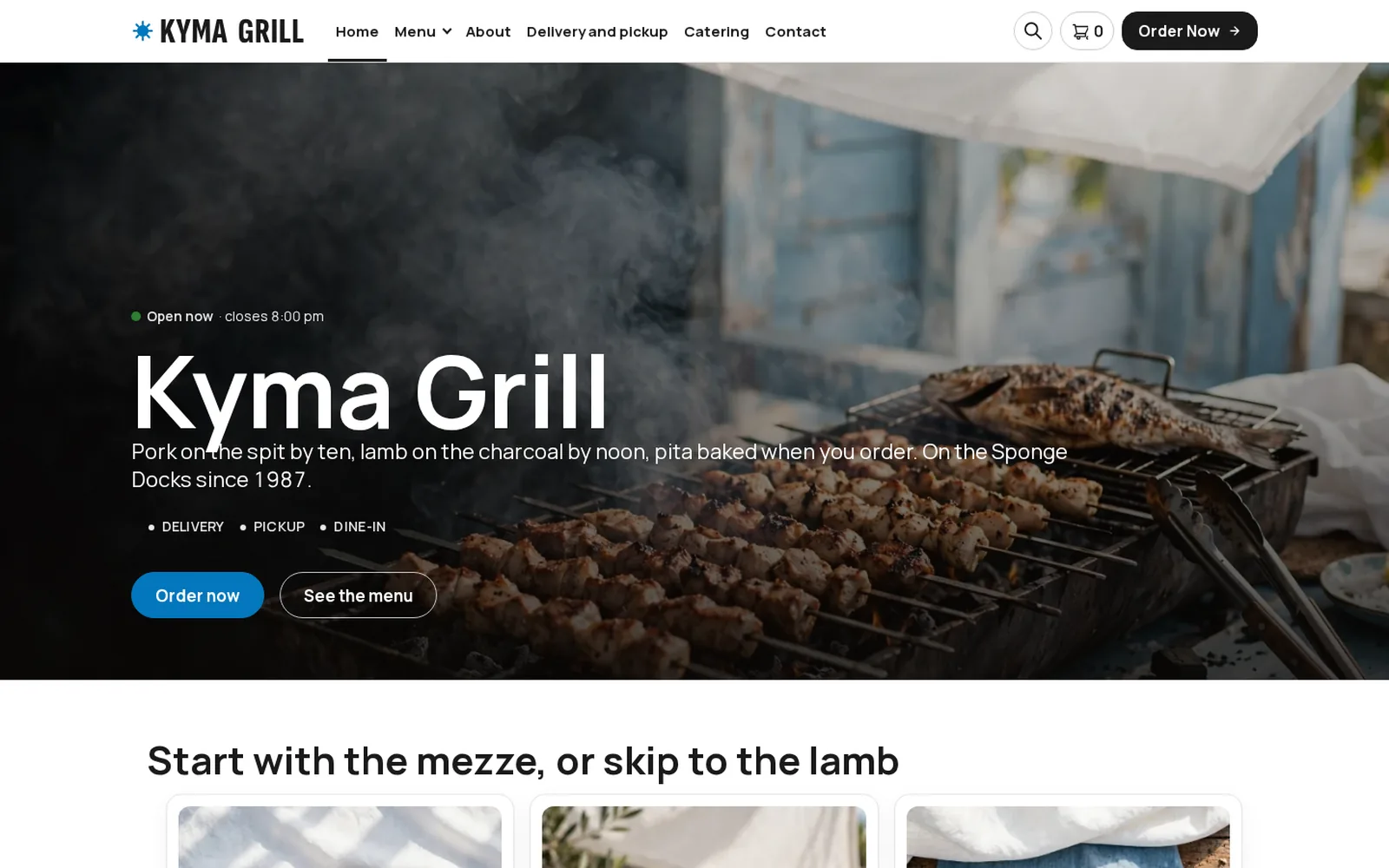
Restaurant demo
Mediterranean
A Mediterranean restaurant running FoodMaster: browse the menu, add to cart and go through checkout.
Open the demo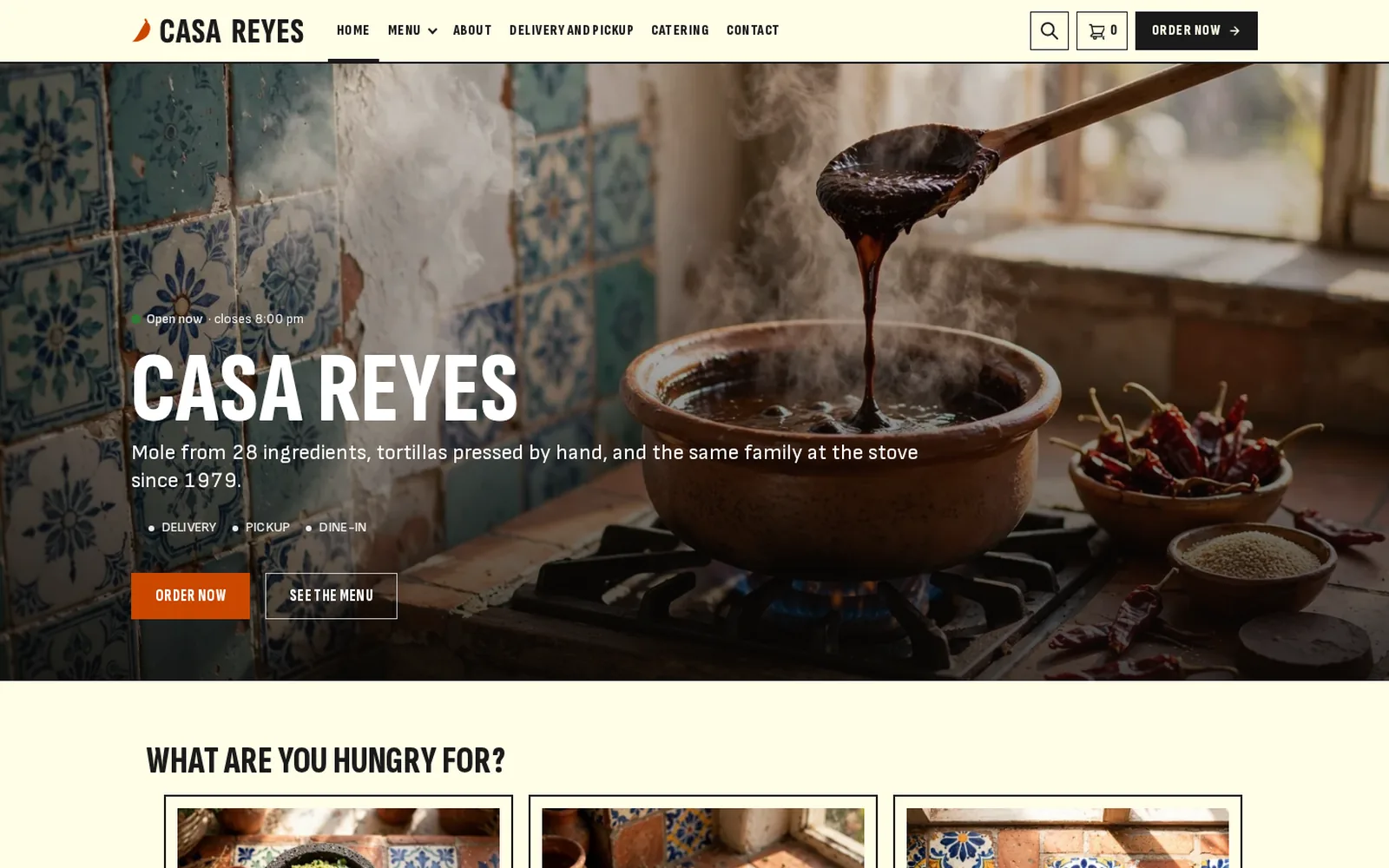
Restaurant demo
Mexican
A Mexican restaurant running FoodMaster: browse the menu, add to cart and go through checkout.
Open the demo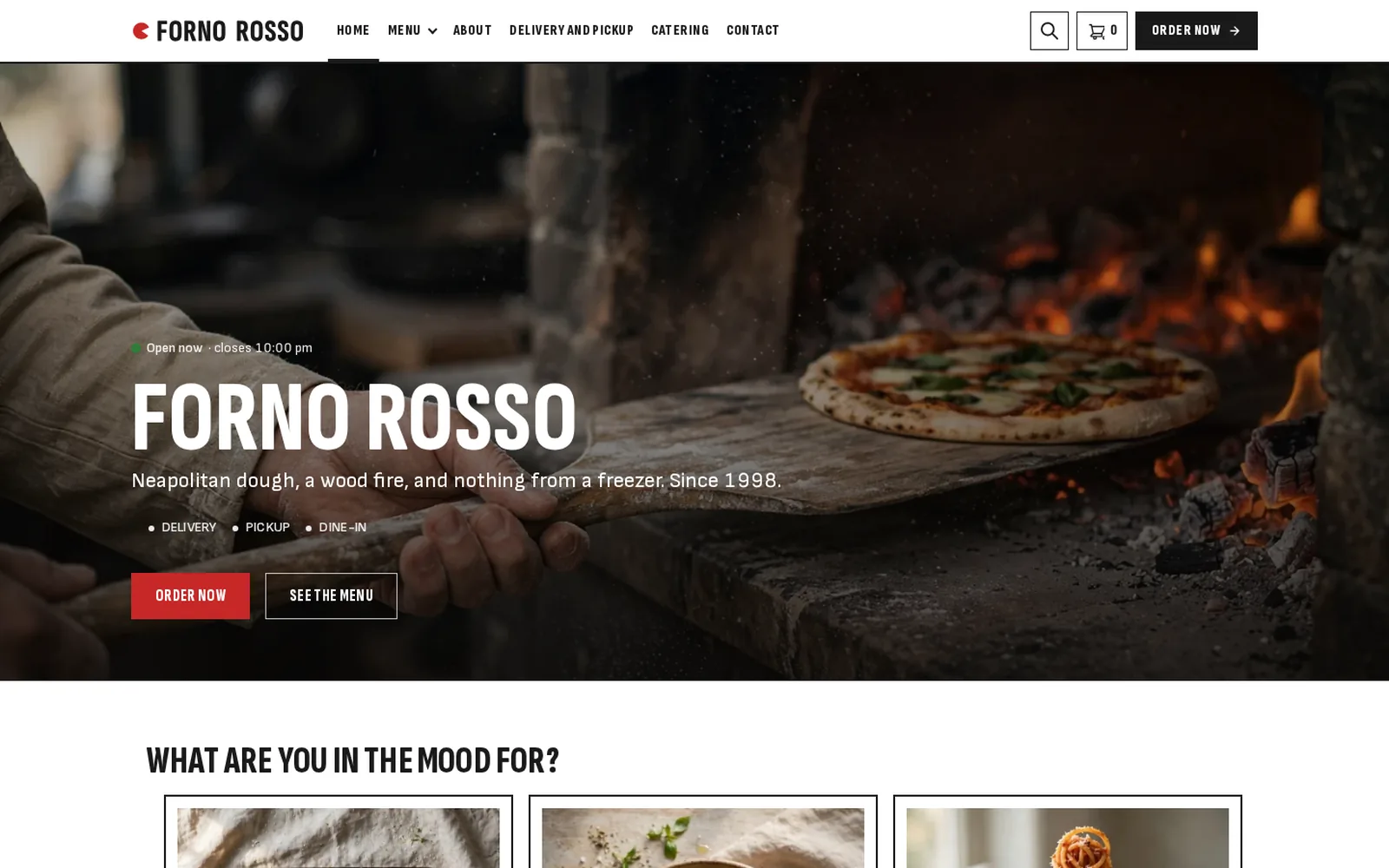
Restaurant demo
Pizzeria
A pizzeria running FoodMaster: browse the menu, add to cart and go through checkout.
Open the demo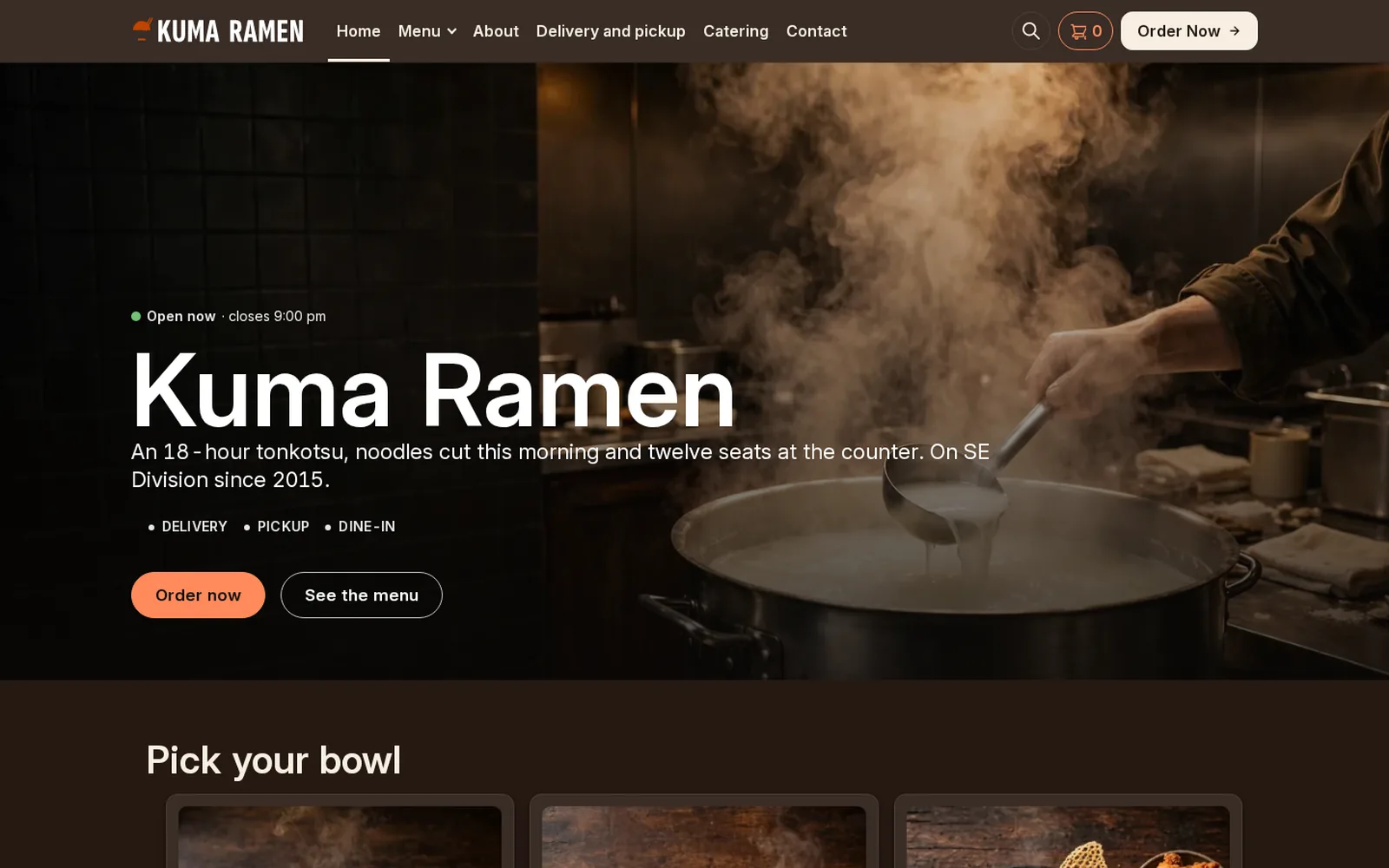
Restaurant demo
Ramen
A ramen bar running FoodMaster: browse the menu, add to cart and go through checkout.
Open the demo
Restaurant demo
Seafood
A seafood restaurant running FoodMaster: browse the menu, add to cart and go through checkout.
Open the demo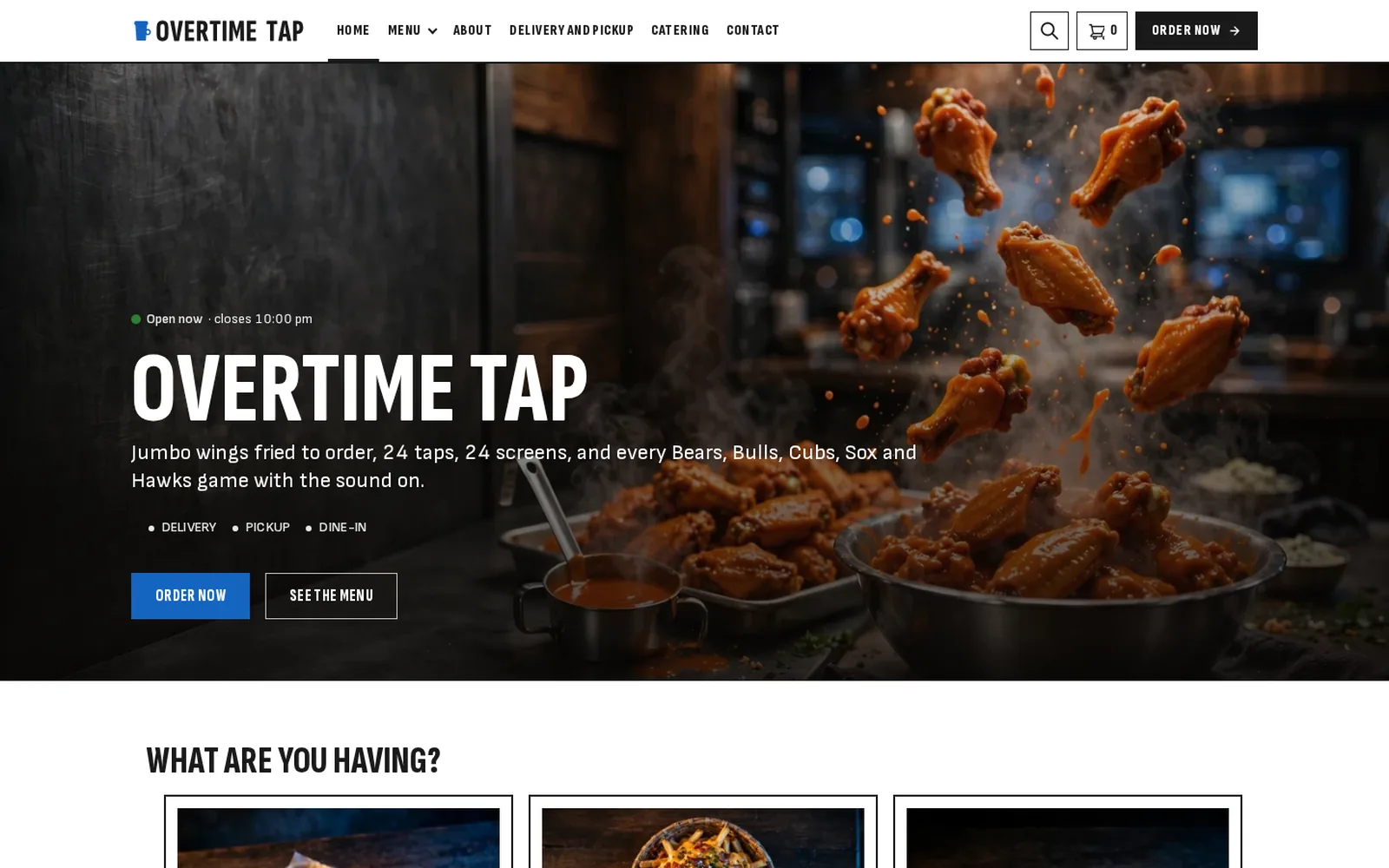
Restaurant demo
Sports bar
A sports bar running FoodMaster: browse the menu, add to cart and go through checkout.
Open the demo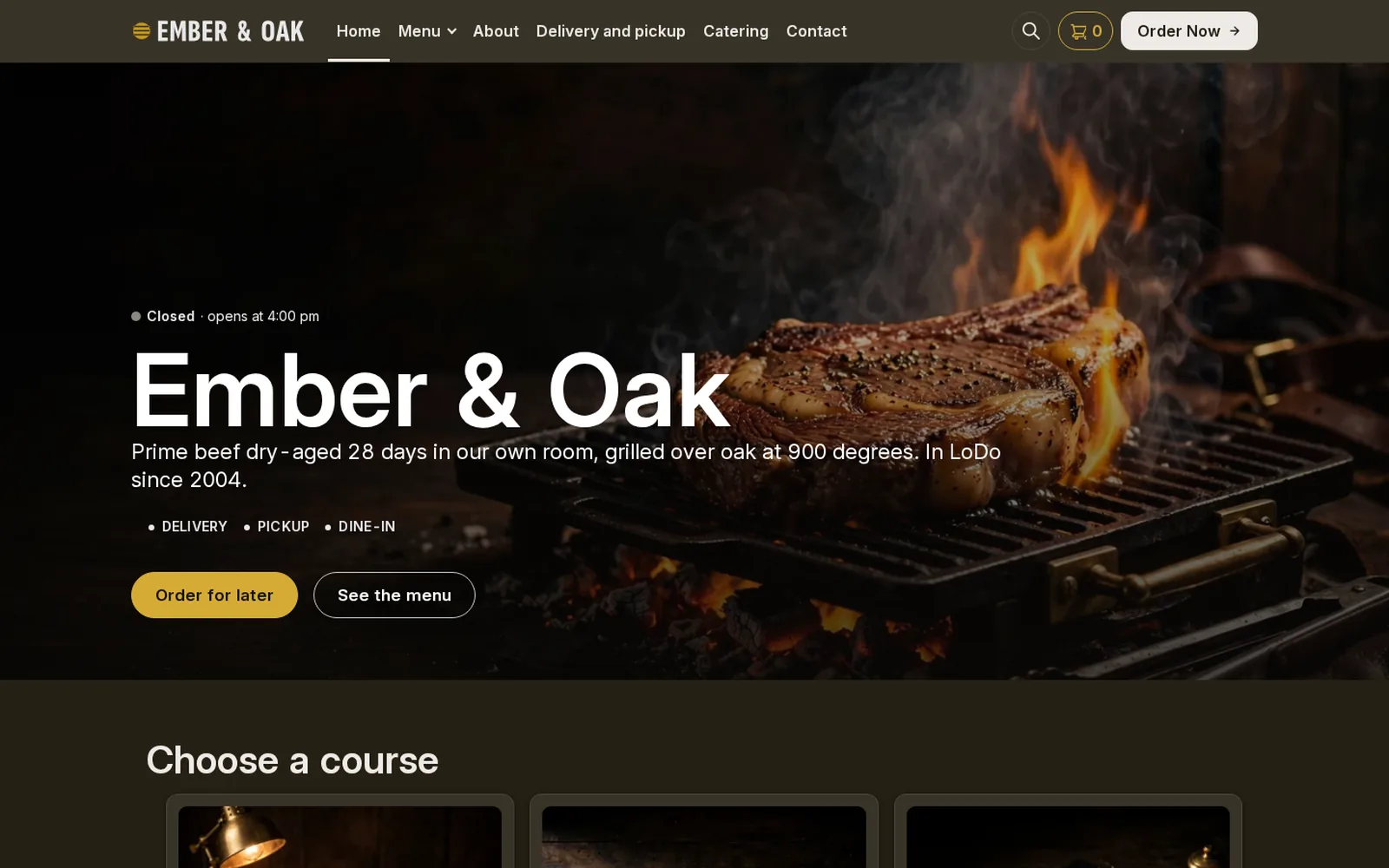
Restaurant demo
Steakhouse
A steakhouse running FoodMaster: browse the menu, add to cart and go through checkout.
Open the demo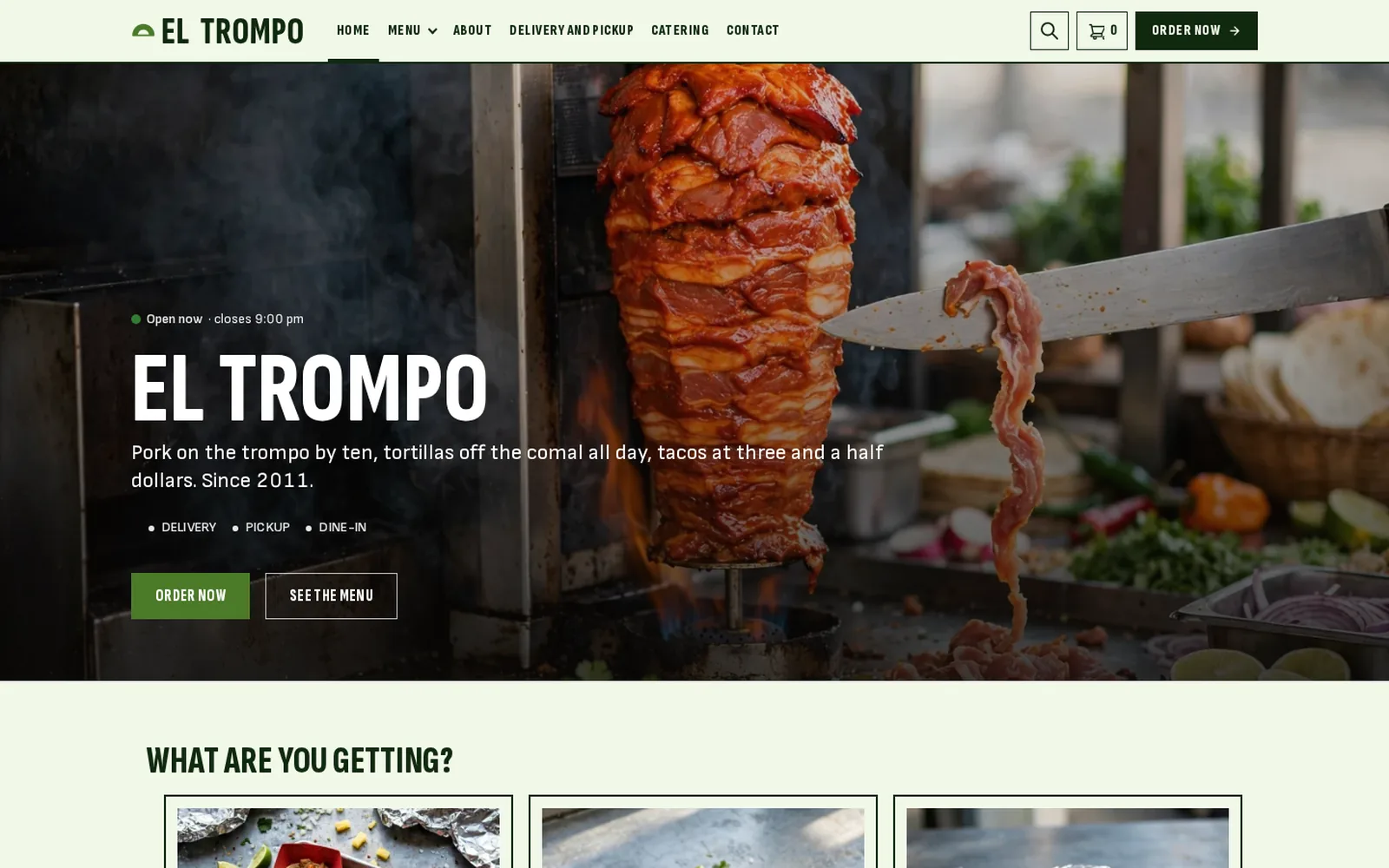
Restaurant demo
Taco bar
A taco bar running FoodMaster: browse the menu, add to cart and go through checkout.
Open the demoAdd ordering to your WordPress site in an afternoon
You keep your site and your content. FoodMaster adds the menu, the checkout and the kitchen tools.
Read the FoodMaster setup guide- 1
Install the plugin
Upload FoodMaster in Plugins → Add New, activate it, and make sure WooCommerce is active too.
- 2
Run the setup wizard
Choose delivery, pickup and dine-in, import demo dishes or add your own, and set your hours.
- 3
Link your menu and go live
Add the menu page to your navigation. Orders start arriving, printing and showing on the kitchen display.
One price for the whole restaurant plugin
No per-order charges and no add-ons. Everything below is in one licence for one WordPress site.
- FoodMaster pluginMenu, delivery, pickup and dine-in ordering, extras, time slots and zonesWordPress with WooCommerce
- Restaurant theme30+ restaurant demos, if you want a new look as wellWordPress
- Order management appAccept and track orders live, with sound alertsWindows, macOS, Android and iOS
- POS appWalk-in and phone orders, receipts, staff PINsWindows and macOS
- Kitchen displayLive order screen for the kitchen teamAny screen with a browser
Restaurant owners on WordPress, in their own words
Rated 4.9 out of 5 from 92+ reviews on wpslash.com.
“Very good developer, the plugin is very well done and very well thought out. A special mention for the customer service and support, which deserves 5 stars. Highly recommended for any restaurant taking orders online.”
“Outstanding, and deserves more than just my review. Powerful, easy to set up, easy to run, easy to change. Support is always there. Hiring a developer to build this would cost thousands — here you get a whole platform.”
“FoodMaster is the only plugin on the market that lets you run ordering without expensive equipment. I’ve been 100% satisfied with the product and the support team.”
WordPress restaurant plugin FAQ
Anything not covered here, submit a ticket. We reply within a day.
Submit a ticketWhat is a WordPress restaurant plugin?
A plugin that adds online ordering to a restaurant’s WordPress site: a menu guests can order from, delivery and pickup times, payments, and tools that get each order to the kitchen.
Do I need WooCommerce?
Yes. FoodMaster uses WooCommerce, the free shop plugin for WordPress, for checkout, payments and reports. You do not need to know WooCommerce to use it.
Will it work with my current WordPress theme?
It works with most WordPress themes that support WooCommerce, and styling options match it to your colours. A restaurant theme is included if you would rather start fresh.
Can I use it for a ghost kitchen or a takeaway-only business?
Yes. Turn off dine-in and use delivery and pickup only, with your own zones, fees and time slots.
Is there a money-back guarantee?
Yes. If FoodMaster does not fit your restaurant, ask for a refund within 30 days.
Take orders on your own WordPress site
Join 10,000+ restaurants that take orders without a marketplace. If it does not fit your restaurant, the 30-day guarantee covers you.