
FoodMaster vs WPCafe
Both run restaurant ordering on WooCommerce. WPCafe leans on menu designs and table reservations. FoodMaster is built around the order itself, from checkout to POS, kitchen display and printer. Here is how they compare.
4.9/5 from 92+ reviews, used by 10,000+ restaurants Read the reviews
Try a live demo first. 30-day money-back guarantee, support within a day.
- WPCafe has a free version on wordpress.org and a paid Pro version
- FoodMaster: $499 a year for one site, every feature included
- FoodMaster includes a POS, a kitchen display and a desktop printing app
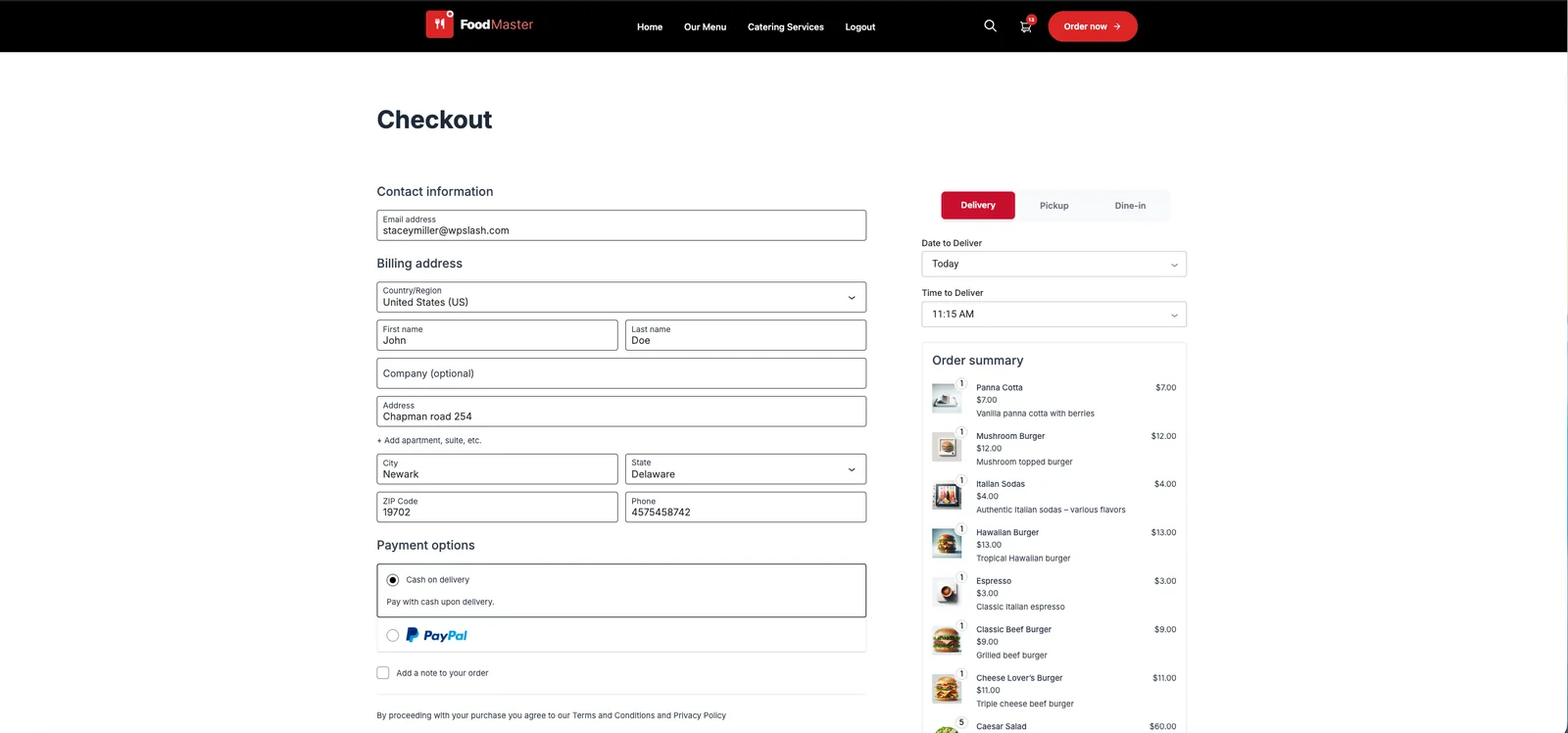
FoodMaster vs WPCafe at a glance
Feature by feature, from each product’s own pricing and feature pages.
| FoodMaster | WPCafe | |
|---|---|---|
| Price | $499 a year, one site, every feature | Free version; paid Pro on themewinter.com |
| Built on | WooCommerce | WooCommerce |
| Commission per order | None | None |
| Delivery, pickup and dine-in | Included | Included |
| QR table ordering | Included | Included |
| Table reservations | Not the focus of FoodMaster | Included, with visual table layouts |
| Menu designs | Ordering page layouts, plus a restaurant theme with 30+ demos | 34+ menu templates |
| Multiple locations | Included | Multi-branch support |
| POS for counter and phone orders | Included | Not in WPCafe’s published feature list |
| Kitchen | Kitchen display with order columns and late-order warnings | Live kitchen alerts |
| Automatic order printing | Windows and macOS app to thermal printers | Not in WPCafe’s published feature list |
| DoorDash and Uber Eats couriers | Included | Not in WPCafe’s published feature list |
| Reviews | 4.9/5 from 92+ reviews on wpslash.com | 4.6/5 from 112 ratings on wordpress.org, 5,000+ installs |
WPCafe details from wordpress.org and themewinter.com.
Which one fits your restaurant
They solve the same problem for different sizes of kitchen.
WPCafe fits if
- You want a free plan to start
- Table reservations matter as much as online orders
- You want many menu display templates
FoodMaster fits if
- Counter and phone orders go through a POS
- The kitchen works from a screen and printed tickets
- You run more than one location on one licence
- You want DoorDash or Uber Eats couriers for delivery
- You want a restaurant theme and demos to start from
FoodMaster vs WPCafe FAQ
Anything not covered here, submit a ticket. We reply within a day.
Submit a ticketWhy choose FoodMaster when WPCafe has a free version?
A free version gets a menu online. FoodMaster runs the whole order after that: a POS for counter and phone orders, a kitchen display, automatic ticket printing, multiple locations and DoorDash and Uber Eats delivery, all in one licence at $499 a year for one site, with support from the people who built it.
Do both work with WooCommerce?
Yes. Both take online orders through WooCommerce, so your payment gateways and WooCommerce orders work the same way.
Which one is better for taking and running orders?
FoodMaster. It is built around the order: delivery, pickup and dine-in from a QR code, the POS, the kitchen display with late-order warnings and automatic printing to thermal printers. WPCafe puts more weight on menu designs and table booking.
Can I move from WPCafe to FoodMaster?
Your products, customers and past orders live in WooCommerce, so they stay where they are. Extras, time slots and delivery rules are set up again in FoodMaster, and its setup wizard covers the essentials.
See FoodMaster take an order
Open a live demo, place an order as a customer and watch it reach the POS and the kitchen display. If it does not fit your restaurant, the 30-day guarantee covers you.