
A bar and pub ordering system with table ordering
Guests scan the code on their table, order drinks and food and pay from their phone. Drinks go to the bar, food to the kitchen. FoodMaster runs on your website and takes no commission.
4.9/5 from 92+ reviews, used by 10,000+ restaurants Read the reviews
Try the sports bar demo. 30-day money-back guarantee, support within a day.
- QR ordering at every table
- Drinks to the bar, food to the kitchen
- Counter orders on the POS
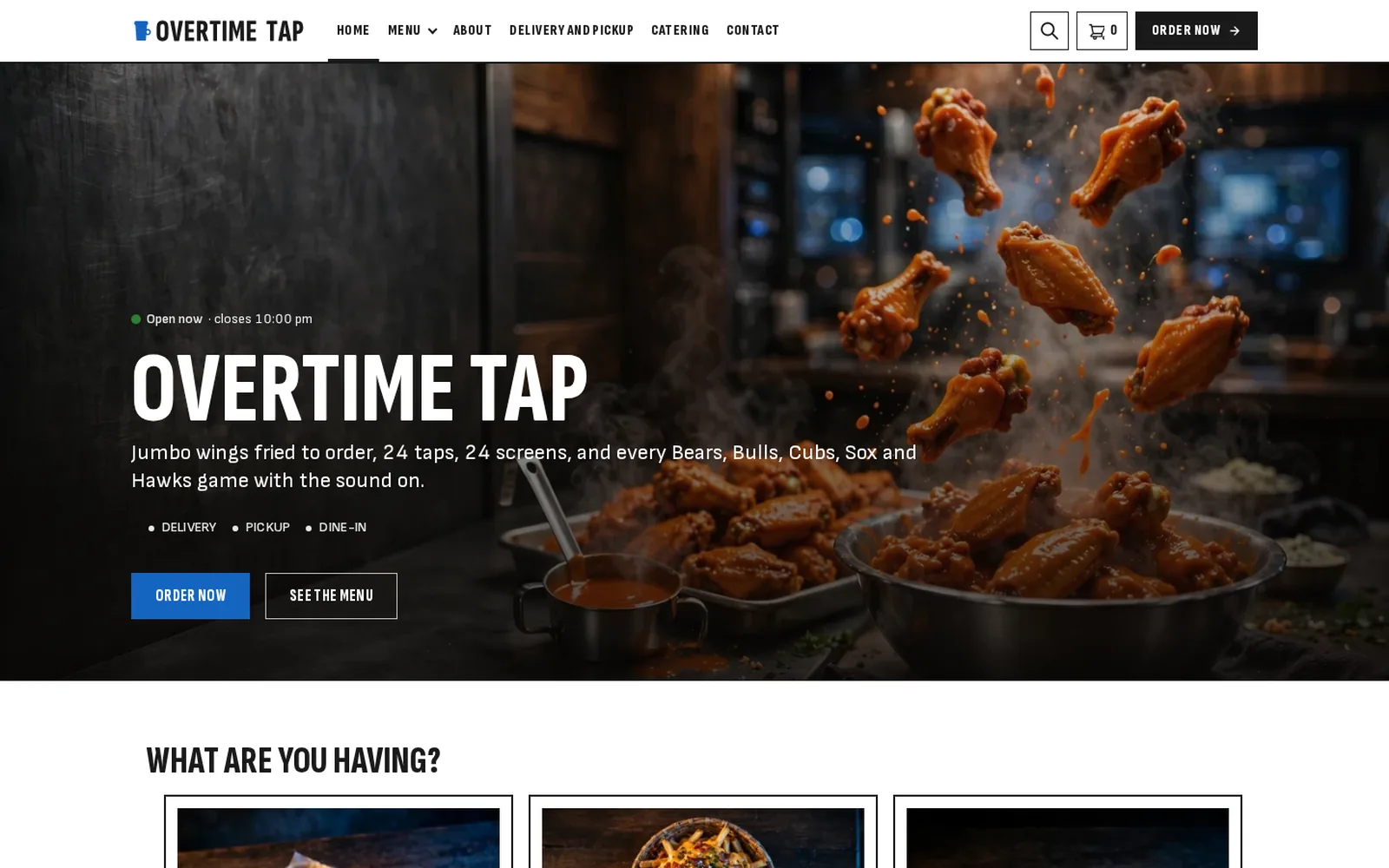
Fewer trips to the bar on a busy night
When the game is on, nobody wants to queue. Table ordering keeps rounds coming without more staff at the bar.
At the table
- A QR code per table
Guests scan, order and pay from their phone, no app needed.
- Drinks and food together
One order, one payment, sent to the right place.
- Options
Sizes, mixers and sides as single or multi choices.
Behind the bar
- Printing by category
Drinks print at the bar, food at the kitchen.
- POS for the counter
Walk-up orders with the same menu and prices.
- Live order alerts
New orders sound an alert on desktop or phone.
Takeaway too
- Food to go
Pickup orders for wings and burgers on match day.
- Delivery zones
Deliver food in the zones you choose.
- Your reports
Revenue, orders and order types in your WordPress admin.
Order from the sports bar demo
Open the sports bar demo, order food and drinks as a table guest and go through checkout.
Open the sports bar demo See all 20 restaurant demosTable ordering without a monthly app fee
Many table-ordering apps charge per order or per month. FoodMaster is one yearly fee on your own website.
Delivery apps and marketplaces
- Fees per order or per month
- Their branding on your tables
- Customer details stay with the app
- Separate tools for bar and kitchen
FoodMaster on your website
- No commission: you keep 100% of each order
- Your brand on every table code
- You own every customer and order
- Bar, kitchen and POS in one licence
Put table ordering in your bar
No developer needed. If you can install a WordPress plugin, you can start table ordering.
Read the FoodMaster setup guide- 1
Install FoodMaster
Add it to your WordPress site with WooCommerce and run the setup wizard.
- 2
Add drinks and food
Create your menu in categories for the bar and the kitchen.
- 3
Print table codes
Generate a QR code per table and choose which printer gets what.
One licence, the whole ordering system
No per-order charges and no add-ons. Everything below comes with one purchase.
- FoodMaster pluginMenu, delivery, pickup and dine-in ordering, options, time slots and zonesWordPress with WooCommerce
- Restaurant themeRestaurant demos to start from, so the site looks finished from day oneWordPress
- Order management appAccept and track orders live, with sound alertsWindows, macOS, Android and iOS
- POS appWalk-in and phone orders, receipts, staff PINsWindows and macOS
- Kitchen displayLive order screen for the kitchen teamAny screen with a browser
Bar and Pub Ordering System FAQ
Anything not covered here, submit a ticket. We reply within a day.
Submit a ticketHow does QR table ordering work?
Each table has its own QR code. Guests scan it, order from your menu and pay. The order shows which table it came from.
Can drinks and food print in different places?
Yes. Choose which categories each printer gets.
Do guests need an app?
No. Ordering works in the phone’s browser.
Can staff still take orders at the counter?
Yes. The POS takes walk-up orders with the same menu and prices.
Do I pay commission?
No. One yearly licence, unlimited orders.
Other kinds of restaurants
FoodMaster is set up the same way for other kitchens.
Building on WordPress? See the WooCommerce restaurant plugin, the WordPress restaurant plugin and the WordPress restaurant theme.
Start table ordering in your bar
QR ordering, bar and kitchen printing, no commission. If it does not fit your venue, the 30-day guarantee covers you.