
Online ordering for Mexican restaurants and taco shops
Let customers build tacos, burritos and bowls on your website and order for delivery, pickup or the table. FoodMaster sends every choice to the kitchen and takes no commission.
4.9/5 from 92+ reviews, used by 10,000+ restaurants Read the reviews
Try the mexican demo. 30-day money-back guarantee, support within a day.
- Build-your-own tacos, burritos and bowls
- Proteins, salsas and toppings as options
- No commission on any order
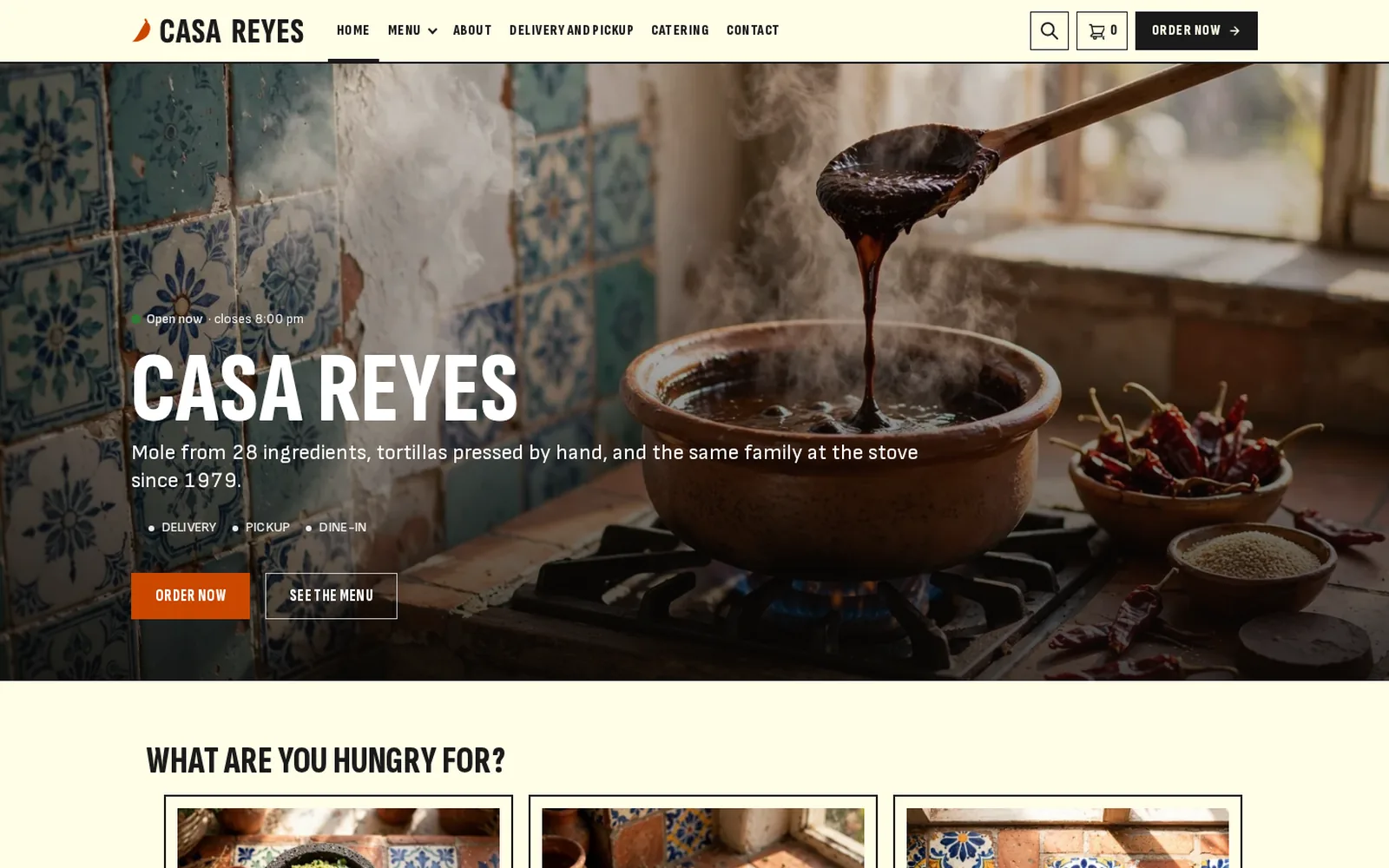
Every taco made to order
Mexican menus are built from choices. Online ordering has to make each one quick to pick and clear on the ticket.
Building the order
- Protein first
Chicken, carnitas, barbacoa or veggie as a single choice.
- Salsas and toppings
Multi choices, or a limit like up to three salsas.
- Heat and notes
Spice level as an option and a comments field for the rest.
Getting it out
- Delivery zones
By distance, postcode or a map zone, with a fee per zone.
- Pickup times
ASAP or a time slot for collection.
- Table ordering
A QR code per table for dine-in guests.
In the kitchen
- Tickets print themselves
Every option printed for the line.
- Kitchen display
Orders from new to ready on one screen.
- Party orders ahead
Taco trays for a date and time chosen at checkout.
Try the Mexican and taco bar demos
Build a burrito or a taco plate, add salsas and go through checkout like a customer.
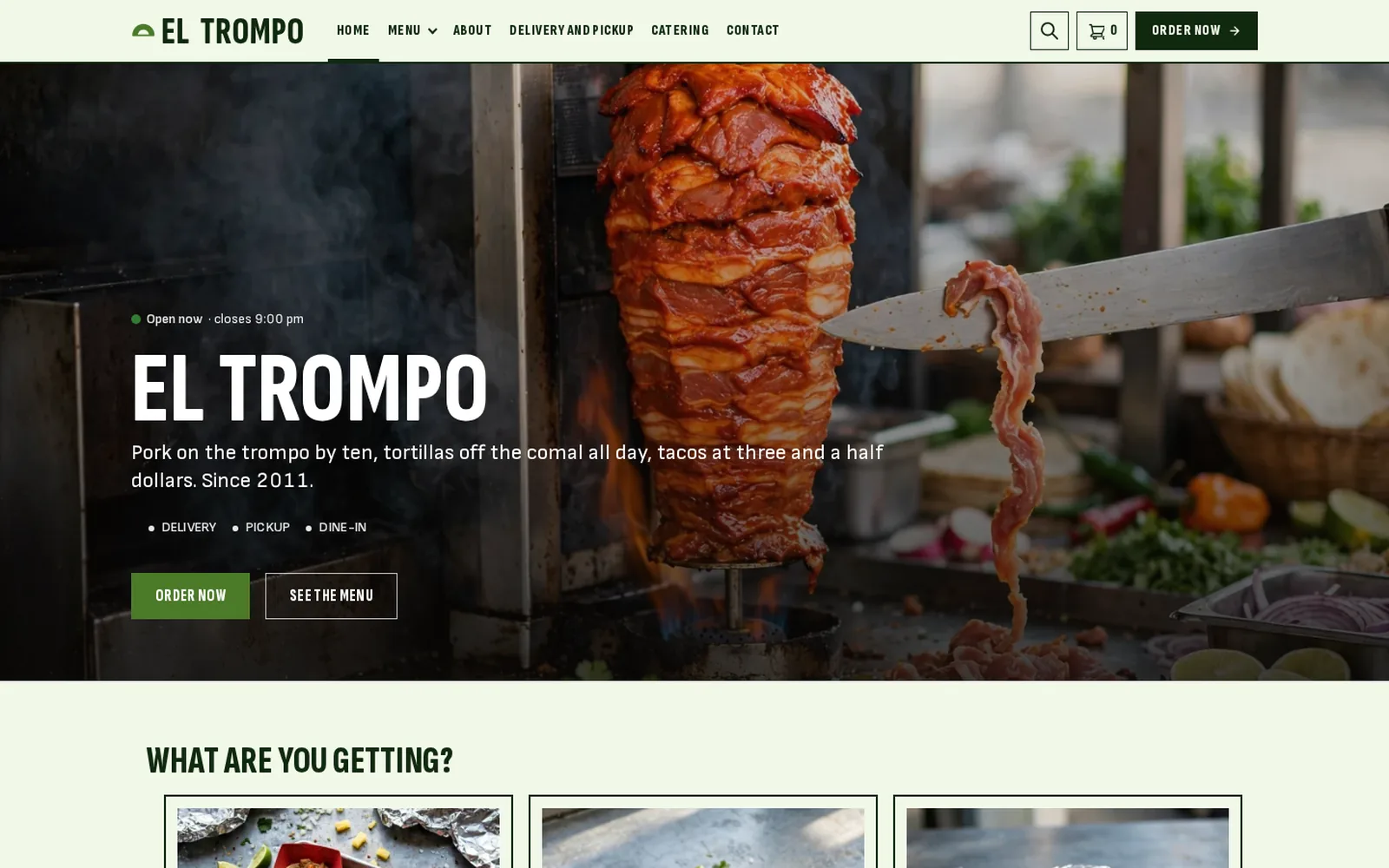
Keep the margin on every taco
Delivery apps take up to 30% of each order. Your own ordering system costs one yearly fee.
Delivery apps and marketplaces
- Commission on every order
- Listed next to every other taco spot
- Customer details stay with the app
- Little control over options
FoodMaster on your website
- No commission: you keep 100% of each order
- Every protein, salsa and topping your way
- You own every customer and order
- One yearly fee, unlimited orders
Get your Mexican menu online
No developer needed. If you can install a WordPress plugin, you can take orders online.
Read the FoodMaster setup guide- 1
Install FoodMaster
Add it to your WordPress site with WooCommerce and run the setup wizard.
- 2
Add dishes and options
Create tacos, burritos and bowls with protein and salsa groups.
- 3
Set zones and open
Choose delivery, pickup and table ordering and start.
One licence, the whole ordering system
No per-order charges and no add-ons. Everything below comes with one purchase.
- FoodMaster pluginMenu, delivery, pickup and dine-in ordering, options, time slots and zonesWordPress with WooCommerce
- Restaurant themeRestaurant demos to start from, so the site looks finished from day oneWordPress
- Order management appAccept and track orders live, with sound alertsWindows, macOS, Android and iOS
- POS appWalk-in and phone orders, receipts, staff PINsWindows and macOS
- Kitchen displayLive order screen for the kitchen teamAny screen with a browser
Mexican Restaurant Online Ordering FAQ
Anything not covered here, submit a ticket. We reply within a day.
Submit a ticketCan customers build their own tacos and burritos?
Yes. Proteins, salsas and toppings are option groups with single, multi or limited choices.
Can I take orders for taco trays and parties?
Yes. Customers pick a date and time slot at checkout.
Can guests order at the table?
Yes. Each table gets its own QR code.
Does it work for a food truck or taqueria?
Yes, as long as you have a WordPress site with WooCommerce. Use pickup only if you do not deliver.
Do I pay commission?
No. One yearly licence, unlimited orders.
Other kinds of restaurants
FoodMaster is set up the same way for other kitchens.
Building on WordPress? See the WooCommerce restaurant plugin, the WordPress restaurant plugin and the WordPress restaurant theme.
Sell tacos online without the commission
Build-your-own ordering on your own site. If it does not fit your restaurant, the 30-day guarantee covers you.