
On this page
- Why Gift Cards Are a Secret Weapon for Restaurants
- Types of Gift Cards You Can Offer on a WooCommerce Restaurant Site
- Digital eGift Cards
- Printable PDF Vouchers
- Physical Mailed Cards
- Promo and Discount Vouchers
- “Buy One, Get Credit” Promos
- Choosing the Right Gift Card Plugin for WooCommerce
- PW WooCommerce Gift Cards
- YITH WooCommerce Gift Cards
- Advanced Gift Cards for WooCommerce
- WooCommerce Gift Cards (Official Extension)
- What About Multi-Location Restaurants?
- Key Features to Insist On
- Step-by-Step: Setting Up Digital Gift Cards on Your WooCommerce Restaurant
- Step 1: Install and Activate
- Step 2: Create Your Gift Card Product
- Step 3: Set Denominations
- Step 4: Configure Delivery
- Step 5: Design the Email Template
- Step 6: Set Expiry Rules
- Step 7: Test the Full Flow
- Step 8: Tax and Accounting
- Designing a Gift Card Landing Page That Actually Converts
- Copy That Speaks to the Buyer
- Imagery That Sells
- Trust Signals
- Occasion-Based CTAs
- Schema and Internal Linking
- Mobile UX
- Promoting Gift Cards to Drive Repeat Orders
- Email Campaigns to Existing Customers
Walk into any Starbucks in December and you’ll see a wall of woocommerce-restaurant-boost-revenue-attract-new-customers-and-drive-repeat-orders-complete-setup-guide/” title=”How to Set Up Gift Cards and Store Credit for Your WooCommerce Restaurant: Boost Revenue, Attract New Customers, and Drive Repeat Orders (Complete Setup Guide)”>gift cards. That’s not decoration — it’s one of the most profitable products the company sells. Starbucks reportedly holds over $1.7 billion in unredeemed gift card balances on its books, essentially an interest-free loan from customers. Chain restaurants figured this out years ago. Independent pizzerias, burger joints, and family-run restaurants running on WooCommerce? Most are still leaving this money on the counter.
The good news: adding gift cards to a WooCommerce restaurant site takes an afternoon, costs less than a single delivery driver shift, and starts generating cash flow the moment your first card sells. Here’s how to do it properly — from choosing the right plugin to designing a landing page that actually converts holiday shoppers into future diners.
Why Gift Cards Are a Secret Weapon for Restaurants
Gift cards aren’t just a nice add-on. They fundamentally change the economics of a restaurant in four ways.
1. Prepaid cash flow. When someone buys a $50 gift card in November, you get $50 today for food you’ll serve in January or February — or maybe never. That’s working capital you can use to buy inventory, pay staff, or run ads without borrowing.
2. Breakage revenue. “Breakage” is the industry term for gift cards that are never redeemed or only partially used. Depending on the study, breakage rates for restaurants range from roughly 10% to 19% of card value. On a $50 card, that’s $5–$10 of pure profit with zero food cost.
3. New customer acquisition at zero cost. Every gift card recipient is a potential new customer — often one who wouldn’t have discovered you otherwise. Your existing customer literally paid you to acquire a new one. Try getting Google Ads to do that.
4. Higher spend on redemption. Industry data from companies like Square and Toast consistently shows that gift card recipients tend to spend more than the card’s value when they redeem. A $25 card often turns into a $40 order because people treat the card as a discount, not a budget cap.
Consider a small pizzeria doing $30,000/month in online orders. If gift cards represent even 4% of holiday sales with a 12% breakage rate, that’s an extra $150–$400 in near-pure profit per month, plus new customers walking in the door. Multiply that across a full year and you’ve paid for your POS, your delivery bags, and half your marketing budget.
Types of Gift Cards You Can Offer on a WooCommerce Restaurant Site
Before you install anything, decide what you’re actually selling. Restaurants typically use five formats, and the right mix depends on whether you’re focused on dine-in, delivery, or both.
Digital eGift Cards
The default choice for online-first restaurants. The buyer enters the recipient’s email, chooses a date, and the system fires off a branded email with a unique code. Perfect for last-minute gifting — “I forgot my sister’s birthday is tomorrow” is basically a business model at this point.
Printable PDF Vouchers
Same as digital, but the buyer downloads a nicely designed PDF they can print and stick in a card. Great for older demographics or gift-givers who want a physical object to hand over. Almost every serious gift card plugin supports this.
Physical Mailed Cards
A plastic or heavy-cardstock card mailed to the recipient. Higher friction and cost (you need inventory and fulfillment), but they look premium and work well for corporate gifting programs. Usually not worth it for a single-location pizzeria.
Promo and Discount Vouchers
Not technically gift cards, but often bundled with the same tools. Think “$10 off your next order” codes you send to lapsed customers. These are marketing tools, not products — but the same plugin often handles both.
“Buy One, Get Credit” Promos
The clever seasonal trick chain restaurants use: “Buy a $50 gift card, get a $10 bonus card for yourself.” The customer spends $50, but you’ve now committed to $60 in future food — with the bonus card usually expiring quickly to guarantee a return visit within, say, 30 days. This is what drives December sales spikes.
For most WooCommerce restaurants, the sweet spot is digital eGift cards + printable PDFs + one seasonal bonus card promo. That covers 90% of demand without operational headaches.
Choosing the Right Gift Card Plugin for WooCommerce
There’s no shortage of options here, and the differences matter more than the marketing pages suggest. Here’s an honest comparison of the main players.
PW WooCommerce Gift Cards
The most popular free option. The free version handles digital gift cards, custom denominations, and email delivery. The Pro version (around $79/year) adds scheduled delivery, custom designs, and PDF attachments. Solid choice for single-location restaurants that want to test the waters without commitment.
YITH WooCommerce Gift Cards
More design-focused, with multiple templates and a decent visual editor. Around $99/year. Handles partial redemption, balance checking via a shortcode, and multiple gift card products. Good for restaurants that care about brand presentation.
Advanced Gift Cards for WooCommerce
A newer entrant with a strong free tier. Supports custom amounts, scheduled emails, and multi-code generation. Reasonably priced Pro version. Worth testing if you want something modern-feeling without a big commitment.
WooCommerce Gift Cards (Official Extension)
Automattic’s own extension, around $79/year. Deeply integrated with WooCommerce core — orders, refunds, and reporting all “just work.” Fewer bells and whistles than YITH, but the reliability and update cadence are excellent. My default recommendation for restaurants that plan to scale.
What About Multi-Location Restaurants?
If you run multiple locations sharing a single WooCommerce install, make sure the plugin supports codes redeemable across all stores. The official WooCommerce extension and YITH both handle this cleanly. If each location has a separate site, you’ll need to sync balances manually or use a service like Toast or Square as your gift card system of record.
[IMAGE: Comparison table showing WooCommerce gift card plugin features and pricing side by side]
Key Features to Insist On
- Custom + fixed denominations — let customers pick $25, $50, $100, or any amount in between.
- Scheduled email delivery — critical for birthdays and holidays.
- Partial redemption — a $50 card should work across multiple orders.
- Balance checking — recipients need to see what’s left without emailing you.
- Branded email templates — a plain-text email cheapens the whole experience.
- Expiry rules — check your local laws first (more on this below).
If you’re running a full ordering system like FoodMaster’s restaurant ordering plugin, any of these gift card tools slot in cleanly because FoodMaster is built on WooCommerce — gift card codes apply at checkout the same way coupons do, whether the customer ordered delivery, pickup, or a QR-table order.
Step-by-Step: Setting Up Digital Gift Cards on Your WooCommerce Restaurant
Let’s walk through the actual setup using the official WooCommerce Gift Cards extension as our reference. The steps are broadly similar for other plugins.
Step 1: Install and Activate
From your WordPress dashboard, go to Plugins → Add New, upload the plugin zip, and activate. If it’s a premium plugin, add your license key under the plugin’s settings.
Step 2: Create Your Gift Card Product
Go to Products → Add New. Give it a title like “Restaurant Gift Card” or “eGift Card.” In the Product Data dropdown, select Gift Card (or the plugin’s equivalent product type). Add a compelling description that speaks to gift-givers, not diners — “The perfect gift for pizza lovers” beats “Redeemable at our restaurant.”
Step 3: Set Denominations
Offer a mix of preset amounts (e.g., $25, $50, $75, $100) and a custom amount field with a minimum and maximum. A minimum of $10 and maximum of $500 covers 99% of use cases. Presets convert better than custom fields, so make the preset buttons visually prominent.
Step 4: Configure Delivery
Enable email delivery to the recipient with a “send on date” option. Let the buyer add a personal message — this dramatically increases perceived value. If your plugin supports PDF, enable it too so the buyer can print and hand-deliver.
Step 5: Design the Email Template
Don’t skip this. Use your logo, brand colors, and a photo of your food. The subject line should mention the sender by name: “Sarah sent you a $50 gift card to Tony’s Pizza.” Include clear instructions: how to redeem, where (website URL), and what happens if the balance runs out.
Step 6: Set Expiry Rules
This is where you need to check local laws. In the US, the CARD Act requires gift cards to remain valid for at least 5 years from purchase or last reload, and many states ban expiry entirely. In the EU and UK, minimums vary but 12–24 months is often the floor. When in doubt, set a long expiry (5 years) or none at all — the goodwill outweighs the accounting hassle.
Step 7: Test the Full Flow
Buy a $10 gift card using a test payment method. Confirm the email arrives, the code works at checkout, partial redemption works on a smaller order, and the remaining balance updates correctly. Then intentionally try a wrong code and confirm the error message is friendly. Do this before promoting anything.
Step 8: Tax and Accounting
Gift card sales are not taxable at purchase in most jurisdictions — tax applies at redemption when food is actually served. Configure your plugin to mark gift card products as tax-exempt, and talk to your accountant about how to book the deferred revenue on your books.
Designing a Gift Card Landing Page That Actually Converts
The default WooCommerce product page is not going to sell many gift cards. You need a dedicated landing page that treats the gift card as a product for gift-givers, not diners.
Copy That Speaks to the Buyer
Diners want to know “what’s on the menu.” Gift-givers want to know “will this be a good gift?” Your headline should answer that: “Give the gift of great pizza” or “The easiest gift for the foodie in your life.” Follow with three bullets: instant delivery, no expiry (if applicable), redeemable online or in-store.
Imagery That Sells
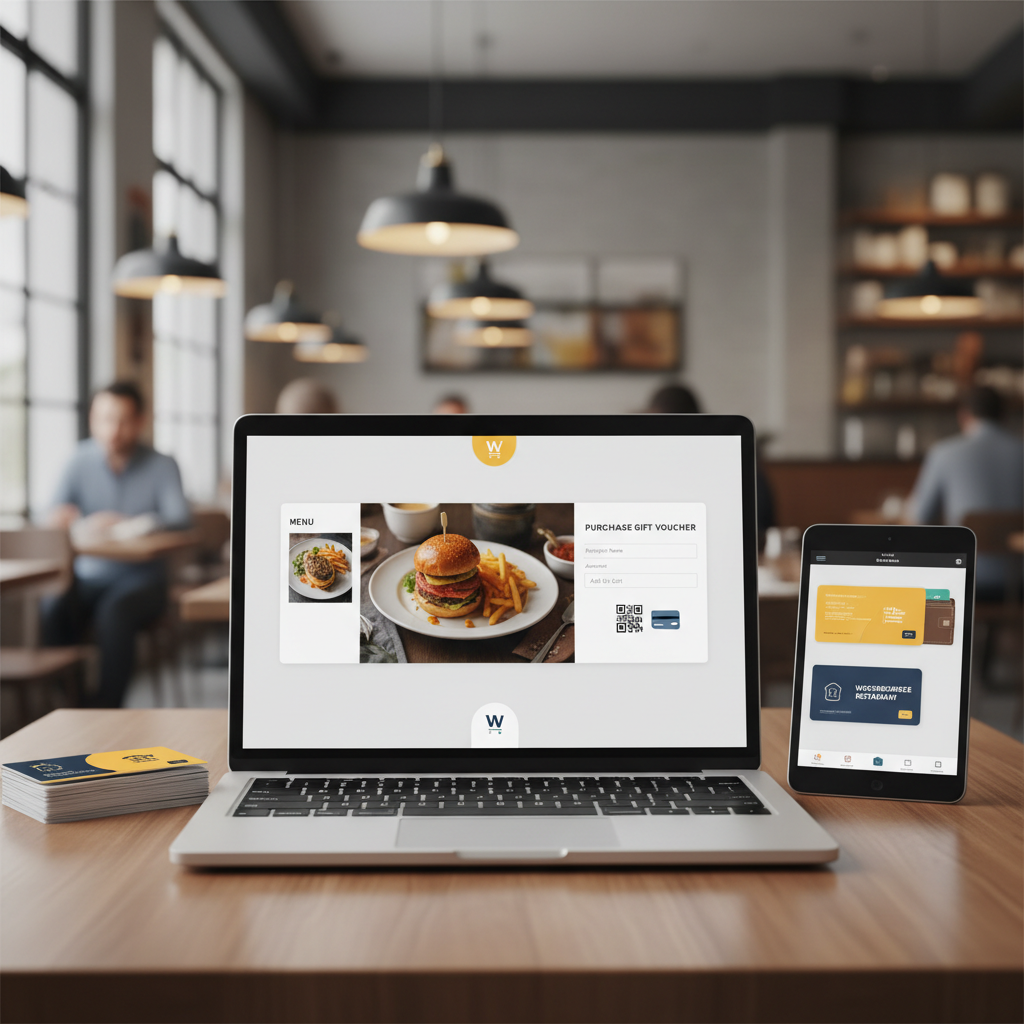
Use two types of images together: a beautiful hero shot of your best-selling dish (this is what the recipient will actually experience) and a clean mockup of the gift card itself (this is what the buyer is purchasing). A photo of only the gift card feels abstract; a photo of only the food feels like a menu page.
[IMAGE: Mobile screenshot of a restaurant gift card landing page showing food photography, denomination buttons, and a personal message field]
Trust Signals
Add a short FAQ addressing the objections gift-givers actually have: “What if they don’t like it?” (partial redemption available), “When does it expire?” (never / 5 years), “Can they use it for delivery?” (yes). Include one or two customer testimonials specifically about the gift experience, not the food quality.
Occasion-Based CTAs
Create seasonal variants of the same landing page — one for Mother’s Day, one for Christmas, one for corporate gifting. Same product, different framing. A “Corporate Gifting” page can pitch bulk orders with a contact form for anything over 10 cards; that’s often where the biggest ticket sizes come from.
Schema and Internal Linking
Add Product schema so the page can show rich results in Google. Link to the gift card page from your main menu, your footer, your “About” page, and (crucially) your order confirmation emails. Every existing customer should see the gift card option regularly — most gift card sales come from repeat customers, not new visitors.
Mobile UX
Over 70% of gift card purchases happen on phones, often on the same day the gift is needed. Make sure the denomination buttons are thumb-friendly, the personal message field doesn’t zoom awkwardly, and Apple Pay / Google Pay are enabled at checkout. A 3-tap purchase flow (pick amount → enter recipient → pay) will double your conversion vs. a 6-step form.
Promoting Gift Cards to Drive Repeat Orders
A gift card page sitting quietly in your menu will sell a handful of cards a month. Actively promoted, it can become 15–20% of December revenue. Here’s the playbook.
Email Campaigns to Existing Customers
Segment your customer list by order recency. Send a “gift the food you love” campaign to customers who ordered in the last 90 days — they’re your best evangelists. Time the sends: mid-November for Christmas, late April for Mother’s Day, early February for Valentine’s Day, and mid-May for Father’s Day and graduations.
Commission-free ordering
Run restaurant orders on your own WordPress site
FoodMaster adds delivery, pickup, dine-in, POS, and kitchen tools — with zero per-order fees.
WordPress Local SEO: Google Business Profile, Location Pages, and Schema (2026)
A customer searches for pizza nearby, finds your restaurant, and taps the menu link. If that link opens…

Online Ordering System for Business: A Practical Guide for Restaurants in 2026
A customer finishes building a pizza order, reaches checkout, and discovers their address is outside the delivery area.…
Uber Eats vs DoorDash vs Self-Hosted WooCommerce Ordering: Which Saves Restaurants More Money?
Ask any restaurant owner who’s been on