On this page
- Is GloriaFood really shutting down?
- What restaurants lose when GloriaFood closes
- What to look for in a GloriaFood alternative
- FoodMaster: the WordPress GloriaFood alternative you actually own
- Delivery, pickup and dine-in in one plugin
- Automatic kitchen printing and a Kitchen Display System
- Built-in Point of Sale
- Unlimited toppings, combos and delivery zones
- Multi-location and any payment gateway
- FoodMaster vs GloriaFood vs delivery marketplaces
- How to migrate from GloriaFood to FoodMaster
- What FoodMaster costs, and the commission math
- GloriaFood shutdown FAQ
If your restaurant takes online orders through GloriaFood, this is the one piece of news you cannot ignore this year. GloriaFood is shutting down. Oracle, the company that owns it, has confirmed the platform will be permanently retired, and every restaurant using it needs a replacement ordering system before the deadline.
The good news is that you have time, and you have a better option waiting. This guide covers exactly what the GloriaFood shutdown means, what you stand to lose, what to look for in a replacement, and why thousands of restaurants are moving to FoodMaster, a commission-free WordPress ordering plugin built on WooCommerce.
GloriaFood shutdown date: April 30, 2027. New signups are already closed and there is no data retention after the cutoff.
Is GloriaFood really shutting down?
Yes. This is not a rumor or a temporary outage. After Oracle acquired GloriaFood, it decided to discontinue the platform entirely rather than migrate it to a new product. The retirement has been confirmed through in-app banners inside GloriaFood accounts and through partner emails, and new account signups have already been closed.
The most important detail for restaurant owners is that Oracle has not named a successor product. This is a full wind-down, not an upgrade to something new. That means the responsibility to choose and set up a replacement falls entirely on you, and the sooner you act, the smoother the switch will be.
You can confirm the shutdown yourself the moment you log into your own GloriaFood account. The retirement notice appears directly in the dashboard, and the same message has been echoed across the restaurant tech industry throughout 2026.
What restaurants lose when GloriaFood closes
The hard part is not the date. It is that GloriaFood ties a lot of moving pieces together, and they all stop at once. When the servers go offline, everything connected to them goes dark too. Here is what stops working:
- Your website ordering widget and any Facebook ordering page
- QR-code menus on tables, window decals and flyers
- The FoodBooking app and any connected POS order flow
- Payment processing tied to the platform
- Your saved menu, prices, photos and categories
- Your customer list, order history and delivery zone setup
There is no archive and no data-retention safety net after the deadline. That is why the single most urgent task right now is to export your menu and customer data while the tools still work, then pick a new home before the rush. Restaurants that wait until the final weeks are the ones that end up losing orders during peak service.
What to look for in a GloriaFood alternative
GloriaFood was popular for a reason. It was commission-free and let restaurants take direct orders. When you choose a replacement, you want to keep those strengths and fix the one weakness the shutdown just exposed: renting your ordering system from a platform that can pull the plug at any time.
A strong GloriaFood alternative should give you:
- Zero commission on orders so you keep the full value of every plate
- Ownership of your site and data instead of a rented account
- Delivery, pickup and dine-in ordering in one system
- Menu modifiers like toppings, sides, sizes and combos
- Kitchen printing and a POS so orders reach staff automatically
- Multi-location support if you run more than one branch
- A one-time or flat yearly cost with no per-order fees
This is exactly where a WordPress-native solution shines. If you already have a WordPress website, you can turn it into a full ordering engine that you control end to end. That is what FoodMaster does.
FoodMaster: the WordPress GloriaFood alternative you actually own
FoodMaster (formerly WooFood) is a complete restaurant ordering system built on WooCommerce. It turns your WordPress site into a full online food ordering platform with delivery, pickup and dine-in support, and you pay zero commission on every order, forever. There are no per-order fees and no marketplace cut.
Because it lives inside your own WordPress and WooCommerce install, no outside company can retire it out from under you the way GloriaFood was retired. You own the site, the menu, the customer relationships and every order that comes in. More than 10,000 restaurants already run their ordering this way.
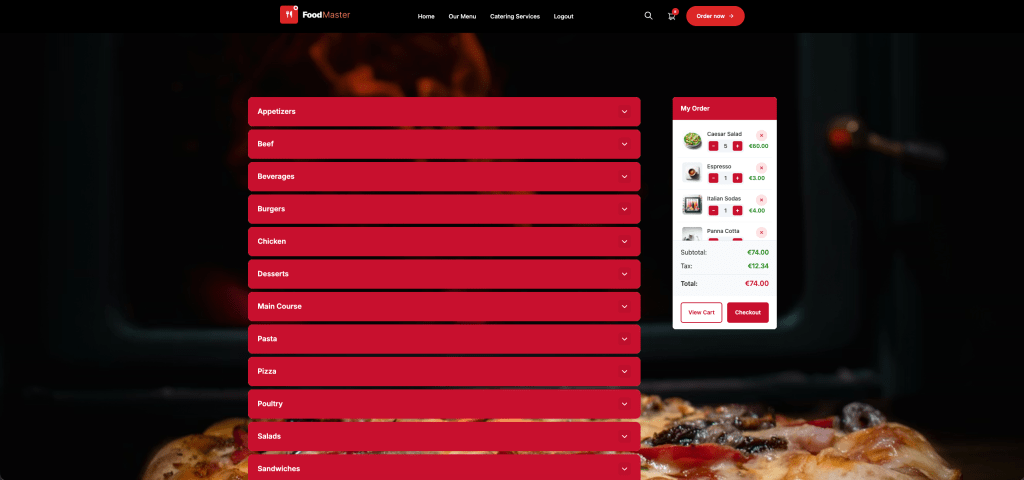
Delivery, pickup and dine-in in one plugin
Accept delivery and pickup with time slots and delivery fees by distance, flat rate or order total. Customers can order for ASAP or schedule for later. For dine-in, generate a QR code per table so guests scan, browse and order from their phone with no app to download.
Automatic kitchen printing and a Kitchen Display System
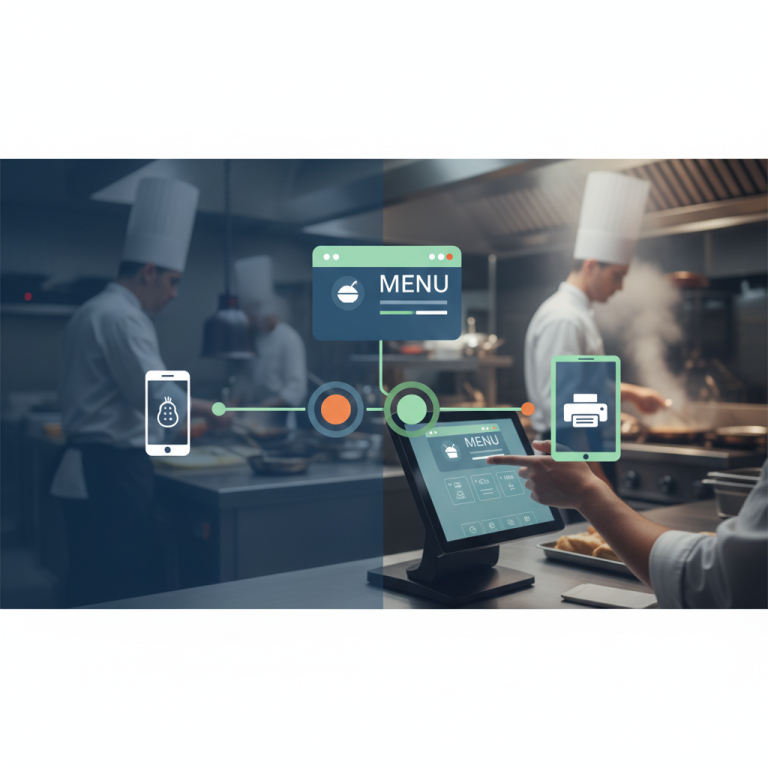
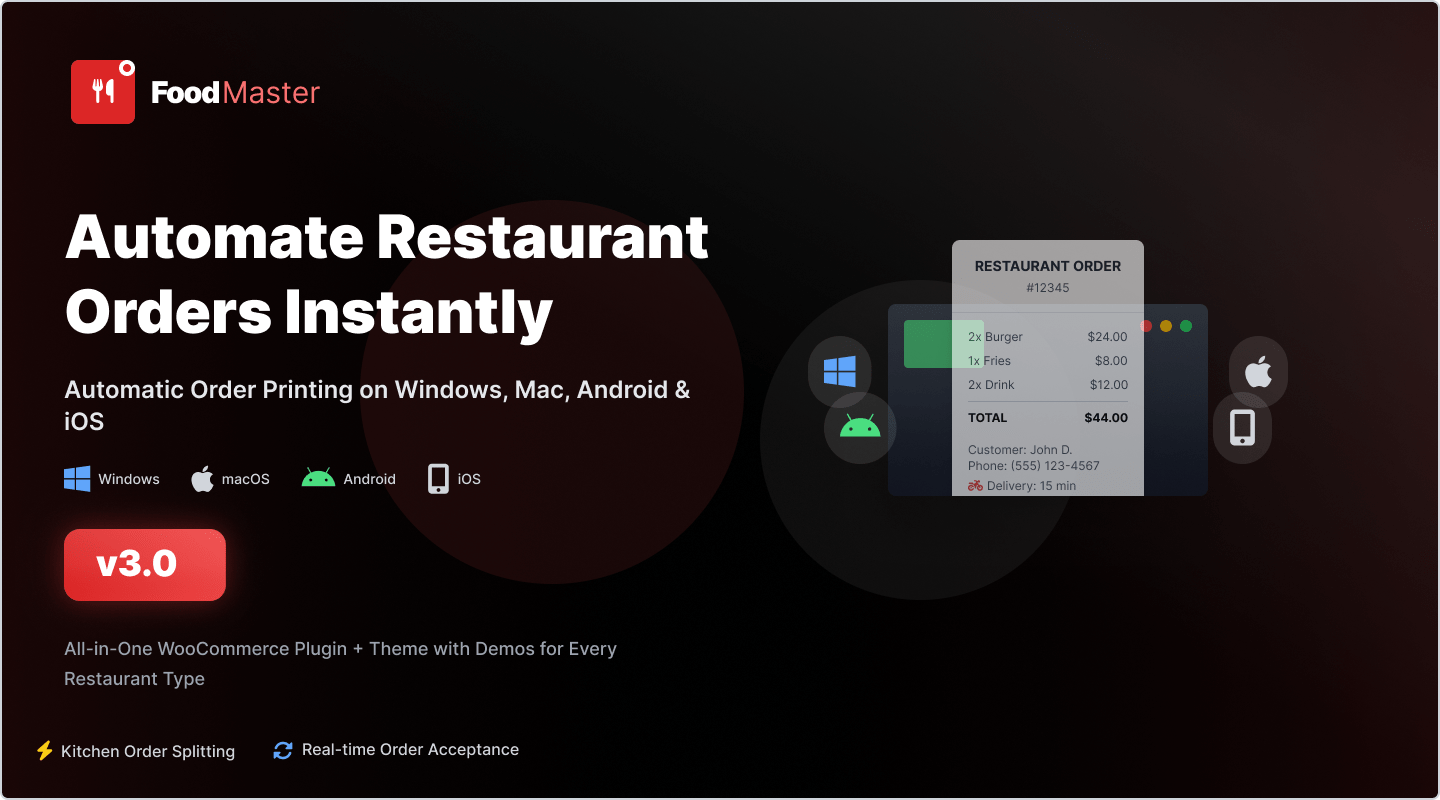
New orders print straight to your kitchen or counter through a Windows and macOS app that works with all thermal printers, with zero manual steps. Incoming orders also appear on a live Kitchen Display screen so staff can track progress and cut prep mistakes.

Built-in Point of Sale
Ring up walk-in and call-in orders, manage staff with PINs, take cash and card and print receipts instantly, all from one screen. That covers the counter as well as the website, so your whole floor runs on the same system.
Unlimited toppings, combos and delivery zones
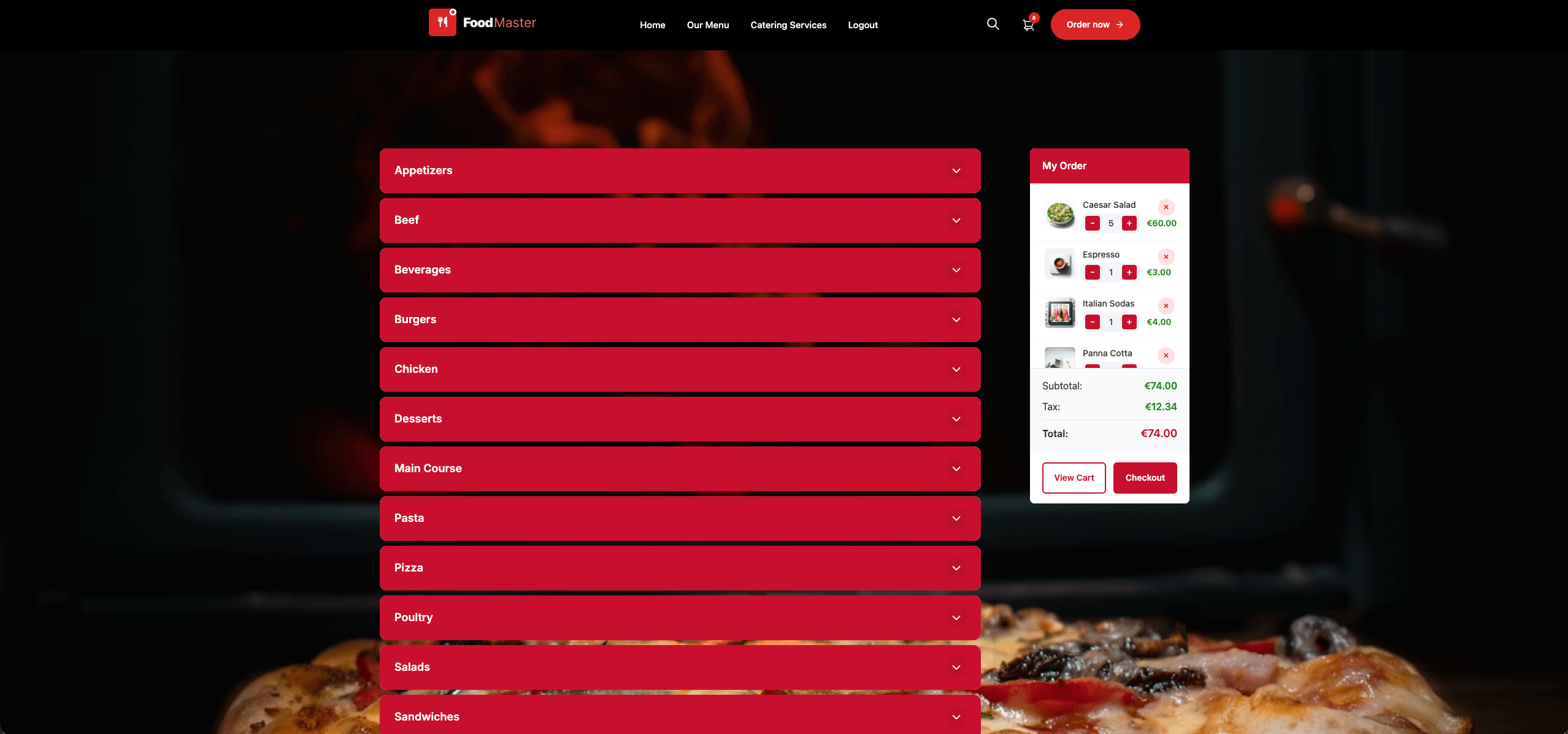
Add unlimited toppings, sauces, sides and sizes with single, multi or limited-choice options, including half-half pizza. Limit delivery by distance, postal code or a custom map zone, and set different fees per zone with out-of-range orders blocked automatically.
Multi-location and any payment gateway
Run multiple branches from one site, each with its own menu, hours and zones, with customers routed to the nearest store. FoodMaster works with any WooCommerce payment gateway, including Stripe, PayPal, Authorize.Net, cash on delivery and local banks.
FoodMaster vs GloriaFood vs delivery marketplaces
Here is how the three approaches compare for a restaurant planning its next move after the GloriaFood shutdown.
| Feature | GloriaFood (closing 2027) | Delivery marketplaces | FoodMaster |
|---|---|---|---|
| Commission per order | None | Up to 30% | None, ever |
| Long-term availability | Ends April 30, 2027 | Depends on the app | You own it on your site |
| You own customer data | No | No | Yes, fully |
| Delivery, pickup and dine-in | Delivery and pickup | Delivery focused | All three |
| Kitchen printing and KDS | Limited | No | Included |
| Point of Sale | No | No | Included |
| Pricing model | Free, now ending | Per-order fees | $499/year flat |
How to migrate from GloriaFood to FoodMaster
You do not need to rush this, but you should not leave it to the last month either. A calm migration over a few weeks lets you run both systems side by side and catch any issues before they touch live orders.
- Export your GloriaFood data now. Download your product photos in high resolution and save your menu items, prices, descriptions and categories to a spreadsheet while the export tools are still running. Do this first, before anything else.
- Set up WordPress and WooCommerce. If you already have a WordPress site, you are most of the way there. If not, a basic WordPress install with WooCommerce takes an afternoon. FoodMaster also includes a matching restaurant theme with 30+ demos so your site looks professional from day one.
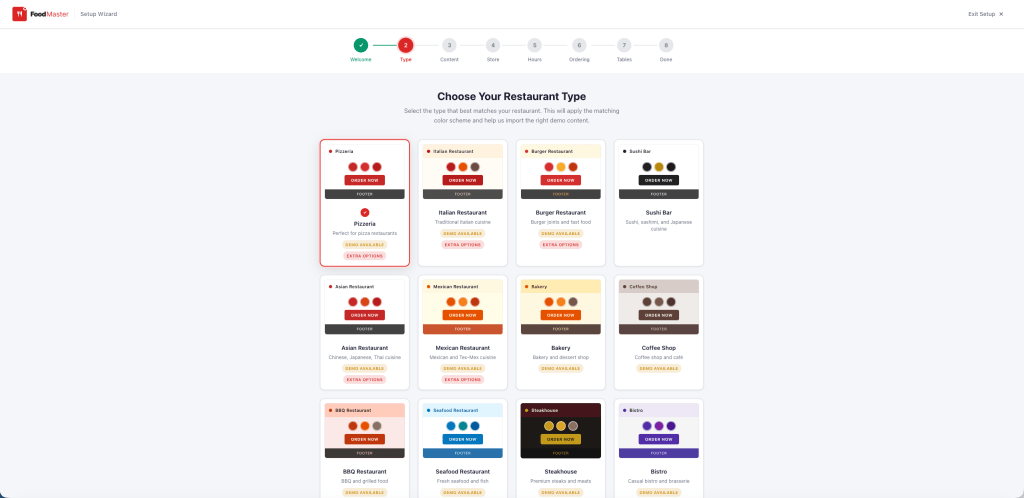
- Install FoodMaster and run the wizard. Upload FoodMaster like any other plugin, then run the guided setup wizard. It configures the essentials for you, with no coding required.
- Rebuild your menu and rules. Add your meals, toppings, combos, delivery zones and time slots using the data you exported. Match the colors to your brand and pick a demo layout to start from.
- Test, then go live and update your links. Place a few test orders, confirm printing and payments work, then switch your website buttons, QR codes and Google Business Profile over to your new FoodMaster ordering page. Keep GloriaFood running until you are confident, then retire it before the deadline.
Recommended timeline: Aim to complete your switch several months before April 30, 2027. Migrating early gives you a buffer to run both platforms in parallel and avoids a stressful last-minute cutover during peak service.
What FoodMaster costs, and the commission math
FoodMaster is one flat fee of $499 per year with unlimited orders. That single license includes the core plugin, the restaurant theme, the order-management apps, the POS and the Kitchen Display System, plus a full year of updates and support. There are no per-device fees and no add-ons to buy.
Put that next to delivery marketplaces that take up to 30% of every order and the difference is stark. A restaurant doing a few thousand dollars a month in online orders can save many times the license cost in the first year alone. FoodMaster charges no commission, so every order you move off a marketplace and onto your own site puts more money back in your pocket. It also backs the purchase with a 30-day money-back guarantee, so you can install it, build your menu and take real orders with no risk.
GloriaFood shutdown FAQ
Is GloriaFood really shutting down?
Yes. Oracle has confirmed GloriaFood will be permanently retired on April 30, 2027. New signups are already closed and no Oracle replacement product has been announced. You can confirm it by logging into your own GloriaFood account.
What happens to my menu and customer data after the shutdown?
After the cutoff the platform goes offline with no data retention. Your menu, customer records, order history and delivery zones become inaccessible. Export everything well before the deadline.
What is the best GloriaFood alternative for WordPress?
FoodMaster, formerly WooFood, is a leading GloriaFood alternative for WordPress. It runs on WooCommerce, supports delivery, pickup and dine-in ordering, and charges zero commission for one flat yearly fee.
Does FoodMaster charge commission per order?
No. FoodMaster runs inside your own WordPress and WooCommerce site. There are no per-order fees and no marketplace commissions, so you keep 100% of every order.
Can FoodMaster handle delivery, pickup and dine-in?
Yes. It supports all three. You can set delivery fees and zones, configure pickup time slots and enable QR-based dine-in ordering, and each type can be turned on or off independently.
Is FoodMaster hard to set up?
No. If you can install a WordPress plugin, you can launch online ordering. A guided setup wizard configures the essentials and most restaurants are live in an afternoon, with no developer needed.
How much does FoodMaster cost?
It is a flat $499 per year with unlimited orders, backed by a 30-day money-back guarantee and a full year of updates and support.
GloriaFood is closing. Your ordering does not have to. Move to a commission-free system you own before April 30, 2027.
Commission-free ordering
Run restaurant orders on your own WordPress site
FoodMaster adds delivery, pickup, dine-in, POS, and kitchen tools — with zero per-order fees.