WPSlash Blog

Guides for WordPress & WooCommerce

Tutorials, product updates, and practical tips to help restaurants and stores get more from their site.

How to Set Up Stripe in WooCommerce: Cards, Apple Pay, and Google Pay (2026)
WooCommerce

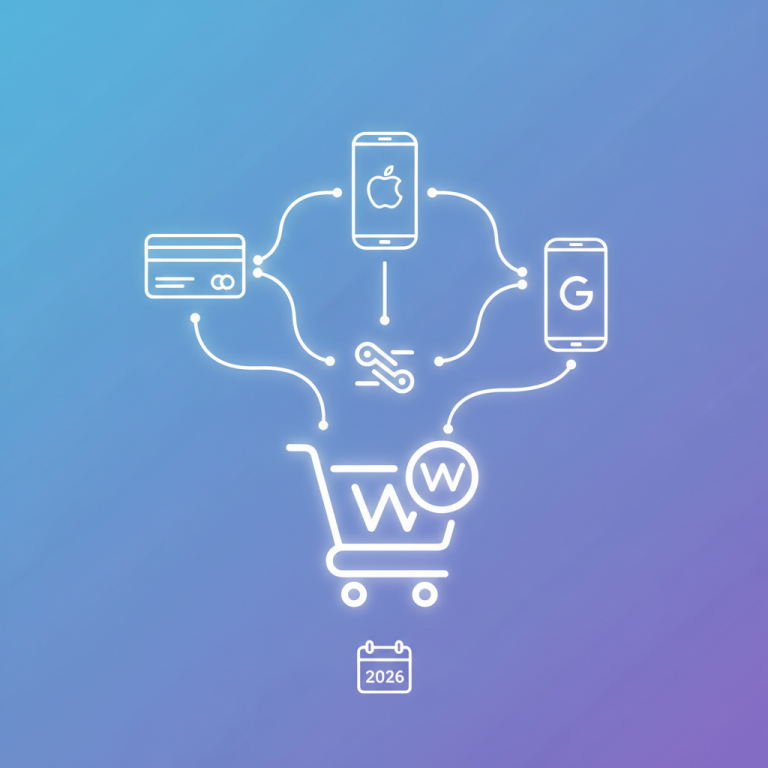
How to Set Up Stripe in WooCommerce: Cards, Apple Pay, and Google Pay (2026)

A customer builds a takeaway order, adds extra cheese, chooses collection at 7:15, and reaches checkout. Payment should be the boring part. But a missing wallet button—or a successful charge that leaves the order pending—can turn dinner into a support ticket. Setting up Stripe in WooCommerce involves more than connecting an account. You need working […]

September 13, 2026
How to Fix WooCommerce Not Sending Emails: SMTP Setup and Testing (2026)
WooCommerce

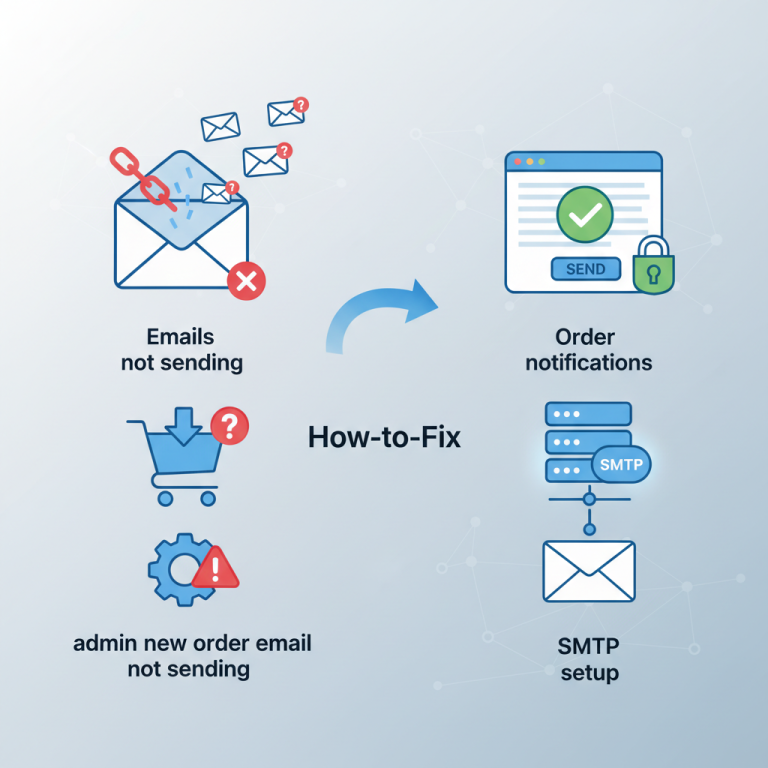
How to Fix WooCommerce Not Sending Emails: SMTP Setup and Testing (2026)

A customer pays for dinner, sees the order confirmation screen, and never receives an email. Meanwhile, the restaurant’s admin inbox stays quiet. It looks like one WooCommerce problem, but the failure could be in several different places—and installing an SMTP plugin won’t fix all of them. The quickest route to a reliable fix is to […]

September 13, 2026
How to Set Up WooCommerce Shipping Zones and Delivery Fees (2026)
WooCommerce

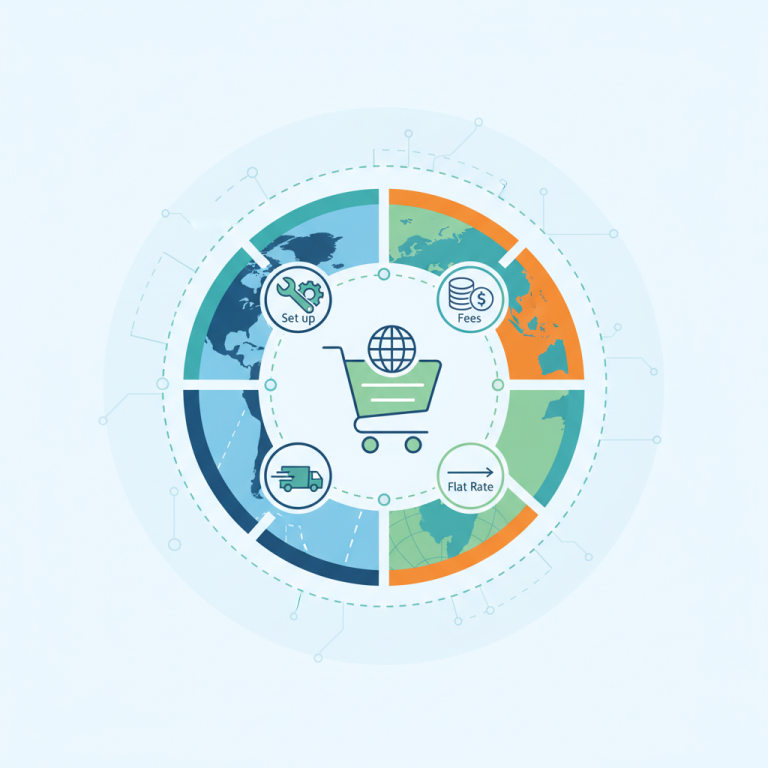
How to Set Up WooCommerce Shipping Zones and Delivery Fees (2026)

A delivery fee looks simple until a customer three streets away gets charged twice as much as expected—or someone outside your delivery area manages to place an order. In WooCommerce, those problems often start with shipping zones, not the checkout page. For restaurants, “shipping” can mean your driver taking dinner across town. You don’t need […]

September 12, 2026
How to Create WooCommerce Coupons: Discount Codes and Free Shipping (2026)
WooCommerce

How to Create WooCommerce Coupons: Discount Codes and Free Shipping (2026)

A coupon that looks harmless in the dashboard can become expensive at checkout. Ten percent off dinner is one thing; ten percent off dinner, stacked with another offer and free delivery outside your normal area, is quite another. WooCommerce gives you the essentials without an extra coupon plugin: percentage discounts, fixed discounts, restrictions, usage limits, […]

September 12, 2026
How to Set Up GA4 WooCommerce Tracking: Sales, Checkout Funnels, and Campaigns (2026)
WooCommerce

How to Set Up GA4 WooCommerce Tracking: Sales, Checkout Funnels, and Campaigns (2026)

A busy Friday night can produce three different stories: WooCommerce shows orders, your advertising dashboard claims conversions, and Google Analytics reports something else entirely. Before increasing the marketing budget, you need to understand what each system actually measured. GA4 can connect visits, menu browsing, checkout activity, and purchases—but installing a tracking tag isn’t enough. This […]

September 12, 2026
How to Create WooCommerce PDF Invoices and Packing Slips (2026)
WooCommerce

How to Create WooCommerce PDF Invoices and Packing Slips (2026)

A catering customer needs an invoice for their accounts department. Your delivery driver needs a slip showing three meals, a flat number, and “ring the side entrance.” Sending both people the same document is where an otherwise tidy ordering workflow starts getting messy. WooCommerce stores the order details, but turning those details into useful PDF […]

September 12, 2026
How to Speed Up WooCommerce: Safe Caching and Faster Mobile Pages (2026)
WooCommerce

How to Speed Up WooCommerce: Safe Caching and Faster Mobile Pages (2026)

A WooCommerce store can earn a respectable speed score and still stumble when someone adds a pizza to their cart. The homepage is cached, the menu looks sharp, and then checkout takes several seconds to respond. Worse, an aggressive caching rule can show yesterday’s availability—or another session’s cart. The goal isn’t simply a greener performance […]

September 11, 2026
How to Set Up WooCommerce Abandoned Cart Recovery (2026)
WooCommerce

How to Set Up WooCommerce Abandoned Cart Recovery (2026)

A customer builds a €28 dinner order, reaches checkout, and disappears. Maybe the delivery fee surprised them. Maybe their payment failed. Or maybe someone in the room said, “Let’s cook instead.” An abandoned cart reminder can help with the first two situations. It probably won’t fix the third. Good WooCommerce abandoned cart recovery isn’t about […]

September 11, 2026
How to Customize WooCommerce Checkout Fields: Add, Edit, and Remove Fields (2026)
WooCommerce

How to Customize WooCommerce Checkout Fields: Add, Edit, and Remove Fields (2026)

A checkout field looks harmless until it stops someone ordering dinner. Make a phone number mandatory without explanation, hide an address field your payment gateway expects, or add delivery instructions that never reach the driver, and a small customization becomes an operational problem. The safest way to customize WooCommerce checkout fields in 2026 is to […]

September 11, 2026
How to Add Product Variations in WooCommerce: Sizes, Prices, and Stock (2026)
WooCommerce

How to Add Product Variations in WooCommerce: Sizes, Prices, and Stock (2026)

A customer chooses a large pizza, the price changes, and the kitchen receives an order that actually says “Large, Stuffed Crust.” That’s the job of a properly configured WooCommerce variable product. The same setup handles T-shirts in different sizes, coffee bags in different weights, and anything else sold in distinct versions. The tricky part isn’t […]

September 10, 2026
How to Set Up Stripe in WooCommerce: Cards, Apple Pay, and Google Pay (2026)
WooCommerce

How to Set Up Stripe in WooCommerce: Cards, Apple Pay, and Google Pay (2026)

A customer’s takeaway order shouldn’t fall apart at the last tap. But connecting Stripe is only half the job: WooCommerce also needs to receive payment updates, preserve delivery instructions, and show Apple Pay or Google Pay when the customer’s device supports them. This setup guide covers those less glamorous details as well as the installation. […]

September 10, 2026
How to Add a WooCommerce Currency Switcher and Accept Multiple Currencies (2026)
WooCommerce

How to Add a WooCommerce Currency Switcher and Accept Multiple Currencies (2026)

A customer sees €24 on your menu, reaches checkout, and suddenly owes $27. Nothing necessarily went wrong with the arithmetic—but the store has made payment feel less trustworthy at the worst possible moment. A WooCommerce currency switcher should do more than swap symbols. The useful setup connects the price customers see, the currency your gateway […]

September 9, 2026
1 2 5
×

🔥 ONE DAY ONLY OFFER 🔥

Upgrade FoodMaster Today

Normally your license is limited to 1 Website.

Today only, get a LIFETIME Unlimited Websites License for just:
$499

✔ Unlimited Client Websites
✔ Unlimited Personal Projects
✔ Future Updates Included
✔ Save Hundreds on Additional Licenses

Offer Ends In: